01. Edit your form online
Type text, add images, blackout confidential details, add comments, highlights and more.

Type text, add images, blackout confidential details, add comments, highlights and more.

Draw your signature, type it, upload its image, or use your mobile device as a signature pad.

Send it via email, link, or fax. You can also download it, export it or print it out.
Online forms are digital versions of traditional paper forms, designed to facilitate the collection and processing of information over the internet. These forms can be used in a wide range of applications, including applications, surveys, registrations, and more. They are often composed of various fields like text boxes, checkboxes, and dropdown menus, which users fill out, submit, and often even sign digitally. The primary purpose of online forms is to streamline data entry and processing, allowing users and organizations to gather and manage information efficiently.
Online forms offer numerous advantages compared to their paper counterparts. One significant benefit is accessibility; users can complete and submit forms anytime, anywhere, using internet-enabled devices. This flexibility is particularly beneficial for those with busy schedules or who are geographically dispersed. Additionally, online forms minimize manual data entry errors and speed up the processing time, as automated systems can quickly capture, store, and analyze the submitted information. Overall, they contribute to greener and more sustainable practices by reducing the need for printed materials.
Acquiring online forms is straightforward, typically involving a visit to a website or platform, such as DocHub, where the forms are hosted. Users can download forms directly to their devices or complete them on-site. Many forms can be accessed for free, although some specialized forms might require a fee. For government forms, the official websites often provide downloadable PDFs or direct links to web-based counterparts. It’s important to ensure that the source is reputable, particularly for legal or tax-related forms, to avoid utilizing outdated or incorrect versions.
Filling out an online form generally follows a series of steps, all of which can often be completed from any location with internet access:
Online forms are frequently utilized in various legal contexts, from contractual agreements to compliance documentation. They adhere to regulations like the ESIGN Act, ensuring that digital signatures and submissions are legally binding. Users must ensure the digital forms they use comply with necessary legal standards. This often requires including specific disclosures, security measures, and authentication processes to protect data integrity and validate consent or agreement by all parties involved.
When dealing with online forms, several key terms commonly arise:
Online forms can serve numerous real-world purposes:
Online forms need to work efficiently across various software environments; compatibility is a critical feature. Forms should be easily integrated with platforms such as TurboTax for tax submissions or connected to databases for HR applications. Modern online forms, like those offered by DocHub, support this kind of software interaction by integrating with Google Workspace and various cloud storage systems. This connectivity ensures that forms can be exported, stored, and accessed seamlessly across multiple systems and devices, enhancing productivity and streamlining workflows.
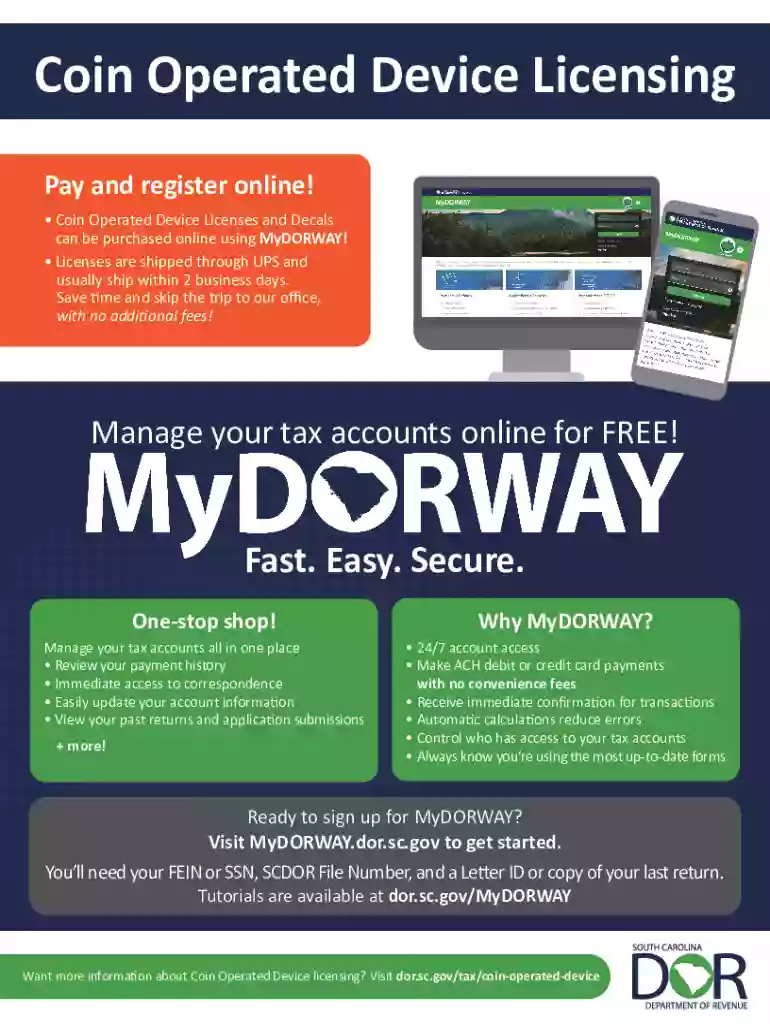
We've got more versions of the South Carolina Coin-Operated Device License Application form. Select the right South Carolina Coin-Operated Device License Application version from the list and start editing it straight away!
| Versions | Form popularity | Fillable & printable |
|---|---|---|
| 2024 | 4.8 Satisfied (26 Votes) | |
| 2023 | 4.8 Satisfied (47 Votes) | |
| 2022 | 4.6 Satisfied (52 Votes) | |
| 2021 | 4.8 Satisfied (131 Votes) | |
| 2020 | 4.4 Satisfied (101 Votes) | |
| 2019 | 4.4 Satisfied (108 Votes) | |
| 2018 | 4.3 Satisfied (127 Votes) | |
| 2016 | 4.4 Satisfied (4378 Votes) | |
| 2012 | 4.2 Satisfied (55 Votes) |
At DocHub, your data security is our priority. We follow HIPAA, SOC2, GDPR, and other standards, so you can work on your documents with confidence.