






Definition and Purpose of the Acer Aspire 3 User Manual
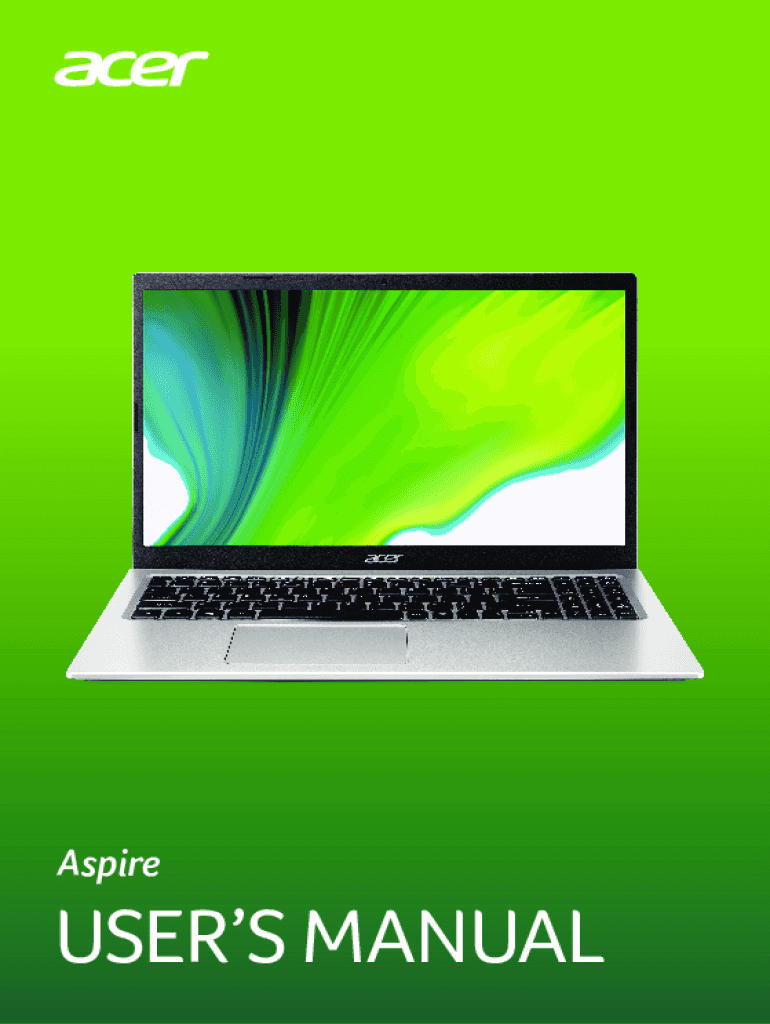
The Acer Aspire 3 User Manual, consisting of 123 pages in English, serves as a comprehensive guide designed to assist users in setting up, operating, and maintaining their Acer Aspire 3 laptops. This manual encompasses a wide range of topics, including product registration, system configuration, connectivity options, and power management. Moreover, it provides troubleshooting advice and maintenance tips to ensure the device performs optimally over its lifespan. The manual not only informs users about the technical aspects of their device but also emphasizes the necessity of careful handling to maximize the product’s durability.
Key Features and Elements Within the User Manual
This user manual is meticulously organized to present users with detailed instructions and essential information. Key features include:
- Product Registration: Guidance on registering the Acer laptop for warranty and customer support services.
- Connectivity Options: Instructions on setting up Bluetooth, Wi-Fi, and Ethernet connections.
- System Configuration: Steps to customize system settings such as display and audio preferences.
- Security Measures: Recommendations for setting up security features like passwords and biometric authentication.
- Power Management: Tips for optimizing battery life and managing power settings to prolong battery health.
- Troubleshooting: Solutions for common issues that may arise during the use of the device.
This structure ensures that users have access to precise information needed to address specific concerns or enhance their user experience.
How to Use the Acer Aspire 3 User Manual
Navigating through the user manual is designed to be intuitive, allowing users to easily locate the sections they need:
- Table of Contents: Quickly identify specific areas within the manual where needed information is stored.
- Index and Glossary: Use these sections to understand technical terms or acronyms mentioned in the manual.
- Step-by-Step Instructions: The manual places emphasis on clear, sequential guidance for procedures like setting up hardware connections, software installations, and security configurations.
- Illustrations and Diagrams: Visual aids that complement written instructions to facilitate understanding.
Users are encouraged to familiarize themselves with these sections to efficiently use the manual whenever technical support or adjustments are necessary.
Steps to Effectively Utilize the User Manual
To make the most of the information contained in the manual, users should follow these steps:
- Initial Setup: Refer to the setup section immediately after unpacking the device to ensure proper assembly and configuration.
- Configuration: Follow the personalized setup guidelines to tailor the device to meet individual requirements.
- Regular Referrals: Use the manual as a regular reference point when encountering new features or updates to software applications.
- Problem Solving: Consult the troubleshooting guide whenever issues arise to determine potential solutions before seeking external technical support.
These steps promote efficient and informed use of the Acer Aspire 3, enhancing overall satisfaction.
Who Typically Uses the Acer Aspire 3 User Manual
The manual is designed for a broad audience that includes, but is not limited to:
- New Users: Individuals who have recently purchased the Acer Aspire 3 and need guidance on basic operations and configurations.
- Technical Support Staff: Professionals providing assistance and support who require detailed insight into device functionalities.
- Advanced Users: Those seeking to optimize their use, including power users and IT professionals who may need more detailed technical specifications.
The manual aims to offer valuable information to each of these user groups, ensuring they can leverage the full potential of their devices.


Important Terms Related to the Acer Aspire 3 User Manual
The manual includes a glossary of terms that define critical concepts for understanding the device's operations and capabilities:
- BIOS: Basic Input/Output System, fundamental for the initial setup and routine operations of the device.
- Driver: Software necessary to interact with hardware components effectively.
- Firmware: Permanent software programmed into the device to control other software operations.
- Peripheral: External devices or accessories connected to the laptop to enhance capability, such as printers or external monitors.
Familiarity with these terms enhances the user’s ability to engage with the manual effectively and apply the information accurately.
Legal Use and Compliance of the User Manual
The Acer Aspire 3 User Manual adheres to legal standards for documentation, which include:
- Copyright Compliance: All materials and illustrations are used in accordance with applicable copyright laws, ensuring users engage with valid and licensed content.
- Warranty Information: Instructions on how to leverage the device’s warranty constraints and what constitutes warranty terms.
- Safety Precautions: Compliance with safety standards to prevent misuse and potential hazards associated with improper device handling.
Understanding these legal aspects ensures users remain compliant while maximizing their device’s functionalities.
Examples of Scenarios When Using the User Manual
Several practical scenarios highlight when and why users may consult the manual:
- Initial Setup: When performing the initial boot and configuration to ensure that all settings are correctly applied.
- Connectivity Issues: During network connection problems, consulting the specified section can help resolve issues.
- Software Installation: When requiring explicit instructions on installing or updating necessary software and drivers.
- Hardware Upgrades: Guidance on integrating new peripherals or components such as RAM or storage devices effectively.
These examples illustrate the manual’s functionality as an essential tool in both routine and unexpected scenarios during the device's operation.