
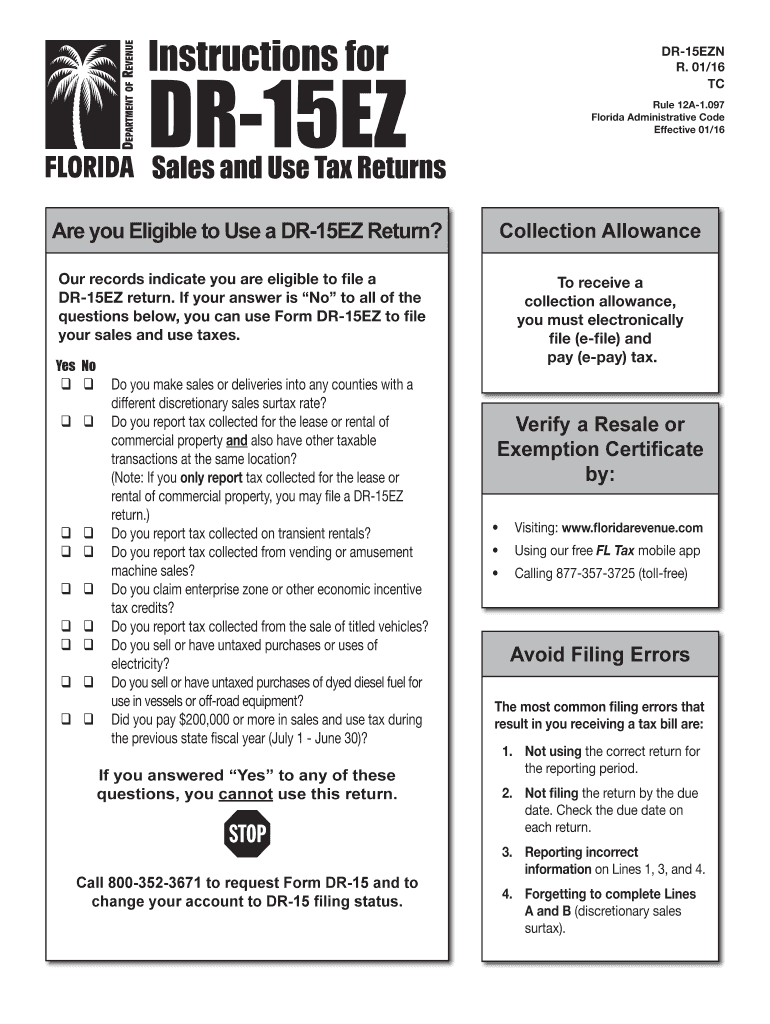







Definition and Purpose of Formupack TN Sales and Use Tax Return 2016
The formupack TN Sales and Use Tax Return 2016 is a document used by businesses in Tennessee to report and remit sales and use taxes collected from customers within the state. The form helps ensure compliance with state tax laws by detailing the total sales, deductions, and the taxable amount upon which the tax is calculated. Understanding this form is crucial for businesses to avoid penalties and ensure timely tax remittance.
Specifics of the Form
- Total Sales: Businesses must report all sales, including taxable and non-taxable transactions.
- Deductions: This section includes sales that may be exempt from taxation, such as sales to tax-exempt organizations or out-of-state sales.
- Tax Calculations: The form provides space to calculate the taxable amount and the respective taxes owed based on current state tax rates.
How to Obtain the Formupack TN Sales and Use Tax Return 2016
Obtaining the form can be done through several channels, each catering to different preferences and technological capabilities.
Downloading Online
- Tennessee Department of Revenue Website: The form is available for download in PDF format. This is the most convenient method for those who prefer to fill it out digitally.
- Electronic Filing Systems: Some tax preparation software offers access to this form but ensure the software is compatible by checking its list of supported forms.
Hard Copy Requests
- Phone Request: Taxpayers can contact the Tennessee Department of Revenue to request a physical copy of the form, which will be mailed to them.
- In-Person Pick-up: Forms can also be collected at local Department of Revenue offices.
Steps to Complete the Formupack TN Sales and Use Tax Return 2016
Completing the form involves a detailed understanding of your business’s transactions and requires accurate calculations.
Step-by-Step Instructions
- Gather Required Information: Before beginning, collect all sales records, exemption certificates, and previous tax filings.
- Enter Business Information: Fill in your business name, address, and taxpayer identification number.
- Report Total Sales: Enter the gross amount of sales for the period.
- List Deductions: Calculate and enter any applicable deductions, such as tax-exempt sales.
- Compute Taxable Sales: Subtract deductions from total sales to determine taxable sales.
- Calculate Taxes Owed: Apply Tennessee's sales and use tax rates to taxable sales to find the tax due.
- Verify and Submit: Review the form for accuracy and submit it via your chosen method.
Who Typically Uses the Formupack TN Sales and Use Tax Return 2016
The form is primarily used by entities engaged in retail and service sectors within Tennessee.


Business Types
- Retailers: Those who sell tangible goods directly to consumers.
- Service Providers: Businesses providing taxable services as per Tennessee law.
- Manufacturers: Companies that may owe use tax on equipment or materials used in production.
Taxpayer Categories
- Corporations and Partnerships: Both entities need to file if they engage in sales activities subject to tax.
- Sole Proprietors: Individual business owners who manage taxable transactions independently.
Legal Use and Importance of the Formupack TN Sales and Use Tax Return 2016
Adhering to legal requirements for sales and use tax is crucial to maintaining compliance with state regulations.
Compliance and Legal Considerations
- Mandatory Filing: Businesses that collect sales tax must file this form regardless of the amount collected.
- Accuracy and Honesty: Incorrect or fraudulent reporting can lead to audits, fines, and legal action.
- Documentation: Keep accurate records and documentation to support figures reported on the form in case of an inquiry.
Key Elements of the Formupack TN Sales and Use Tax Return 2016
Understanding the key components of the form can simplify the filing process.
Major Parts of the Form
- Business Identification: Includes sections for business name and registration details.
- Sales and Tax Summary: Overview of total sales, deductions, and resultant taxes.
- Payment Information: Details on how to remit payment along with the form submission.
Filing Deadlines and Important Dates
Adhering to filing deadlines is critical to avoid penalties and interest charges.
Key Deadlines
- Monthly Filers: Returns are typically due by the 20th of the month following the reporting period.
- Quarterly Filers: For businesses that file quarterly, deadlines fall on the 20th day following the end of the quarter.
Extensions and Penalties
- Extensions: Typically not granted for sales tax returns; timely filing is crucial.
- Penalties: Late filings can incur penalty fees and interest on the tax amount due.
Required Documents for Formupack TN Sales and Use Tax Return 2016
Accurate completion of the form depends on supporting documentation.
Necessary Documentation
- Sales Records: Comprehensive records for all sales transactions within the period.
- Exemption Certificates: Documentation of any exempt sales to support deductions claimed.
- Previous Returns: Past filings can help verify ongoing transaction patterns or discrepancies.
With this extensive coverage of the formupack TN Sales and Use Tax Return 2016, businesses can better navigate the complexities of sales tax compliance and ensure accurate and timely submissions.




