




01. Edit your treasurydirect transfer online
Type text, add images, blackout confidential details, add comments, highlights and more.

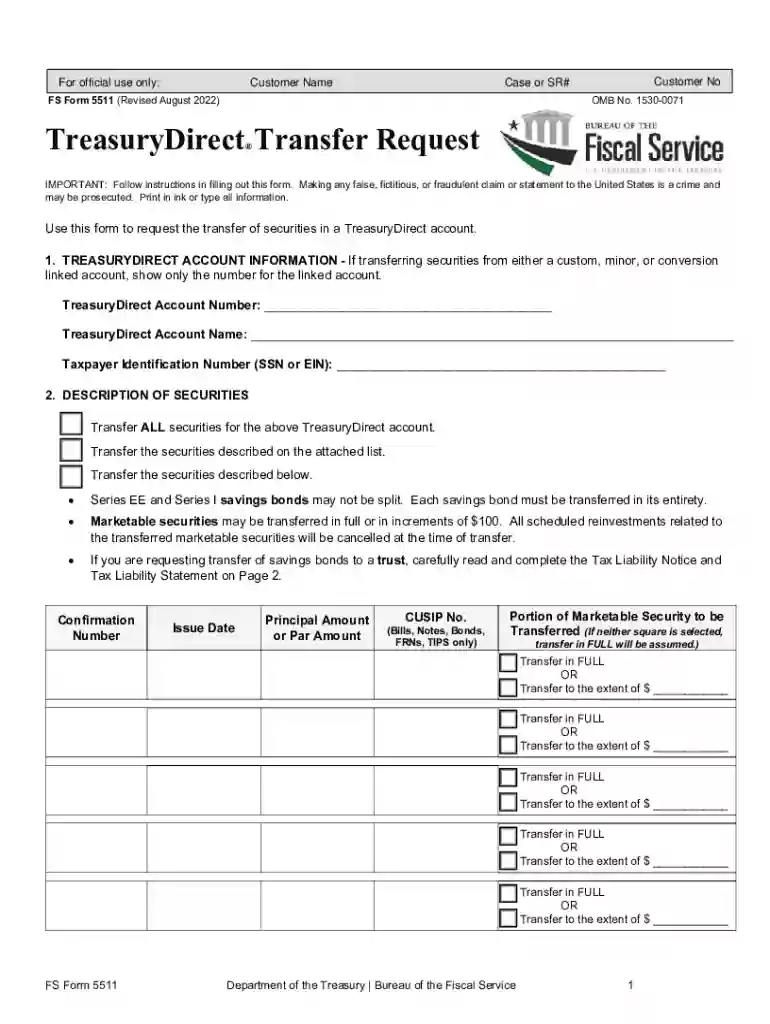
Type text, add images, blackout confidential details, add comments, highlights and more.

Draw your signature, type it, upload its image, or use your mobile device as a signature pad.

Send 5511 form via email, link, or fax. You can also download it, export it or print it out.
The Get Treasurydirect Form 1048, also known as FS Form 1048, is primarily used to claim relief in cases where a U.S. Treasury bond or security has been lost, stolen, or destroyed. This form is necessary for individuals seeking to recover their investment in savings bonds when the original documentation is unavailable. The form acts as a formal request to the Department of the Treasury for reissuance or reimbursement of the lost financial instrument.
When using FS Form 1048, it is important to accurately fill out all sections to ensure that your claim is processed efficiently. The form requires detailed information regarding the lost securities, including serial numbers, issue dates, and the registered owner's information. This data helps the Treasury Department to verify the authenticity of the claim and to reissue the bond or provide the equivalent value.
FS Form 1048 can be accessed and downloaded directly from the TreasuryDirect website, ensuring you have the most current version. Alternatively, it may also be available at local financial institutions participating in the program or by requesting a copy from the Bureau of the Fiscal Service.
Completing the FS Form 1048 involves several vital steps:
This form is crucial for reclaiming the financial value associated with lost Treasury securities. It provides a structured procedure to ensure that rightful owners are compensated despite the physical loss of the original documentation. Utilizing FS Form 1048 can help protect your financial interests and ensure compliance with U.S. Treasury regulations.
FS Form 1048 is commonly used by individual investors, estate executors, and financial advisors dealing with Treasury securities. Any stakeholder experiencing the loss, theft, or destruction of a registered bond can leverage this form to claim the corresponding financial redemption.


Legally, FS Form 1048 serves as an instrument of request for the recovery of financial value from the U.S. Treasury in the event of loss. It is governed by strict federal guidelines to prevent fraudulent claims. The accurate and truthful completion of the form is paramount to its legal standing, ensuring proper indemnification processes are followed.
While there is no explicit deadline for submitting FS Form 1048, it is advisable to file the form as soon as the loss is identified to prevent delays in recovery. Prompt submission aids in expediting the Treasury Department's verification and reissuance procedures.
Supporting documentation may include:
We've got more versions of the treasurydirect transfer form. Select the right treasurydirect transfer version from the list and start editing it straight away!
At DocHub, your data security is our priority. We follow HIPAA, SOC2, GDPR, and other standards, so you can work on your documents with confidence.


