
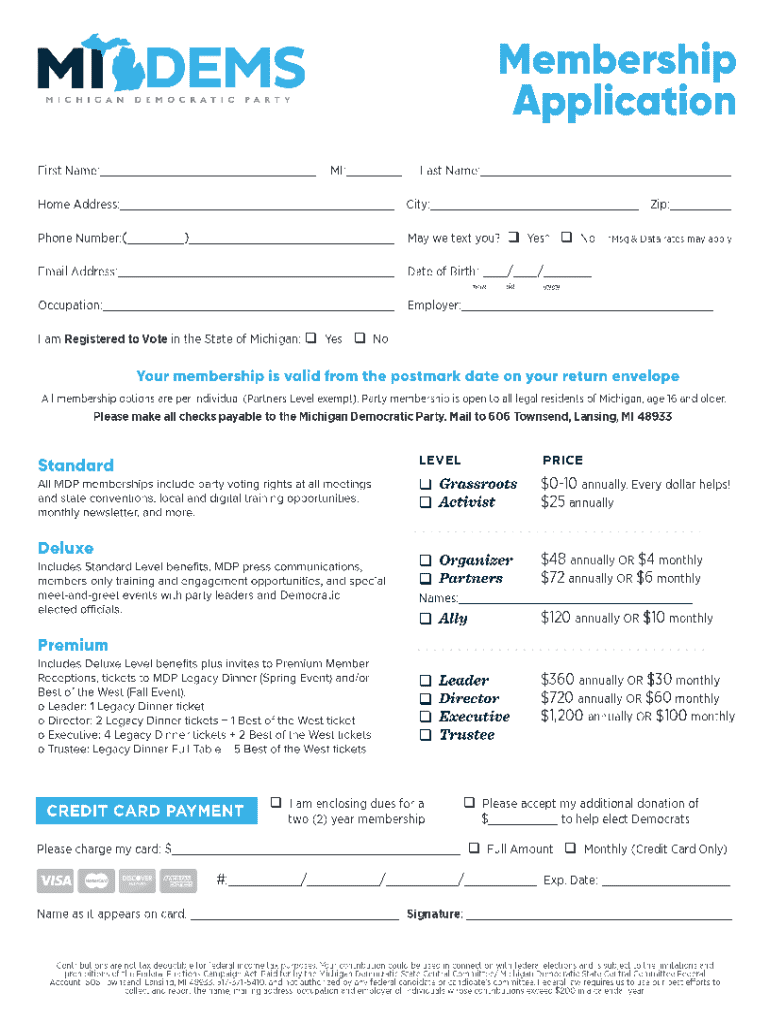







How to Use the Form Online
Using an online form simplifies data collection and document processing. The user starts by accessing the form on a platform like DocHub, which offers an intuitive interface for form interaction. Users can fill out fields directly on the screen using various tools that replicate the experience of using paper forms but with enhanced efficiency. The platform's real-time sync ensures that any updates you make are saved instantly, reducing the risk of data loss. Once completed, the form can be submitted electronically, streamlining the workflow for both individuals and businesses.
Interactive Features for User Convenience
- Auto-Fill Options: Save time by utilizing auto-fill features that populate repetitive information across multiple forms.
- Validation Alerts: Receive instant feedback on required fields or errors to ensure complete and accurate submissions.
- Guided Instructions: Access step-by-step guidance embedded within the form to understand and complete complex sections.
Steps to Complete the Form Online
To efficiently complete a form online, follow a structured approach:
- Access the Platform: Begin by logging into your preferred document management system, such as DocHub.
- Locate the Form: Use search features to find the relevant form quickly, whether it's saved in your cloud storage or shared via email.
- Input Information: Begin entering your information into the designated fields, utilizing text boxes, dropdown menus, and checkboxes.
- Review and Edit: Double-check for accuracy, making use of editing tools for any required changes or additions.
- Submit and Save: Once satisfied, submit the form electronically and save a copy for your records to either your local device or cloud storage.
Common Challenges
- Internet Connectivity: Ensure stable internet to avoid disruptions during form completion.
- Data Privacy: Confirm the platform’s encryption capabilities to safeguard sensitive information entered in the form.
Key Elements of the Form Online
Online forms typically consist of various elements designed to capture specific types of information. Identifying these elements can facilitate quicker navigation and understanding.
- Personal Details Section: Basic fields for name, address, and contact information.
- Operational Fields: Dropdowns and checkboxes to select predetermined options and streamline responses.
- Narrative Fields: Text boxes where detailed descriptions, explanations, or notes can be provided.
Customization Options
- Branding Elements: Include logos and custom designs that match your organization's identity.
- Conditional Logic: Implement rules that show or hide sections based on user responses to ensure relevance and precision in data collection.
Required Documents for Form Online
Before beginning the form online, gather any necessary documents that may be required for a successful submission.
- Identification Proof: Typically government-issued IDs or membership cards.
- Financial Records: Bank statements, invoices, or receipts if the form requires financial information.
- Legal Documentation: Any contracts, agreements, or binding documents needed for legal verifications.
Preparation Tips
- Document Copies: Keep both digital and hard copies of essential documents readily available.
- File Formats: Ensure documents are in compatible formats such as PDF, DOC, or JPG for easy uploading and attaching.
Legal Use of the Form Online
Utilizing online forms for legal purposes entails understanding compliance requirements and ensuring accuracy to legitimize submissions. Forms used for legal processes must adhere to laws like the ESIGN Act, ensuring that electronic signatures and documents hold equivalent validity to paper versions.
Compliance and Security
- Data Encryption: All entries should be protected by encryption standards to prevent unauthorized access.
- Audit Trails: Maintain logs of changes to offer transparency and prove authenticity.
State-Specific Rules for the Form Online
Many online forms, especially those tied to state-specific applications, may have rules unique to the jurisdiction. Understanding these nuances is critical for accurate form submission and compliance with local regulations.
Understanding Variations
- Tax Forms: Discover differences in rules for state taxes that affect the completion of forms like W-4 or equivalents.
- Business Registrations: Pay attention to unique state requirements for forming an LLC or corporation, which may entail different information fields or processes.
Software Compatibility
Platforms used for managing forms online, like DocHub, often integrate with popular software, providing enhanced functionality and compatibility. This interoperability ensures that users can work seamlessly across tools commonly used in business environments.
Supported Software and Tools
- Google Workspace: Integration allows for direct imports and exports from Google Drive and Gmail.
- Accounting Tools: Compatibility with QuickBooks or TurboTax supports financial data form submissions and records management.
Disclosure Requirements
While filling out forms online, individuals may need to understand disclosure requirements, which ensure that proper information is provided to relevant parties or authorities based on regulatory needs.
Key Considerations
- Consent Clauses: Check for any user agreements or consent clauses applicable.
- Information Sharing: Know what data will be shared, with whom, and how it will be used post-submission.
By comprehensively addressing these aspects, users can better navigate the intricacies of form online, ensuring that submissions are accurate, compliant, and effectively utilized.




