




01. Edit your form online
Type text, add images, blackout confidential details, add comments, highlights and more.

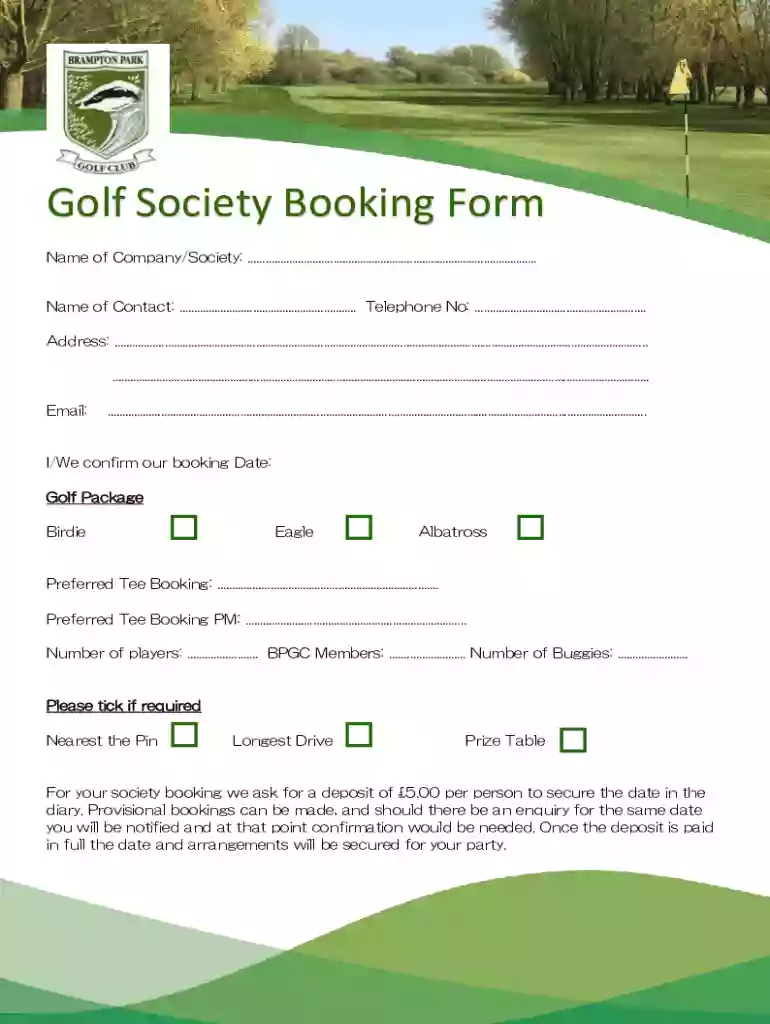
Type text, add images, blackout confidential details, add comments, highlights and more.

Draw your signature, type it, upload its image, or use your mobile device as a signature pad.

Send it via email, link, or fax. You can also download it, export it or print it out.
Online forms are digital documents designed for data collection and submission via the internet. They serve a variety of purposes across different sectors, including applications, registrations, and surveys. Unlike traditional paper forms, online forms are interactive, allowing users to input information directly into designated fields. This mechanism ensures efficient data gathering and reduces the error rates associated with manual data entry. Online forms save time by enabling automatic data sorting, storage, and retrieval.
Using an online form typically involves several straightforward steps. First, access the form through a web link or portal. Users are then guided through the completion process, which involves filling out required fields and possibly attaching supporting documents. Once completed, users submit the form for processing.
The design of an online form typically includes several critical elements. These elements not only enhance usability but also ensure effective data collection. Key elements include input fields, dropdown menus, checkboxes, and signature fields.
Completing an online form is a methodical process that requires attention to detail. Following structured steps can prevent errors and ensure the form is submitted successfully.
Online forms are used in legal contexts to streamline processes such as applications and registrations. Legal online forms adhere to regulations that safeguard data and ensure privacy. This compliance is critical in maintaining the document’s validity and the user’s protection.
Online forms are versatile tools used across various demographics and industries. They cater to individuals, businesses, educational institutions, and government agencies, providing streamlined solutions for diverse needs.
Understanding terminology associated with online forms can help users navigate and utilize these documents effectively.
Ensuring that an online form is compatible with various software systems can enhance functionality and ease of use. This compatibility allows forms to be integrated with other tools for streamlined workflows.
We've got more versions of the Golf Society Booking Form form. Select the right Golf Society Booking Form version from the list and start editing it straight away!
At DocHub, your data security is our priority. We follow HIPAA, SOC2, GDPR, and other standards, so you can work on your documents with confidence.
To make reservations 0-7 days in advance, please use one of our booking portals: Book Torrey Pines, Book Balboa Park, Book Mission Bay. Online tee times are
Members may reserve tee times 2 weeks in advance. For larger groups, call the Golf Shop at (301) 314-GOLF (4653). Cart Fee is required Friday Sunday andRead more


