
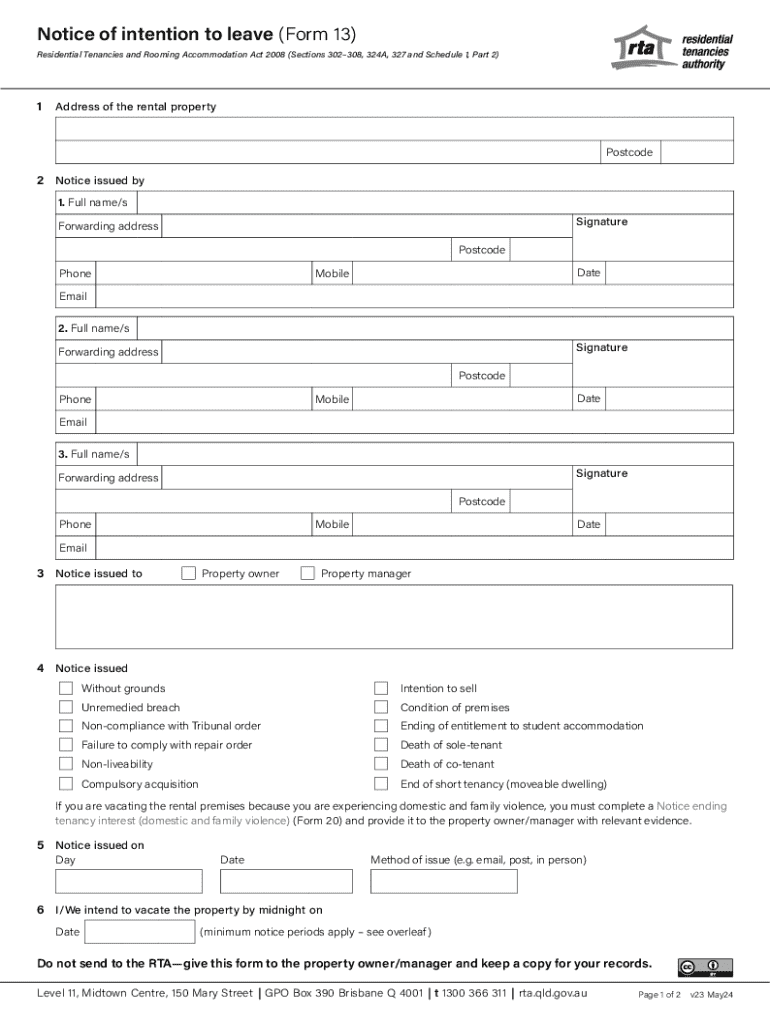







Definition & Meaning
"Form online" refers to electronic versions of documents that can be filled out, submitted, and signed through internet-based platforms. Utilizing online forms simplifies the process of obtaining and submitting necessary information without the need for physical paperwork. Many organizations offer online forms to streamline workflows, enhance accessibility, and ensure efficient data collection. Online forms can cover a vast array of purposes, such as employment applications, tax filings, or customer feedback.
Benefits of Online Forms
- Accessibility: Users can access forms from any location with internet connectivity, which eliminates the need for physical presence.
- Speed: Forms can be completed and processed more quickly than paper versions, often allowing for instant submission and confirmation.
- Environmentally Friendly: Reduces paper usage and storage requirements.
Examples
- Job applications often use online forms to gather applicant information.
- Tax forms are increasingly available online for easier filing and submission.
How to Use the Form Online
Using an online form typically involves a straightforward process designed for ease of use. Users can complete these forms using various devices, such as computers, tablets, or smartphones, which makes it convenient to provide the required information efficiently.
- Access the Form: Navigate to the website hosting the form using a web browser.
- Fill Out Required Fields: Input all necessary information in designated fields. Some fields may be mandatory, requiring input before submission.
- Review and Edit: Check the information for accuracy, ensuring no errors or omissions.
- Submit: Once reviewed, submit the form electronically, often receiving immediate confirmation.
Tips for Efficient Use
- Use tabs to navigate quickly between fields.
- Ensure a stable internet connection to prevent data loss.
- Save a copy of the completed form if the platform allows.
Steps to Complete the Form Online
Completing an online form involves a set of simple steps that guide users through the process. Each step is designed to capture accurate information and ensure efficient data entry.
Step-by-Step Instructions
- Locate the Form: Find the form on the relevant website or platform.
- Carefully Read Instructions: Understand any specific requirements or instructions provided for completion.
- Input Data: Enter your information in the relevant sections, using dropdown menus, text boxes, and other input fields as required.
- Verify Information: Cross-check all inputted data for errors.
- Add Attachments: If needed, attach required supporting documents in the form's designated areas.
- Signature: Apply an electronic signature if applicable.
- Finalize: Complete any final steps or checks before submitting the form.
Important Considerations
- Make sure to fill out all required fields.
- Review the information before submission to avoid errors.
Key Elements of the Form Online
There are several key elements that constitute a successful online form. These elements ensure that forms are user-friendly and functional.
Essential Elements
- Field Options: Text fields, checkboxes, radio buttons, and dropdown menus allow for various data inputs.
- Clear Instructions: Step-by-step guidance for filling out the form correctly.
- Validation Features: Instant feedback on data entry errors to ensure completeness and accuracy.
- Navigation Tools: Tools such as 'Next' or 'Back' buttons to guide users through multi-page forms.
- Submission Confirmation: An acknowledgment receipt or confirmation message post-submission.
Enhanced Features
- Auto-Save: Automatically save progress to prevent data loss.
- Progress Indicators: Show how far the user is in the form completion process.
Important Terms Related to Form Online
Understanding terminology related to online forms can assist users in navigating and utilizing these forms effectively.
Common Terms
- E-Signature: An electronic method for signing documents and is legally binding.
- Mandatory Fields: Fields that must be filled before submission.
- Captcha: A tool used to verify that a user is human and not an automated system.
- Responsive Design: Layout of the form that adapts to different device screens.
Glossary of Terms
- Encryption: Process of converting information or data into a secure format to prevent unauthorized access.
- SSL (Secure Sockets Layer): A security protocol for creating encrypted links between a web server and a browser.
Legal Use of the Form Online
Using an online form comes with legal considerations and requirements. Understanding these can ensure compliance and legitimacy.
Jurisdictional Compliance
- Legal requirements may differ by state or country, influencing what constitutes as legally binding.
- Specific forms have regulations that must be adhered to, such as IRS tax forms requiring precise data.
Security Measures
- SSL Encryption: Ensures secure transmission of data.
- Data Protection Laws: Compliance with laws like GDPR (General Data Protection Regulation) or HIPAA (Health Insurance Portability and Accountability Act) for handling sensitive information.
Who Typically Uses the Form Online
The use of online forms is widespread across various sectors, from individual users to large corporations.


Common Users
- Individuals: For personal applications, registrations, or transactions.
- Businesses: To collect customer feedback, process orders, or manage employee records.
- Government Agencies: For public services application processing such as tax filings and benefits enrollment.

Sector-Specific Usage
- Educational Institutions: Enrollment forms and feedback surveys.
- Healthcare Providers: Patient intake forms and appointment requests.
State-Specific Rules for the Form Online
Different states may have distinct regulations governing the use of online forms. Awareness of these rules ensures proper compliance.
Considerations for Various States
- Varying Deadlines: Submission deadlines might differ by state for certain forms, particularly legal and tax-related documents.
- Format Requirements: States may have specific format requirements for forms, which could affect how information is presented.
- Recognition of E-Signatures: Acceptance of electronic signatures can vary, impacting certain legal documents.
Example
- In California, electronic signatures are legally valid and recognized across various documents, adhering to both state and federal standards.
Examples of Using the Form Online
There are myriad occasions where using an online form proves beneficial. Here are a few practical examples to illustrate their utility.
Real-World Examples
- Job Applications: Many companies use online forms to gather applicant information efficiently.
- Customer Feedback: Businesses often deploy feedback forms online to collect data on customer satisfaction.
- Rental Applications: Prospective tenants can submit rental applications online, streamlining the leasing process.
Scenario Illustration
- A retired individual uses an online tax form to file their annual returns. By entering data directly into the form and submitting it electronically, they expedite the filing process and receive confirmation promptly.




