
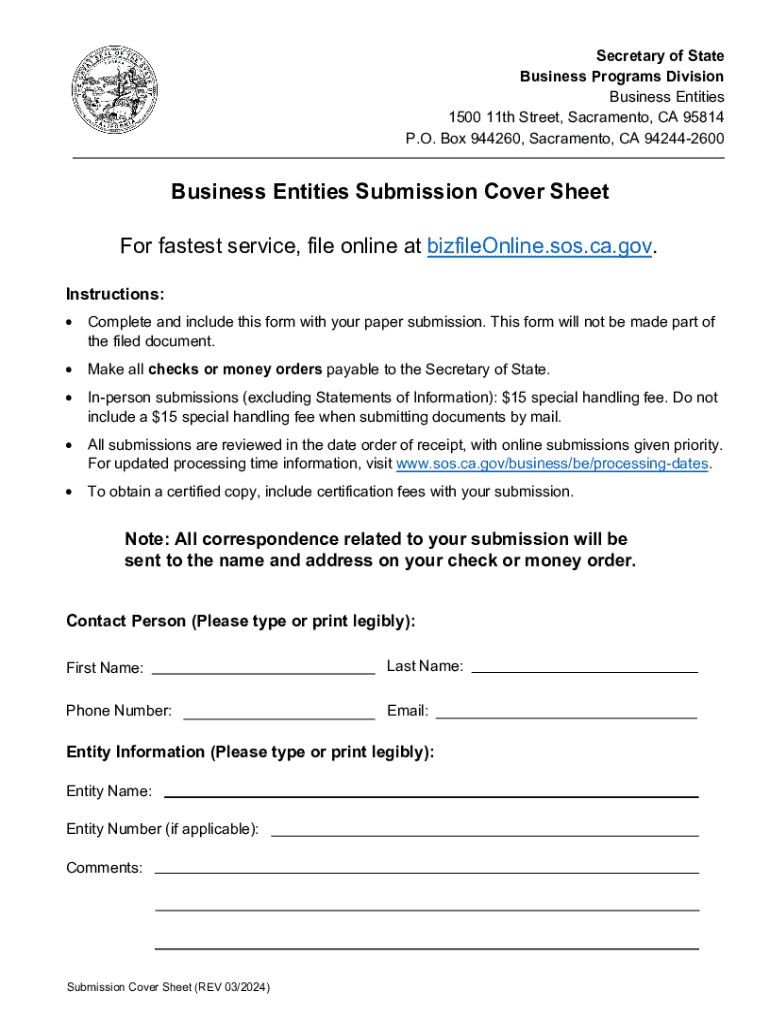



Form llc 4 7 2026

Get Form
form llc 4 7 Preview on Page 1

Here's how it works

01. Edit your form llc 4 7 online
Type text, add images, blackout confidential details, add comments, highlights and more.

02. Sign it in a few clicks
Draw your signature, type it, upload its image, or use your mobile device as a signature pad.

03. Share your form with others
Send california form llc 3 via email, link, or fax. You can also download it, export it or print it out.

How to use or fill out form LLC 4/7 with our platform

Form edit decoration
9.5
Ease of Setup
DocHub User Ratings on G2
9.0
Ease of Use
DocHub User Ratings on G2
  1. Click ‘Get Form’ to open it in the editor.
  2. Begin by entering the exact name of your Limited Liability Company (LLC) as recorded with the California Secretary of State in the designated field.
  3. Next, input your LLC Entity (File) Number, which is a 12-digit number issued by the California Secretary of State.
  4. Indicate whether the dissolution was made by a vote of all members by checking the appropriate box. If not, ensure you have filed a Certificate of Dissolution (Form LLC-3) prior to this submission.
  5. Review and confirm that all final tax returns required under California law have been or will be filed with the Franchise Tax Board.
  6. Read through the Cancellation Statement carefully and ensure you understand its implications before signing.
  7. Sign and print your name in the provided fields. Remember, do not use a computer-generated signature.

Start filling out your form LLC 4/7 today for free using our platform!

See more form llc 4 7 versions

We've got more versions of the form llc 4 7 form. Select the right form llc 4 7 version from the list and start editing it straight away!
Versions Form popularity Fillable & printable
2024 4.4 Satisfied (26 Votes)
2013 4.9 Satisfied (49 Votes)
2006 4.1 Satisfied (68 Votes)
be ready to get more

Complete this form in 5 minutes or less

Get form

Got questions?

We have answers to the most popular questions from our customers. If you can't find an answer to your question, please contact us.
Contact us
Your California LLC has to pay annual fees to the state to remain in good standing and be able to do business in California.
You should start dissolving your LLC before April 15th if you want to avoid paying the $800 tax for the following year. Heres how it works: If you stop doing business in March 2025, you need to file your final 2024 tax return by April 15, 2025, and then submit your dissolution paperwork by April 15, 2026.
Finally, having an LLC means you are also required to pay ongoing fees. The California LLC fee schedule includes a California LLC annual fee, which is $800 annually, and is due within 3.5 months of forming your LLC and then every April 15th thereafter.
To terminate (cancel) a limited liability company (LLC), complete the Certificate of Cancellation (Form LLC-4/7). Before submitting the completed form, you should consult with a private attorney for advice about your specific business needs.
Heres the easiest way to think about it: Dissolution is what the LLC does to wind down its business affairs. Cancellation is what the Secretary of State does when the LLC is canceled. If all members voted unanimously in favor of the cancellation then you can file for cancellation using Form LLC-4/7.

Security and compliance

At DocHub, your data security is our priority. We follow HIPAA, SOC2, GDPR, and other standards, so you can work on your documents with confidence.

Learn more
ccpa2
pci-dss
gdpr-compliance
hipaa
soc-compliance

People also ask

Underestimating your tax payments or missing deadlines might result in docHub fines. For example, underestimating your LLC may result in a 10% penalty on the underpaid amount. Additionally, LLCs that fail to pay the franchise tax in California face a minimum penalty of $200 plus interest.
Every LLC that is doing business or organized in California must pay an annual tax of $800. This yearly tax will be due, even if you are not conducting business, until you cancel your LLC.

llc 4 7 form