




Here's how it works

01. Edit your domestic limited liability company online
Type text, add images, blackout confidential details, add comments, highlights and more.

02. Sign it in a few clicks
Draw your signature, type it, upload its image, or use your mobile device as a signature pad.

03. Share your form with others
Send llc 4 7 via email, link, or fax. You can also download it, export it or print it out.
How to use or fill out limited liability company LLC with our platform

- Click ‘Get Form’ to open the limited liability company (LLC) form in the editor.
- Enter the Secretary of State file number in Item 1. This is crucial for identifying your LLC.
- In Item 2, input the exact name of your LLC as registered with the California Secretary of State, including any entity ending.
- If applicable, provide any additional information in Item 3. If not, leave it blank and proceed to Item 4.
- Sign the form in Item 4. Ensure that an authorized person, such as a manager, signs and includes their title.
- In Item 5, enter the name and address of where you want a copy of the filed document returned.
Start using our platform today to streamline your LLC filing process for free!
Fill out limited liability company llc online
It's free
See more limited liability company llc versions
We've got more versions of the limited liability company llc form. Select the right limited liability company llc version from the list and start editing it straight away!
Security and compliance
At DocHub, your data security is our priority. We follow HIPAA, SOC2, GDPR, and other standards, so you can work on your documents with confidence.
Learn more


Related forms

TREE REMOVAL APPLICATION FOR THE CITY OF MILTON
The document is a tree removal application for the City of Milton, outlining the necessary information and conditions un ...
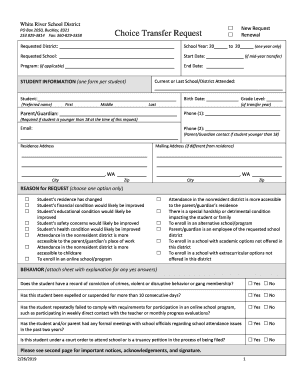
Choice request form
The document is a Choice Transfer Request form for the White River School District, allowing parents or guardians to req ...
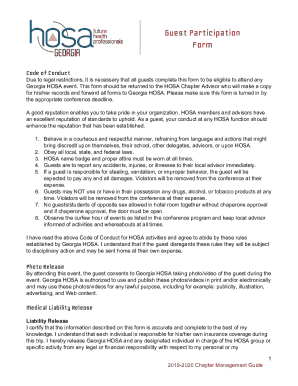
Georgia HOSA Event Code of Conduct Form
The document outlines the Code of Conduct for guests attending Georgia HOSA events, emphasizing the importance of respec ...
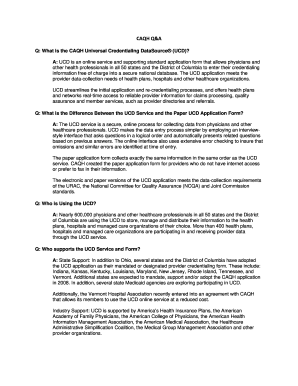
Ohio caqh
The document provides an overview of the CAQH Universal Credentialing DataSource® (UCD), an online service that allows h ...
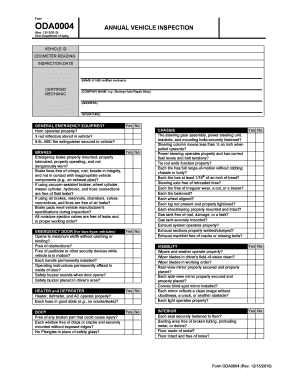
Oh vehicle inspection form
The document is a vehicle inspection form (ODA0004) from the Ohio Department of Aging, designed for annual inspections o ...

Breaking & Entering Vandalism Report - Neola
The document is a report form for incidents of breaking and entering or vandalism, detailing sections for incident speci ...

Minnesota contributions form
The document is an Affidavit of Contributions for House candidates in the 2016 General Election in Minnesota. It outline ...
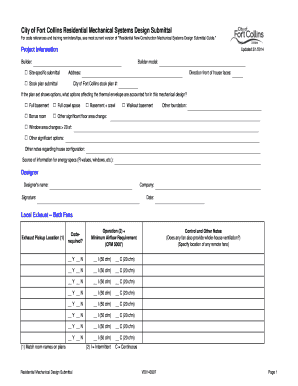
Submittal logo
The document outlines the requirements and guidelines for submitting residential mechanical systems design in Fort Colli ...