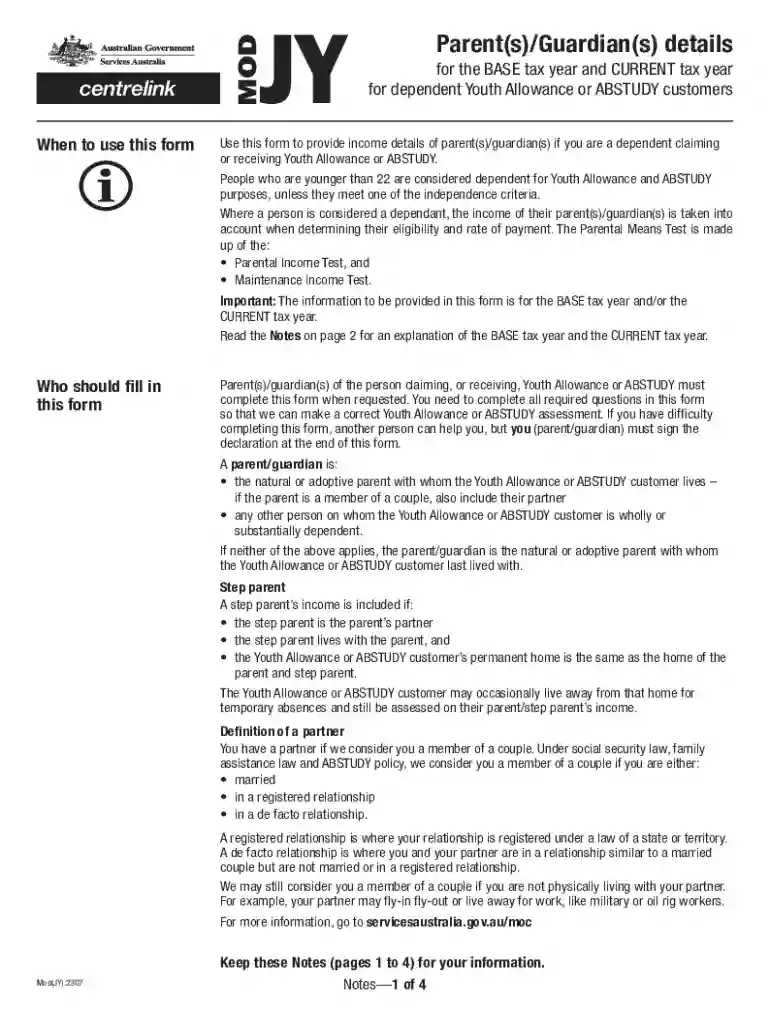
Parent(s) Guardian(s) details for the BASE tax year and CURRENT 2026

Get Form
modjy form centerlink Preview on Page 1

Here's how it works

01. Edit your modjy form centerlink online
Type text, add images, blackout confidential details, add comments, highlights and more.

02. Sign it in a few clicks
Draw your signature, type it, upload its image, or use your mobile device as a signature pad.

03. Share your form with others
Send printable and editable christmas vouchers via email, link, or fax. You can also download it, export it or print it out.

How to use or fill out Parent(s) Guardian(s) details for the BASE tax year and CURRENT with our platform

Form edit decoration
9.5
Ease of Setup
DocHub User Ratings on G2
9.0
Ease of Use
DocHub User Ratings on G2
  1. Click ‘Get Form’ to open it in the editor.
  2. Begin by entering the Youth Allowance or ABSTUDY customer’s details in Part A, including their name, date of birth, and Centrelink Reference Number if known.
  3. Proceed to Part B, where you will provide information about the parent(s)/guardian(s). Indicate your relationship status and whether you are a step-parent.
  4. Fill in your personal details such as name, gender, date of birth, and contact information. Ensure accuracy as this information is crucial for assessment.
  5. Complete the income sections for both the BASE tax year and CURRENT tax year. Provide taxable income figures and any relevant documentation like Notices of Assessment.
  6. If applicable, detail any maintenance payments made or received. This includes child support amounts which may affect eligibility.
  7. Review all entries for completeness before signing the declaration at the end of the form. Ensure that all required documents are attached.

Start filling out your form today using our platform for a seamless experience!

See more Parent(s) Guardian(s) details for the BASE tax year and CURRENT versions

We've got more versions of the Parent(s) Guardian(s) details for the BASE tax year and CURRENT form. Select the right Parent(s) Guardian(s) details for the BASE tax year and CURRENT version from the list and start editing it straight away!
Versions Form popularity Fillable & printable
2023 4.8 Satisfied (36 Votes)
2020 4.8 Satisfied (103 Votes)
2017 4.4 Satisfied (186 Votes)
2012 4 Satisfied (33 Votes)
be ready to get more

Complete this form in 5 minutes or less

Get form

Got questions?

We have answers to the most popular questions from our customers. If you can't find an answer to your question, please contact us.
Contact us
A tax base is the total value of all assets, properties, individual income, and corporate income in a certain area or jurisdiction. To calculate the total tax liability, you must multiply the tax base by the tax rate:1. Tax Liability = Tax Base x Tax Rate.
The base year is the tax year ending in the previous calendar year (that is, for the 2025 assessment period the base year is 2023-24). However in particular circumstances the tax year immediately following the base tax year may be used for assessing parental income.

Security and compliance

At DocHub, your data security is our priority. We follow HIPAA, SOC2, GDPR, and other standards, so you can work on your documents with confidence.

Learn more
ccpa2
pci-dss
gdpr-compliance
hipaa
soc-compliance