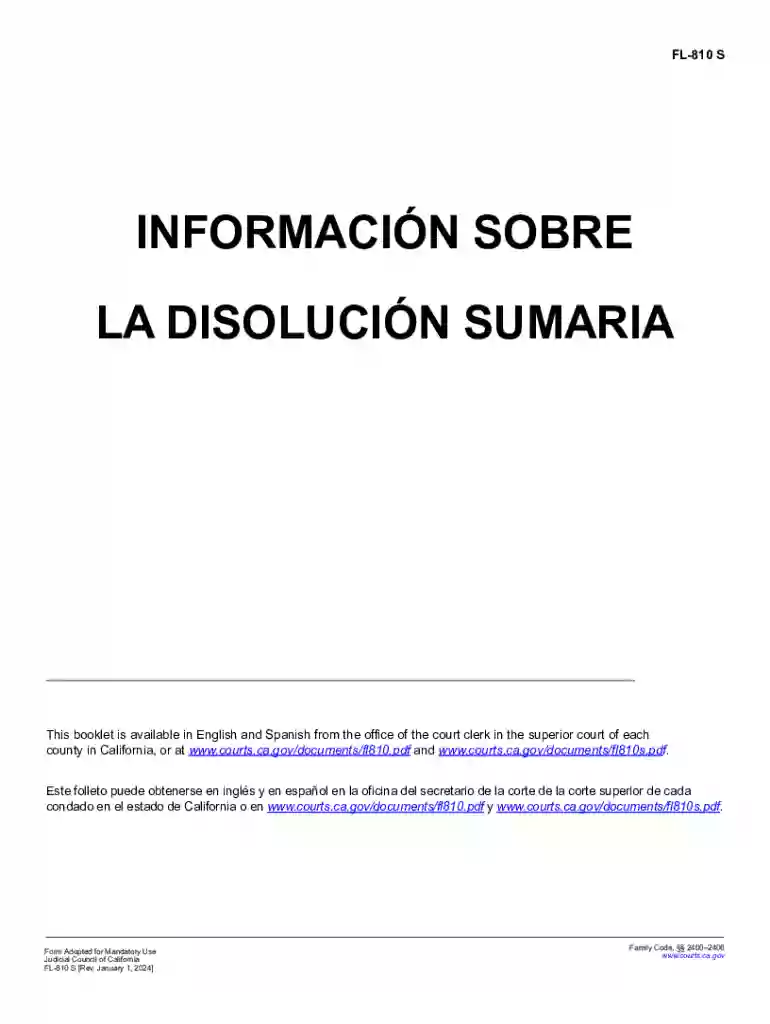
FL-810 S Summary Dissolution Information 2026

Get Form
fl 810s Preview on Page 1

Here's how it works

01. Edit your fl 810s online
Type text, add images, blackout confidential details, add comments, highlights and more.

02. Sign it in a few clicks
Draw your signature, type it, upload its image, or use your mobile device as a signature pad.

03. Share your form with others
Send fl 810s via email, link, or fax. You can also download it, export it or print it out.

How to use or fill out FL-810 S Summary Dissolution Information with our platform

Form edit decoration
9.5
Ease of Setup
DocHub User Ratings on G2
9.0
Ease of Use
DocHub User Ratings on G2
  1. Click 'Get Form' to open the FL-810 S Summary Dissolution Information in the editor.
  2. Begin by reviewing the introductory section, which outlines the purpose of the form and eligibility criteria for summary dissolution. Ensure you meet all requirements listed.
  3. Fill out your personal information in the designated fields, including names and contact details. Make sure to double-check for accuracy.
  4. Proceed to complete the sections regarding community property and debts. Use the provided worksheets to calculate values accurately, ensuring that you include only eligible items as specified.
  5. Review your agreement on property division carefully. This section is crucial as it outlines how assets and debts will be shared post-dissolution.
  6. Once all sections are completed, save your document. You can easily share it with your spouse for review directly through our platform.
  7. Finally, print or export your completed form for submission to the court along with any required attachments.

Start using our platform today to simplify your document editing and ensure a smooth dissolution process!

See more FL-810 S Summary Dissolution Information versions

We've got more versions of the FL-810 S Summary Dissolution Information form. Select the right FL-810 S Summary Dissolution Information version from the list and start editing it straight away!
Versions Form popularity Fillable & printable
2024 4.2 Satisfied (27 Votes)
2019 4.8 Satisfied (46 Votes)
2017 4.3 Satisfied (58 Votes)
2015 4.4 Satisfied (307 Votes)
2012 4.3 Satisfied (28 Votes)
be ready to get more

Complete this form in 5 minutes or less

Get form

Got questions?

We have answers to the most popular questions from our customers. If you can't find an answer to your question, please contact us.
Contact us
An uncontested divorce is often considered the ideal type of divorce. In an uncontested divorce, both parties have come to terms with the marriage ending. No one is faulting the other party, and everything is amicably sorted out.
Dissolution is the formal, legal ending of a marriage by a court, commonly called a divorce. A dissolution of marriage completely ends your legal relationship as spouses and ends your marriage. Unlike an annulment, a dissolution does not undo the marriage as if it never existed.
This Petition can be used to ask the court to grant your divorce without paying lots of filing fees and can be done without having to file as many documents.
Dissolution helps individuals preserve their wealth, investments, and credit scores. Lower Risk of Post-Divorce Financial Disputes: Because dissolution encourages cooperation, there is a reduced likelihood of future legal disputes over assets, spousal support, or child custody, saving money in the long term.
A summary dissolution is an easier way to get divorced or end a domestic partnership. Its less expensive and theres not as much paperwork as the standard divorce process. Not everyone can use this process, but if you qualify, it may be a simpler process for you to end your marriage or domestic partnership.

Security and compliance

At DocHub, your data security is our priority. We follow HIPAA, SOC2, GDPR, and other standards, so you can work on your documents with confidence.

Learn more
ccpa2
pci-dss
gdpr-compliance
hipaa
soc-compliance
be ready to get more

Complete this form in 5 minutes or less

Get form