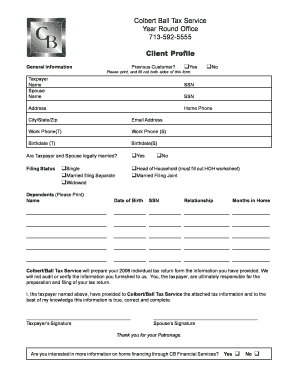
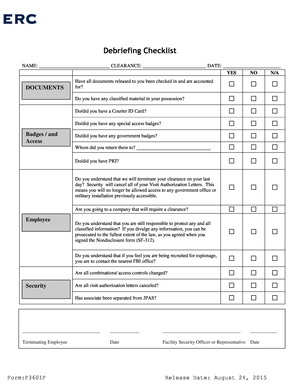
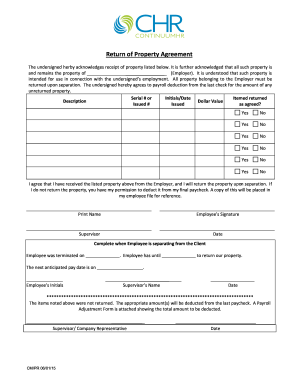
2011-2012 dependent income statement - Financial Aid - Columbus-2026

Get Form
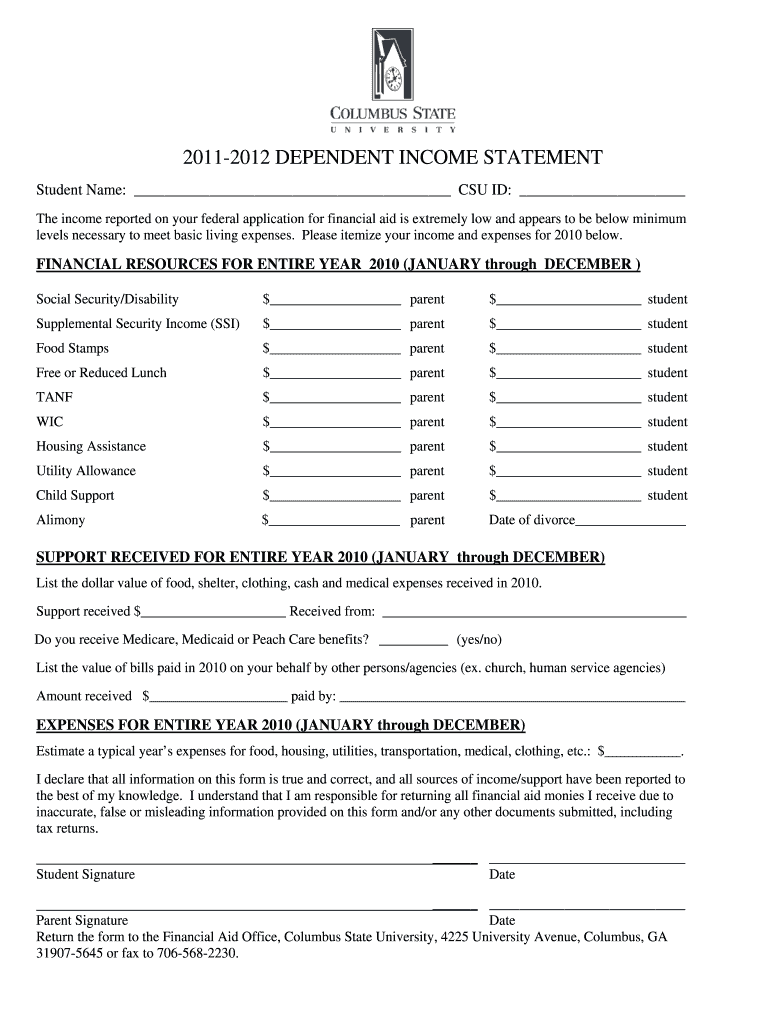
2011-2012 dependent income statement - Financial Aid - Columbus Preview on Page 1

Here's how it works

01. Edit your form online
Type text, add images, blackout confidential details, add comments, highlights and more.
02. Sign it in a few clicks
Draw your signature, type it, upload its image, or use your mobile device as a signature pad.
03. Share your form with others
Send it via email, link, or fax. You can also download it, export it or print it out.

How to use or fill out 2011-2012 dependent income statement - Financial Aid - Columbus with DocHub

Form edit decoration
9.5
Ease of Setup
DocHub User Ratings on G2
9.0
Ease of Use
DocHub User Ratings on G2
  1. Click ‘Get Form’ to open the 2011-2012 dependent income statement in our editor.
  2. Begin by entering the Student Name and CSU ID at the top of the form. This information is crucial for identifying your application.
  3. In the 'Financial Resources for Entire Year 2010' section, itemize all sources of income for both parent and student. Fill in each field accurately, including Social Security, SSI, Food Stamps, and other relevant financial resources.
  4. Next, move to the 'Support Received for Entire Year 2010' section. Here, list any additional support received during the year and indicate if you receive Medicare or Medicaid benefits.
  5. Proceed to estimate your typical yearly expenses in the 'Expenses for Entire Year 2010' section. Be thorough in your estimates to ensure accurate financial assessment.
  6. Finally, review all entered information for accuracy. Sign and date the form at the bottom before submission.

Start using our platform today to fill out your financial aid forms easily and for free!

be ready to get more

Complete this form in 5 minutes or less

Get form

Got questions?

We have answers to the most popular questions from our customers. If you can't find an answer to your question, please contact us.
Contact us

Sign in to your DocHub account and import your 2011-2012 dependent income statement - Financial Aid - Columbus to our editor using one of its upload methods - from your device, cloud storage, protected URL, or your DocHub folders if you have already processed your document before. Open our editor, click the Sign key in the top toolbar, and choose your signing method. You can use a picture of your handwritten signature, draw it, enter your name, or utilize a QR code as an alternative.

Document editing with DocHub is equally convenient on desktop and mobile devices. You just need an internet browser to revise your 2011-2012 dependent income statement - Financial Aid - Columbus on Android. Open our website and sign in to access the instruments you require. Add your document and introduce your intended modifications. Next, you can keep your form in your document storage or send it out instantly.


Go to the home page and click Login. 3. Log into the system. 4. Click on the View or Print your SAR option near the middle of the My FAFSA page, and choose to save as a PDF file.
Getting Your FAFSA Submission Summary logging in to your StudentAid.gov account Dashboard, selecting your processed FAFSA submission from the My Activity section, and. selecting View FAFSA Submission Summary.
How to View and Print Your Student Aid Report Visit FAFSA and click Log In. Enter your (the students) FSA ID, or enter the students information. Under My FAFSA click the tab for the appropriate academic aid year. Click the hyperlink View or Print your Student Aid Report (SAR)
be ready to get more

Complete this form in 5 minutes or less

Get form

People also ask

Loan servicers send a 1098-E to anyone who pays at least $600 in student loan interest.
To see your aid, log in to your StudentAid.gov account. Select View Details in the My Aid section of your account Dashboard. You can view your loan types and servicer(s) for each loan under the Loan Breakdown section of the My Aid page.
Your dependency status determines whose information you must report when you fill out the Free Application for Federal Student Aid (FAFSA) form. If youre a dependent student, you will report both your and your parents information.

Related links