




01. Edit your stem cognate umiami online
Type text, add images, blackout confidential details, add comments, highlights and more.

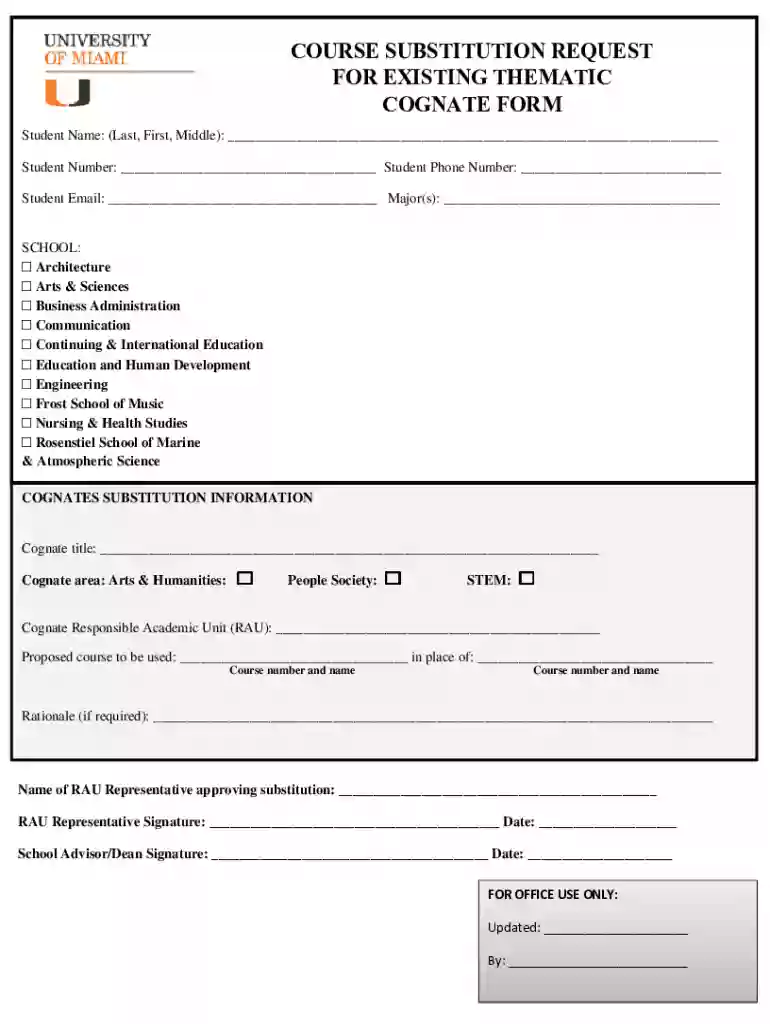
Type text, add images, blackout confidential details, add comments, highlights and more.

Draw your signature, type it, upload its image, or use your mobile device as a signature pad.

Send umiami stem cognates via email, link, or fax. You can also download it, export it or print it out.

Start using our platform today to streamline your form completion process for free!
We've got more versions of the stem cognate umiami form. Select the right stem cognate umiami version from the list and start editing it straight away!
| Versions | Form popularity | Fillable & printable |
|---|---|---|
| 2021 | 4.2 Satisfied (44 Votes) |
At DocHub, your data security is our priority. We follow HIPAA, SOC2, GDPR, and other standards, so you can work on your documents with confidence.
In this project, the researchers manipulated the types of definitions, cognates, and context-related supports students received to investigate the extent toRead more
Chocolate HISTORY, CULTURE, Edited by Louis Evan Grivetti University of California (978) 750-8400, States at (800) 762-2974, outside the United States at (317)
The Cognates Program comprises the Areas of Knowledge component of the University of Miamis framework for General Education. at least nine credit hours.


