




01. Edit your form op 1 online
Type text, add images, blackout confidential details, add comments, highlights and more.

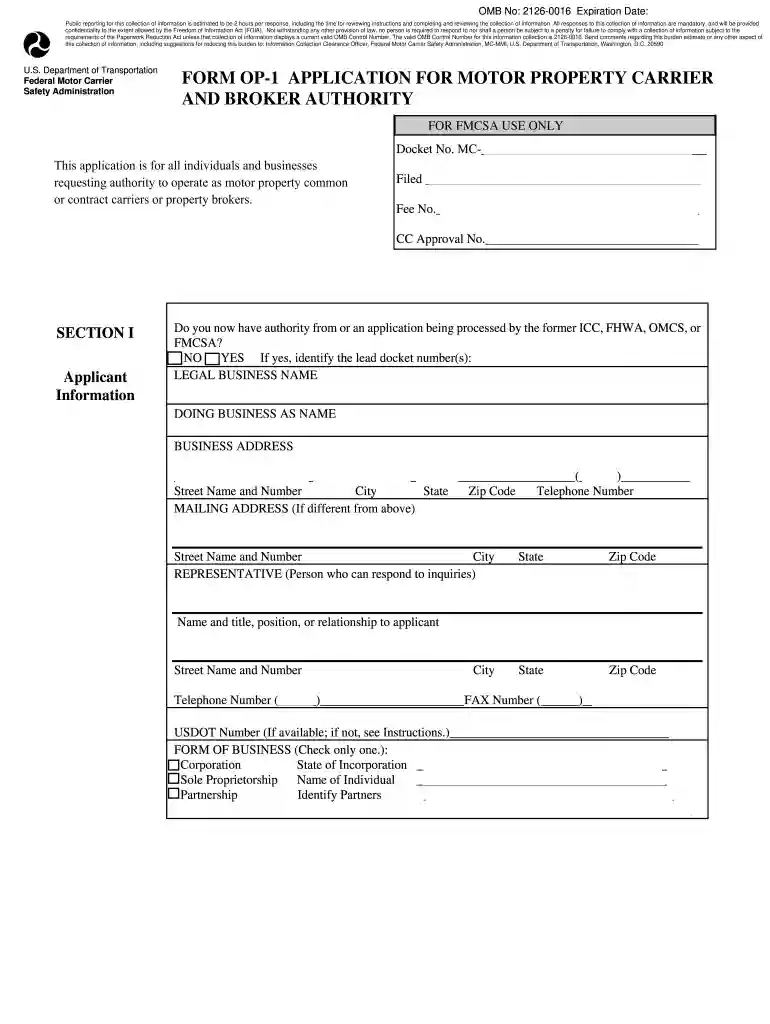
Type text, add images, blackout confidential details, add comments, highlights and more.

Draw your signature, type it, upload its image, or use your mobile device as a signature pad.

Send op 1 application via email, link, or fax. You can also download it, export it or print it out.

Start using our platform today to easily fill out New Jersey Form OP-161 online for free!
Yes, a typed name is accepted as a valid electronic signature when you create it on your paperwork using a compliant solution like DocHub. Simply upload your op1 form to our editor, click Sign in the top tool pane → Create your signature → Type your name in the appropriate tab, and select how it will look on your document.
If you store your files in Google Drive, there is no need to download your form op 1 ff on your computer and upload it back to our editor. A significantly simpler way is to set up a browser extension developed by DocHub to streamline this flow. The extension allows editing PDFs right in your browser. Alternatively, you can integrate your DocHub and Gmail accounts for more efficient editing.
At DocHub, your data security is our priority. We follow HIPAA, SOC2, GDPR, and other standards, so you can work on your documents with confidence.
Client identification data, including name, date of admission, address, date of birth, race, religion (optional), gender, and the name, address,Read more
All downloadable National Academies titles are free to be used for personal and/or non-commercial academic use. Users may also freely post links to ourRead more


