




01. Edit your form 100s online
Type text, add images, blackout confidential details, add comments, highlights and more.

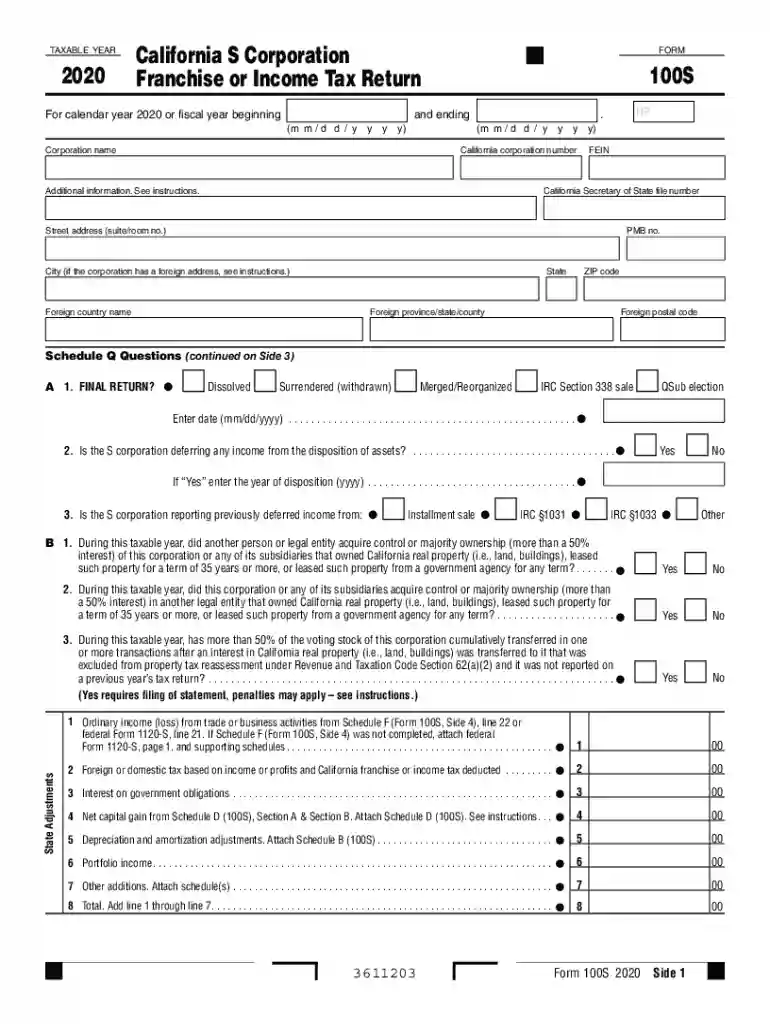
Type text, add images, blackout confidential details, add comments, highlights and more.

Draw your signature, type it, upload its image, or use your mobile device as a signature pad.

Send form 100s 2024 via email, link, or fax. You can also download it, export it or print it out.

Start filling out your form 100s online for free today!
We've got more versions of the form 100s form. Select the right form 100s version from the list and start editing it straight away!
| Versions | Form popularity | Fillable & printable |
|---|---|---|
| 2023 | 4.5 Satisfied (35 Votes) | |
| 2022 | 4.2 Satisfied (50 Votes) | |
| 2021 | 4.8 Satisfied (200 Votes) | |
| 2020 | 4.4 Satisfied (97 Votes) | |
| 2019 | 4.1 Satisfied (43 Votes) | |
| 2018 | 4.1 Satisfied (63 Votes) | |
| 2017 | 4.2 Satisfied (42 Votes) | |
| 2016 | 4.3 Satisfied (168 Votes) | |
| 2015 | 4.4 Satisfied (1516 Votes) | |
| 2014 | 4 Satisfied (59 Votes) | |
| 2013 | 4 Satisfied (58 Votes) | |
| 2012 | 4 Satisfied (34 Votes) | |
| 2011 | 4 Satisfied (33 Votes) | |
| 2009 | 4.2 Satisfied (42 Votes) | |
| 2004 | 4 Satisfied (52 Votes) |
At DocHub, your data security is our priority. We follow HIPAA, SOC2, GDPR, and other standards, so you can work on your documents with confidence.
B 1. During this taxable year, did this corporation or any of its subsidiaries acquire control or majority ownership (more than.Read more
Feb 17, 2023 TRS Form 100 Mandatory Retirement Enrollment forms and TRS Change of Beneficiary prior to Retirement forms the original signed andRead more
List below only the properties entered in Section A that were placed in service after 1986. Do not include qualified property for which a 30%/50%/100% federalRead more


