




Here's how it works



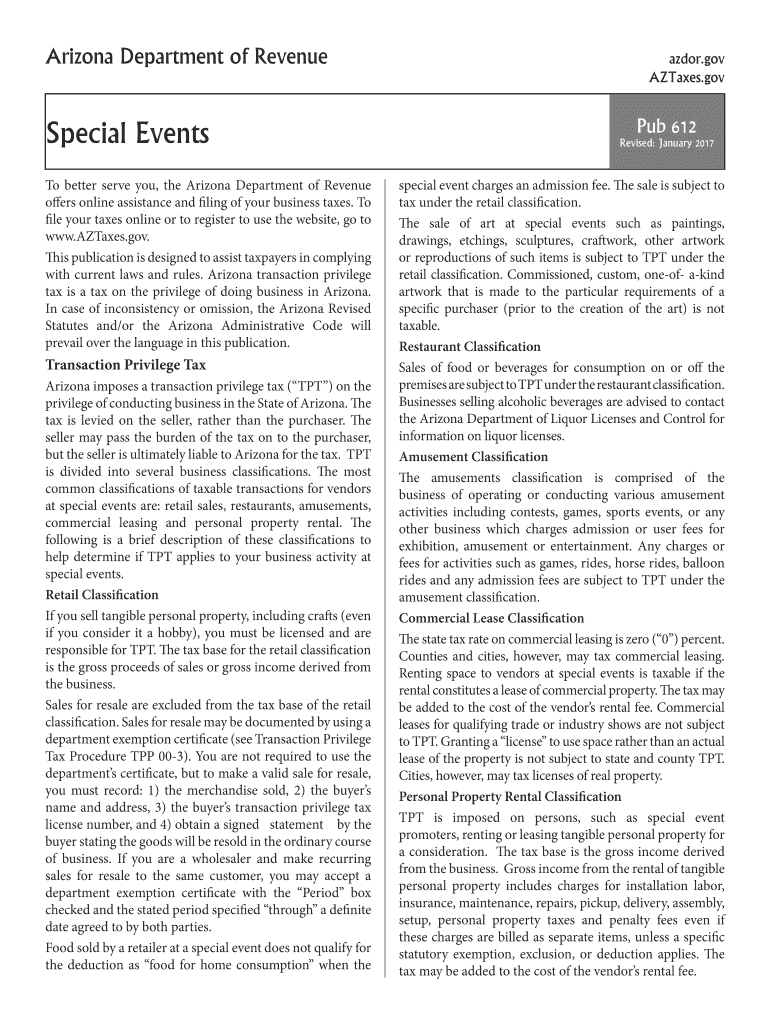
How to use or fill out 612 revenue form with our platform

- Click ‘Get Form’ to open the 612 revenue form in the editor.
- Begin by entering your business information in the designated fields, including your business name, address, and transaction privilege tax (TPT) license number.
- Next, identify the applicable business classification for your activities at special events. Choose from options such as retail sales, restaurant, amusement, commercial leasing, or personal property rental.
- For each classification selected, provide detailed sales figures and any deductions applicable. Ensure you document sales for resale accurately if applicable.
- Review all entries for accuracy before submitting. Utilize our platform’s features to save your progress and make edits as needed.
Start using our platform today to fill out your 612 revenue form easily and for free!
It's free
Got questions?
Is it safe to sign my 612 revenue form electronically?
You need to use only trusted software solutions with strong security compliance to approve your documents electronically. DocHub is just the type of service you need! It stores data on Amazon Web Servers and complies with all required security requirements and eSignature laws, so it’s a trustworthy way to electronically sign your 612 revenue form or other documents with this tool.
Can I sign my 612 revenue form while I edit it?
If you edit your 612 revenue form with DocHub, you will not need to look for other applications or services to sign it. An electronic signature is a component of DocHub’s comprehensive editing toolset, which enables you to implement changes in your form without jumping between websites. Simply complete your form, double-check the correctness of your information and place your electronic signature at the end to make it submission-ready quickly.
What is IRS form 8974?
Who must file KY form 725?
What is form 720 in Kentucky?
Security and compliance
At DocHub, your data security is our priority. We follow HIPAA, SOC2, GDPR, and other standards, so you can work on your documents with confidence.
Learn more




