




01. Edit your declaration bond online
Type text, add images, blackout confidential details, add comments, highlights and more.

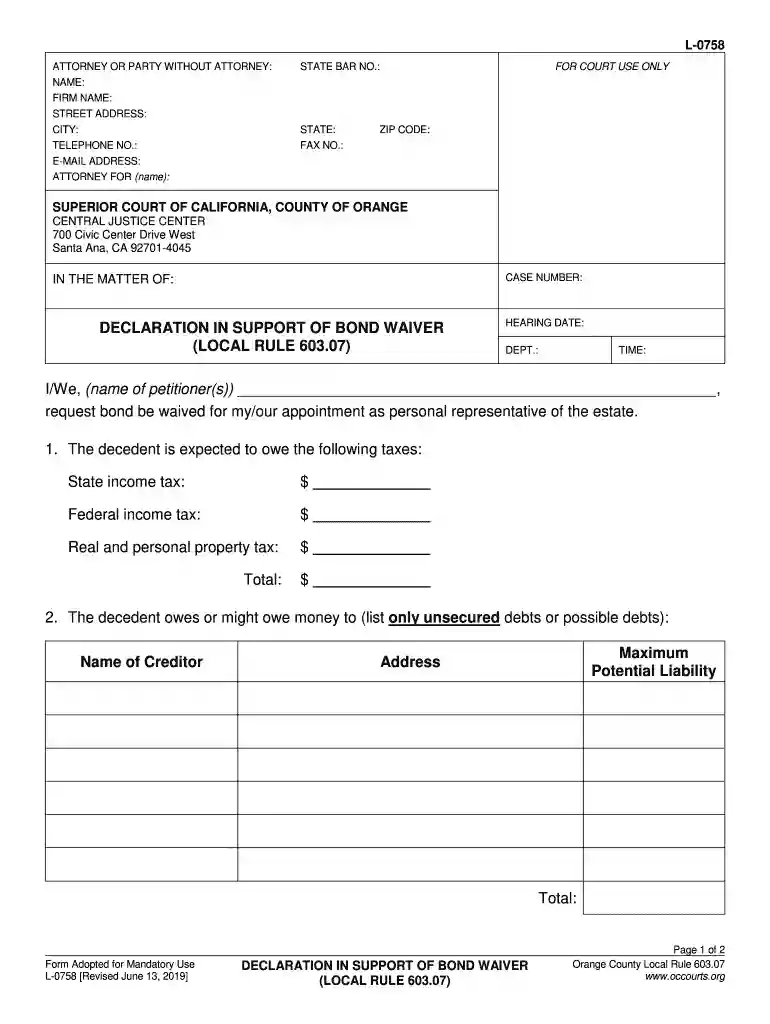
Type text, add images, blackout confidential details, add comments, highlights and more.

Draw your signature, type it, upload its image, or use your mobile device as a signature pad.

Send l 0758 via email, link, or fax. You can also download it, export it or print it out.

Start using our platform today to easily fill out your bond waiver form for free!
We've got more versions of the declaration bond form. Select the right declaration bond version from the list and start editing it straight away!
At DocHub, your data security is our priority. We follow HIPAA, SOC2, GDPR, and other standards, so you can work on your documents with confidence.
Jul 1, 2017 A guardian ad litem or other legal representative with specific authority under law to waive bond must sign for a minor, an incapacitated personRead more
by CUN Cu 2010 ITRC documents and training are products designed to help regulators and others develop a consistent approach to their evaluation, regulatory approval, andRead more
Mar 27, 2026 Waiver of Bond - 344ES. Renunciation of Right to Administration and/or Nomination and/or Waiver of Bond - 302ES. Business Court. Civil CourtRead more


