




01. Edit your memorandum of garnishee online
Type text, add images, blackout confidential details, add comments, highlights and more.

Type text, add images, blackout confidential details, add comments, highlights and more.

Draw your signature, type it, upload its image, or use your mobile device as a signature pad.

Send it via email, link, or fax. You can also download it, export it or print it out.

Start using our platform today to streamline your document editing and ensure a smooth completion of your garnishment memorandum!
We've got more versions of the memorandum of garnishee form. Select the right memorandum of garnishee version from the list and start editing it straight away!
At DocHub, your data security is our priority. We follow HIPAA, SOC2, GDPR, and other standards, so you can work on your documents with confidence.
After a monetary judgment is obtained, a writ of garnishment is available to a creditor to collect non-exempt money owed to a buyer by a third-party. AfterRead more
The statute permits wage garnishments, as a means of obtaining in rem jurisdiction where efforts to obtain in personam jurisdiction over a defendant fail.
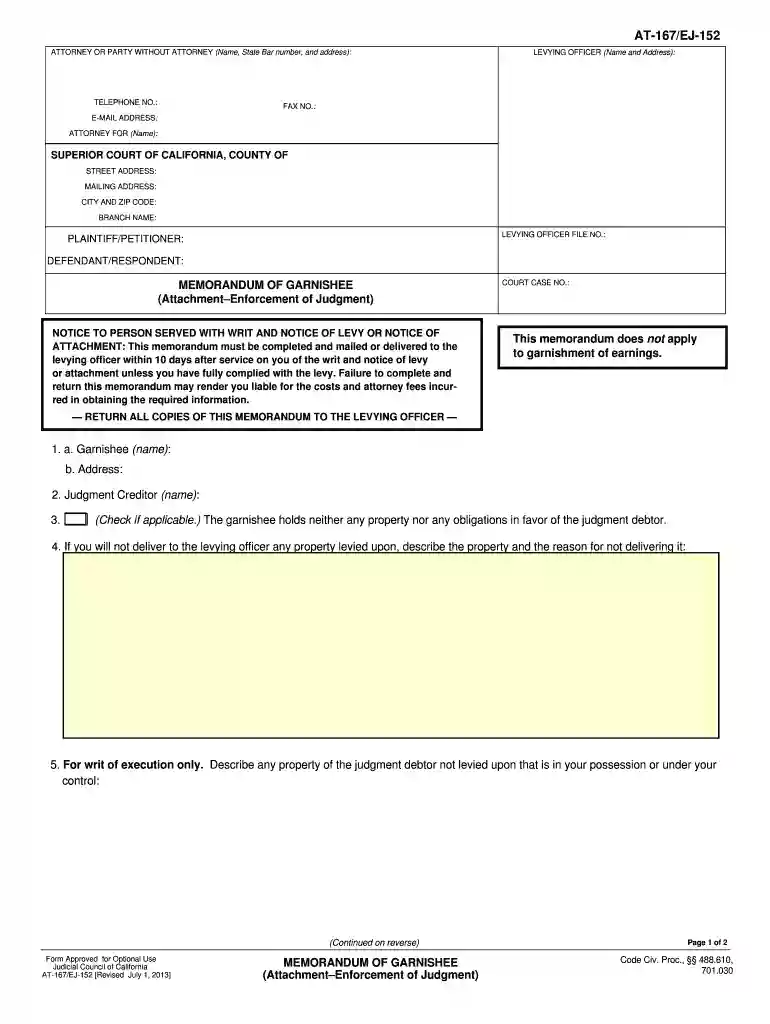
Memorandum of Garnishee (EJ-152) Filled out by the garnishee claimed to have personal property or money of the judgment debtor to tell the sheriff and court


