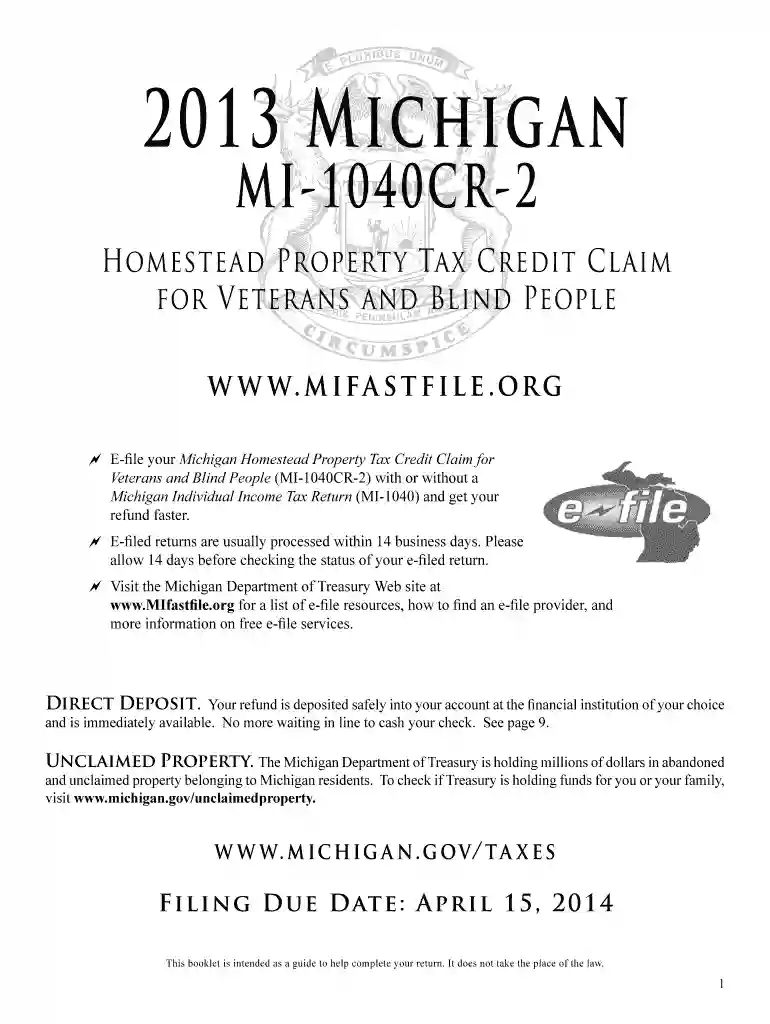
2013 form tax credit claim-2025

Get Form
2013 form tax credit claim Preview on Page 1

Here's how it works

01. Edit your form online
Type text, add images, blackout confidential details, add comments, highlights and more.

02. Sign it in a few clicks
Draw your signature, type it, upload its image, or use your mobile device as a signature pad.

03. Share your form with others
Send it via email, link, or fax. You can also download it, export it or print it out.

How to use or fill out 2013 form tax credit claim with DocHub

Form edit decoration
9.5
Ease of Setup
DocHub User Ratings on G2
9.0
Ease of Use
DocHub User Ratings on G2
  1. Click ‘Get Form’ to open the MI-1040CR-2 in our platform's editor.
  2. Begin by entering your name, address, and Social Security number on lines 1, 2, and 3. Ensure accuracy to avoid delays.
  3. On line 5, select your filing status. If married and filing separately, include both Social Security numbers but only your name.
  4. For line 9, input the taxable value of your homestead from your property tax statement. If over $135,000, you are not eligible for the credit.
  5. Complete lines 10 through 32 by detailing all sources of income to determine total household resources. This includes wages, pensions, and any other income.
  6. Finally, review all entries for accuracy before submitting. Use our platform’s tools to ensure everything is legible and correctly placed.

Start filling out your MI-1040CR-2 form today for free using our editor!

See more 2013 form tax credit claim versions

We've got more versions of the 2013 form tax credit claim form. Select the right 2013 form tax credit claim version from the list and start editing it straight away!
Versions Form popularity Fillable & printable
2023 4.4 Satisfied (46 Votes)
2022 4.3 Satisfied (50 Votes)
2021 4.8 Satisfied (116 Votes)
2020 4.3 Satisfied (180 Votes)
2019 4.1 Satisfied (43 Votes)
2018 4.4 Satisfied (175 Votes)
2017 4.3 Satisfied (112 Votes)
2016 4.2 Satisfied (71 Votes)
2014 4.4 Satisfied (421 Votes)
2013 4.2 Satisfied (37 Votes)
1999 4 Satisfied (58 Votes)
be ready to get more

Complete this form in 5 minutes or less

Get form

Got questions?

We have answers to the most popular questions from our customers. If you can't find an answer to your question, please contact us.
Contact us
To claim a foreign tax credit in Canada, follow these steps: Calculate Your Foreign Income. Determine the Foreign Tax Paid. Complete Form T2209 (Federal Foreign Tax Credits) Complete Schedule T2036 (Provincial or Territorial Foreign Tax Credits) File Your Tax Return.
A taxpayer may be able to claim the foreign tax credit without filing Form 1116 if the following apply: All foreign gross income is passive. A qualified payee statement reports the income and foreign taxes. The total creditable foreign taxes are not more than $300 ($600 for married filing jointly).
Taxpayers who were eligible to claim, but did not claim, an additional child tax credit in previous years have three years after the due date of the return to claim it.
File Form 1116, Foreign Tax Credit, to claim the foreign tax credit if you are an individual, estate or trust, and you paid or accrued certain foreign taxes to a foreign country or U.S. possession. Corporations file Form 1118, Foreign Tax CreditCorporations, to claim a foreign tax credit.
Form 67 can only be submitted online on the e-Filing portal. After logging into the e-Filing portal, select Form 67, prepare and submit the form.

People also ask

Form 8862, Information to Claim Earned Income Credit After Disallowance, is needed when your claim for the Earned Income Credit (EIC) has been disallowed or reduced in a previous year.
As a general rule, you must choose to take either a credit or a deduction for all qualified foreign taxes. If you choose to take a credit for qualified foreign taxes, you must take the credit for all of them. You cannot deduct any of them.
Single filers who paid $300 or less in foreign taxes, and married joint filers who paid $600 or less, can omit filing Form 1116. But using the form enables you to carry forward any unused credit balance to future tax years; without filing Form 1116, you give up this carryover tax break.

Related links