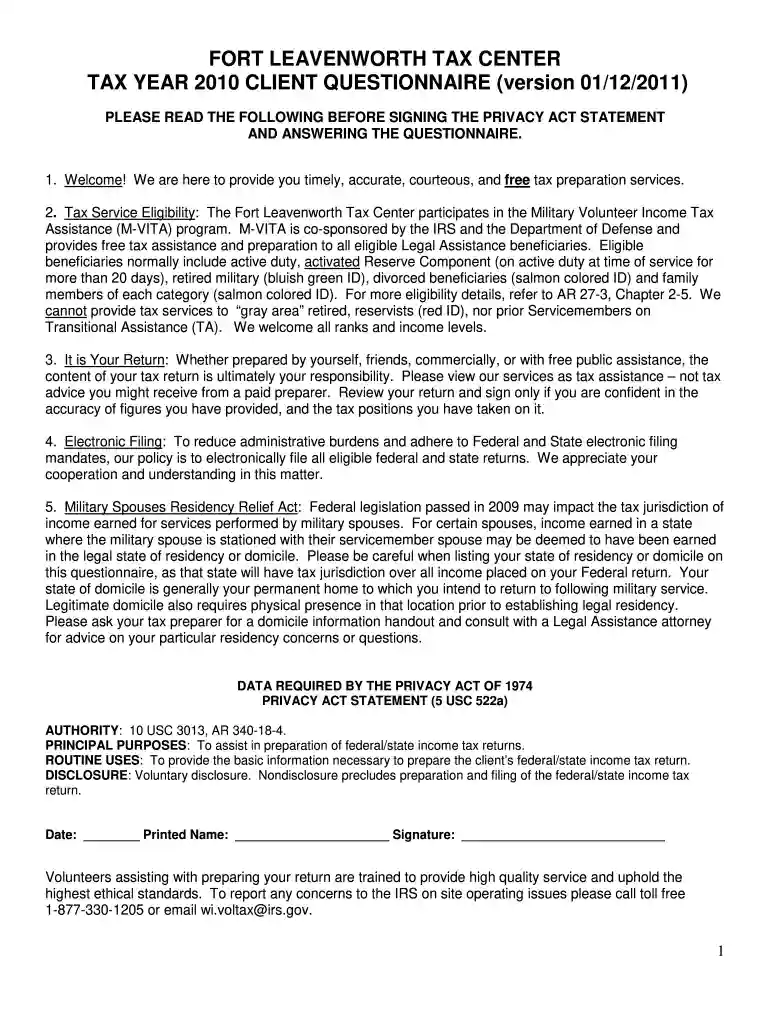
tax return Preview on Page 1

Fort leavenworth tax form 2026

Here's how it works

  • 01. Edit your tax return online

    Type text, add images, blackout confidential details, add comments, highlights and more.

  • 02. Sign it in a few clicks

    Draw your signature, type it, upload its image, or use your mobile device as a signature pad.

  • 03. Share your form with others

    Send fort leavenworth tax center via email, link, or fax. You can also download it, export it or print it out.

How to use or fill out fort leavenworth tax form with our platform

Form edit decoration
9.5
Ease of Setup
DocHub User Ratings on G2
9.0
Ease of Use
DocHub User Ratings on G2
  1. Click ‘Get Form’ to open the Fort Leavenworth Tax Form in the editor.
  2. Begin by entering your personal information in the 'Biographical & Contact Information' section. Ensure that your name matches exactly as it appears on your Social Security Card.
  3. Proceed to the 'Family and Dependent Information' section. List all individuals you supported during the tax year, including their names, dates of birth, and relationships to you.
  4. In the 'Income' section, check all applicable income sources. Be thorough and mark any unsure items with a question mark for later discussion with your preparer.
  5. Complete the 'Adjustments and Deductions' section by indicating any contributions made to an IRA or other relevant deductions.
  6. Finally, review all entries for accuracy before signing at the bottom of the form. Use our platform's features to save and share your completed form easily.

Start using our platform today for free to streamline your tax preparation process!

See more tax return versions

We've got more versions of the tax return form. Select the right tax return version from the list and start editing it straight away!

VersionsForm popularityFillable & printable
20104.8 Satisfied (84 Votes)

be ready to get more

Complete this form in 5 minutes or less

Security and compliance

At DocHub, your data security is our priority. We follow HIPAA, SOC2, GDPR, and other standards, so you can work on your documents with confidence.

Related links

TAX RETURN TRANSCRIPT

How to Submit Signed Document to Barton Financial Aid Office. Drop off in-person to Financial Aid office, Fort Riley, or Fort Leavenworth campus. Mail.Read more

Learn more
SCHEDULE 14A INFORMATION Proxy Statement Pursuant to

Dec 11, 2020 Identify the previous filing by registration statement number, or the Form or Schedule and the date of its filing. (1) Amount Previously Paid: (Read more

Learn more
2016 Individual Income Tax Instructions,

If the taxable income. (line 7, Form K-40) is zero, a return is not required. However, you must file a Kansas individual income tax return to receive any refundRead more

Learn more
If you believe that this page should be taken down, please follow our DMCA take down process here