




01. Edit your form online
Type text, add images, blackout confidential details, add comments, highlights and more.

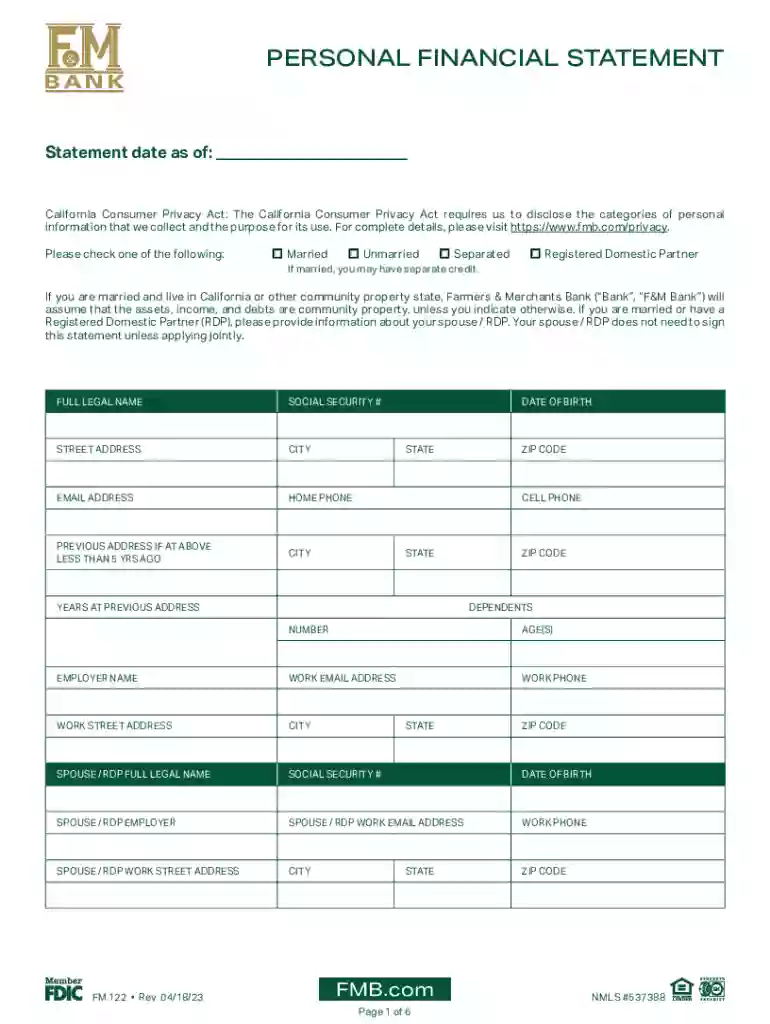
Type text, add images, blackout confidential details, add comments, highlights and more.

Draw your signature, type it, upload its image, or use your mobile device as a signature pad.

Send it via email, link, or fax. You can also download it, export it or print it out.

Start using our platform today to fill out your CALIFORNIA CONSUMER PRIVACY STATEMENT easily and for free!
We've got more versions of the CALIFORNIA CONSUMER PRIVACY STATEMENT form. Select the right CALIFORNIA CONSUMER PRIVACY STATEMENT version from the list and start editing it straight away!
At DocHub, your data security is our priority. We follow HIPAA, SOC2, GDPR, and other standards, so you can work on your documents with confidence.
We adopt this Statement to comply with the California Consumer Privacy Act of 2018 (CCPA) and any terms defined in the CCPA have the same meaning when used inRead more
Mar 13, 2024 The California Consumer Privacy Act of 2018 (CCPA) gives consumers more control over the personal information that businesses collect about them.Read more
In accordance with applicable law, we are not obligated to provide or delete consumer information that is de-identified in response to a consumer request or toRead more


