




01. Edit your form online
Type text, add images, blackout confidential details, add comments, highlights and more.

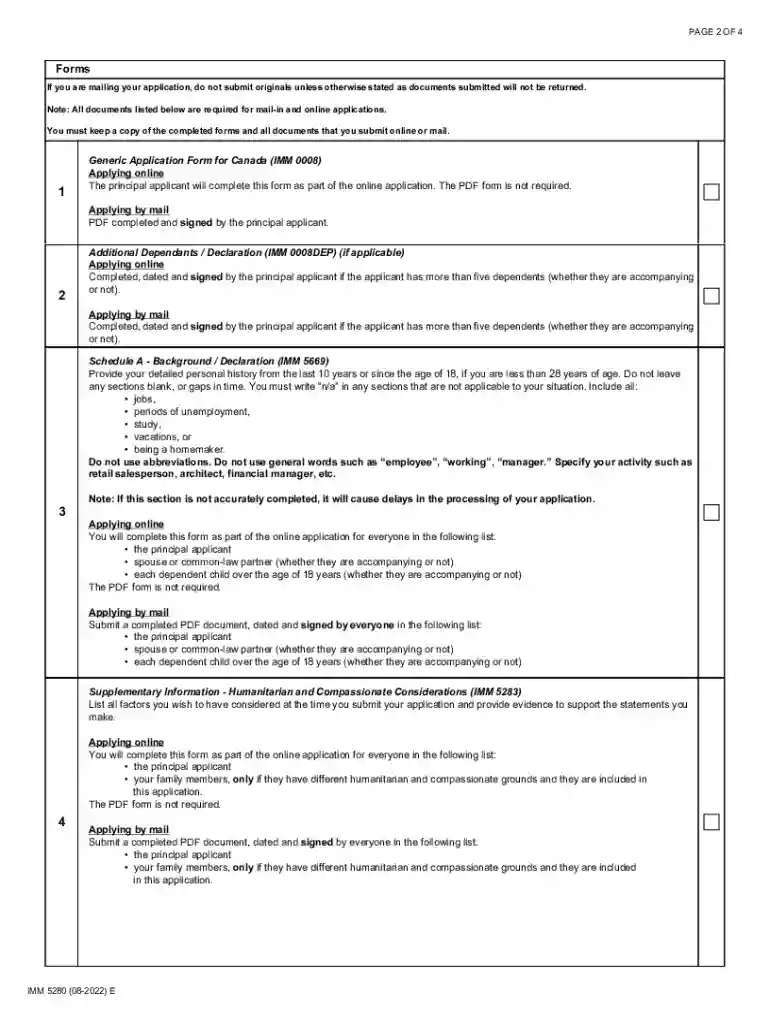
Type text, add images, blackout confidential details, add comments, highlights and more.

Draw your signature, type it, upload its image, or use your mobile device as a signature pad.

Send it via email, link, or fax. You can also download it, export it or print it out.
Form online refers to a digital version of a document that can be filled out, submitted, and processed using an internet-connected device. This method of document handling is part of a broader movement toward digital transformation in business and government operations, allowing for greater efficiency and accessibility. Online forms are widely used across various sectors for tasks such as tax filing, job applications, and order placements. By transforming traditional paperwork into an online format, users can enjoy quicker processing times and reduced reliance on physical document handling.
Using a form online involves several steps to ensure accurate completion and submission. First, access the form through a platform that offers digital forms, such as DocHub. After opening the form, fill in the required fields using the provided tools to input text, select options, or attach digital signatures. Most platforms offer features that guide users through the process, highlighting mandatory fields and indicating any errors in real-time. Once all sections are completed, users can submit the form directly through the platform, often receiving a confirmation or receipt for their records.
Online forms must adhere to specific legal requirements to be considered valid and binding. These requirements include compliance with electronic signature laws such as the ESIGN Act, which ensures that electronic signatures carry the same legal weight as handwritten ones. When using online forms, it is crucial to ensure that personal data is handled in accordance with privacy regulations such as the GDPR or CCPA, depending on your jurisdiction. Platforms like DocHub provide built-in security measures, including encrypted data transmission and authentication protocols, to ensure legal compliance.
Online forms typically include several key elements designed to capture necessary data efficiently:
These elements facilitate the straightforward collection and processing of information, which is essential for various administrative and operational tasks.
State-specific regulations may influence the structure and submission process for certain forms online. For instance, some states in the U.S. may have unique tax filing requirements or specific documentation required for compliance with local laws. When completing an online form, it is important to verify that you are adhering to any specific guidelines relevant to your state's jurisdiction. Platforms often provide state-specific versions of forms or have resources available that outline any regional deviations.
Completing an online form may require the submission of supporting documents. Common documents include identification proofs, financial statements, proof of residency, and any other relevant documentation specific to the form's purpose. Ensure these documents are readily available for upload in digital format, such as PDF or JPEG. Failure to include all necessary attachments can result in processing delays or the rejection of your submission.
There are notable differences between using digital and paper versions of forms. The digital version offers advantages such as ease of access, reduced paper waste, automated input checking, and real-time submission. Digital forms are more efficient for scenarios requiring quick turnarounds or remote submission. Conversely, paper forms may still be relevant in situations where digital access is limited or where physical copies are required for record-keeping. Understanding the benefits and limitations of each format can help in choosing the most effective method for form completion.
We've got more versions of the Humanitarian and Compassionate Considerations Document Checklist form. Select the right Humanitarian and Compassionate Considerations Document Checklist version from the list and start editing it straight away!
At DocHub, your data security is our priority. We follow HIPAA, SOC2, GDPR, and other standards, so you can work on your documents with confidence.
by TP Fadgen 2014 Cited by 1 The paper will compare the humanitarian and compassionate appeal provisions in relevant immigration law allowed to deportees in Canada, New Zealand and the
by JD McLennan 2025 Rather than requiring that each applicant provide specific information and supporting documents, humanitarian and compassionate grounds ought to automaticallyRead more


