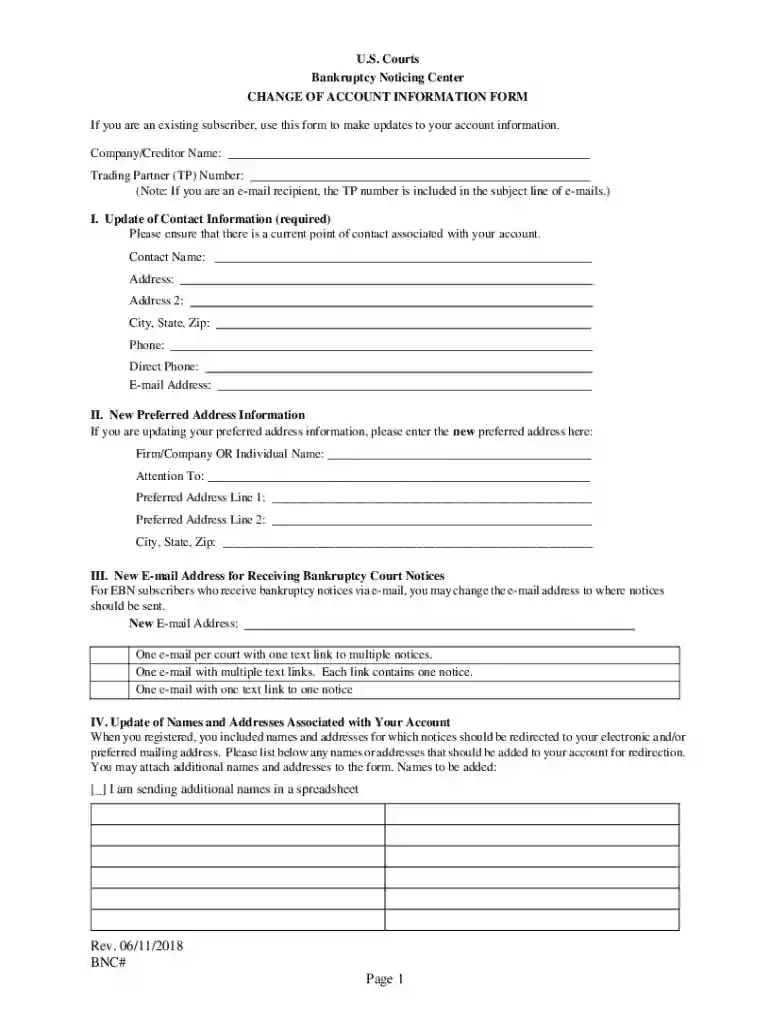
How to Use the Form Online
Using a form online through DocHub is an intuitive process designed to maximize efficiency and ease. The platform allows users to edit, sign, and send documents securely from any device. Here’s how you can utilize it effectively:
-
Accessing the Platform:
- DocHub can be accessed via desktop and mobile web browsers, ensuring you can handle documents without needing dedicated applications.
- You can import documents directly from your computer or cloud storage services like Google Drive, Dropbox, and OneDrive.
-
Editing and Adjusting:
- Use the platform’s comprehensive editor to add text, images, and annotations. Text boxes can be placed anywhere, and images such as logos can be inserted to match your documentation needs.
-
Collaborative Features:
- The collaborative tools allow multiple users to work simultaneously, with options to leave comments and set permissions for viewing or editing.
- Real-time synchronization ensures that everyone sees the most updated version.
-
Creating Fillable Fields:
- Convert documents into interactive templates using the Form Fields manager, which enables you to insert text boxes, checkboxes, and dropdown menus.
-
Electronic Signatures:
- Create legally binding signatures that comply with the ESIGN Act by drawing, typing, or uploading an image of your signature. These can be saved for repeated use.
Steps to Complete the Form Online
Completing a form online with DocHub involves a series of straightforward steps, ensuring all necessary information is captured with precision:
-
Form Selection and Upload:
- Choose or upload your form from available storage options.
- The platform supports various file formats, making it easy to integrate your existing documents.
-
Filling Out Form Fields:
- Use fillable fields like text boxes and dropdowns to input data. Required fields ensure all information is gathered before submission.
-
Adding Signatures:
- Utilize the signature tool to apply your signature or request signatures from others by specifying the signing order and setting reminders.
-
Review and Finalize:
- Thoroughly review the document for accuracy. Use collaboration tools to get input from stakeholders if necessary.
-
Submission:
- Once completed, forms can be saved, shared, or directly emailed to recipients as needed.
Why Should You Form Online
Opting to complete forms online offers several advantages, particularly when using DocHub:
-
Efficiency:
- Save time by avoiding the need for physical paperwork and reducing processing time through electronic submissions.
-
Security:
- 256-bit SSL encryption ensures data safety during transfer and storage.
-
Accessibility:
- Access your work from any internet-enabled device without installing additional software.
-
Collaboration:
- Allows for seamless teamwork and inputs from multiple parties, enhancing the document’s quality and comprehensiveness.
Important Terms Related to Form Online
Understanding key terms related to online forms helps enhance your document workflow:
- Fillable Fields: Interactive fields within a document that can be filled out electronically.
- Electronic Signature: A legally binding signature made digitally to approve or confirm document content.
- OAuth 2.0: A security protocol ensuring secure user authentication and account access.
- Synchronization: A process ensuring that all users have the most updated version of a document in real-time.
Legal Use of the Form Online
Forms completed online using DocHub, especially those requiring signatures, adhere to legal standards:
- Compliance with ESIGN Act: Ensures that electronic signatures are legally recognized, providing the same validity as handwritten signatures.
- Secure Access Protocols: Protect your data and signatures with secure access protocols like OAuth 2.0.
- Audit Trails: Maintain comprehensive records of document changes and actions for accountability.
State-Specific Rules for the Form Online
When dealing with forms that might have legal implications or requirements:
- State Variances: Be aware that some forms may have state-specific fields or requirements. Always check for regional needs as laws can vary.
- Form Types: IRS forms or legal documents like affidavits may have distinct requirements based on state legislation.
Examples of Using the Form Online
Online forms are versatile and can be used across various scenarios:
- Business Operations: Companies can streamline operations by using online forms for agreements, contracts, or HR documentation.
- Education: Schools might use online forms for enrollment, permission slips, or administrative purposes.
- Legal and Tax: Professionals utilize electronic forms for tax filings, client agreements, and compliance documentation.
Form Submission Methods (Online / Mail / In-Person)
Choosing a submission method depends on your needs and document type:
-
Online Submission:
- Most convenient and quickest mode, especially when using DocHub.
- Enables instant sharing and real-time tracking.
-
Mail:
- Still an option for documents requiring physical signatures or paper trails.
-
In-Person:
- Necessary when physical presence and original signatures are mandated, although DocHub also supports remote signing options.
Required Documents
For various forms, you might need the following documents ready:
- Identification Proof: State ID, passport, or driver’s license.
- Supporting Documents: Depending on the form, you may need financial records, previous agreements, or other related documentation.
- Additional Evidence: Sometimes, additional verification like a utility bill or lease agreement is necessary for identity or address confirmation.
Software Compatibility (TurboTax, QuickBooks, etc.)
DocHub is compatible with several software platforms:
-
Google Workspace:
- Integrated directly, allowing easy access and editing of files from Google Drive and Gmail.
-
Other Software:
- While primarily web-based, forms can be exported in various formats compatible with accounting software like QuickBooks or tax software like TurboTax if needed.
-
Document Formats:
- Supports PDF, DOC, XLS, PPT, and more, ensuring seamless interaction with common digital document types.