
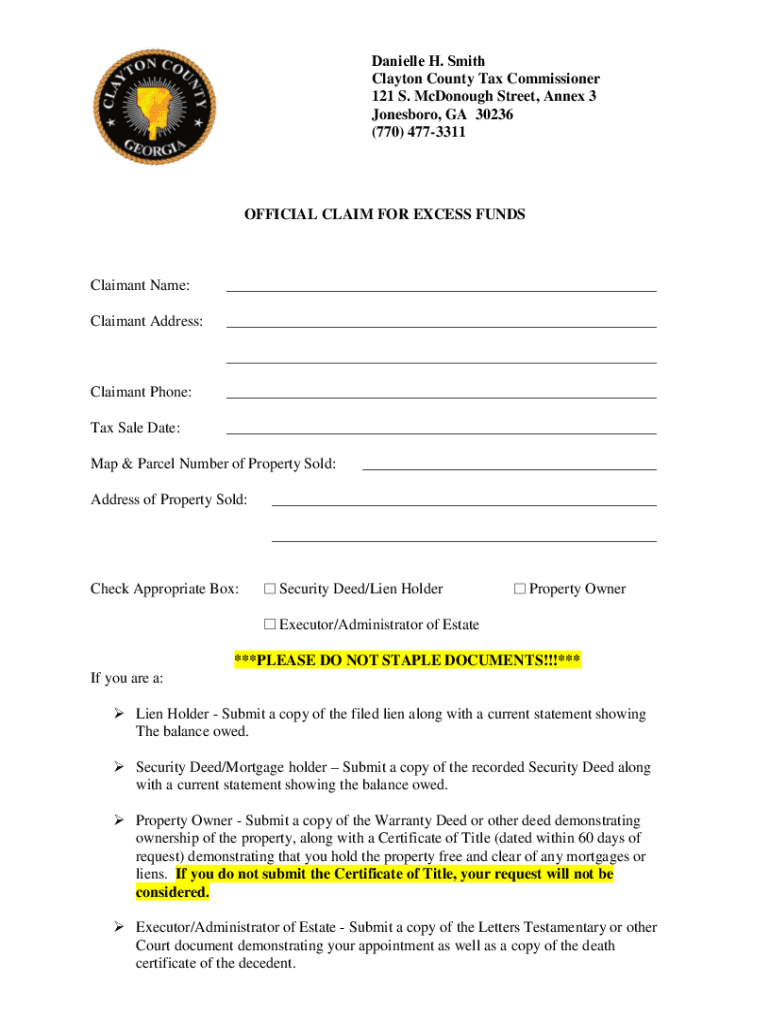







Definition & Meaning
The term "form online" refers to digital documents accessible through the internet, which can be completed, submitted, and processed electronically. This format streamlines traditional paperwork processes, enhancing efficiency in data collection and document management. Online forms cater to various needs, including official applications, surveys, and data entry, providing users with a versatile solution for handling documentation tasks without the constraints of physical paper forms.
Advantages of Using an Online Form
- Convenience: Accessible from anywhere with an internet connection, eliminating the need for physical presence.
- Efficiency: Reduces processing time with instant submission and tracking capabilities.
- Environmentally Friendly: Minimizes paper use, contributing to environmental conservation.
Steps to Complete the Form Online
Successfully completing an online form requires careful attention to detail and adherence to each step in the process. Follow these steps to ensure accurate submission:
-
Access the Platform:
- Navigate to the appropriate website hosting the form, such as the DocHub platform, to access the document.
-
Create or Log Into an Account:
- If necessary, create an account or log in with existing credentials for secure access to the form.
-
Review Processing Instructions:
- Carefully read any instructions or guidance provided to better understand the form requirements and necessary details.
-
Fill Out Required Fields:
- Input all necessary data, ensuring accuracy in fields such as personal information, preferences, or selections. Some fields may be required and must be completed before submission.
-
Attach Supporting Documents:
- Upload any necessary documentation directly within the platform if the form requires supporting evidence or attachments.
-
Review and Validate Information:
- Carefully review all completed sections to ensure each field is filled correctly and no information is missing.
-
Submit the Form:
- Confirm and submit the completed form electronically, using the platform’s built-in submission feature for immediate processing.
-
Confirmation and Tracking:
- After submission, check for a confirmation message or email to ensure the form was successfully received. Track the form's progress, if possible, to know when it has been processed.
Who Typically Uses the Form Online
Various individuals and organizations utilize online forms due to their efficiency and convenience. The primary users include:
- Individuals: For personal applications, reservations, surveys, and feedback.
- Businesses: To gather client information, manage internal data, and streamline operations.
- Government Agencies: For applications, renewals, and public feedback collection.
- Educational Institutions: To enroll students, collect assignments, and manage administrative tasks.


Use Cases
- Employment Applications: Job seekers submit personal information and credentials without visiting a company's HR department physically.
- Event Registrations: Participants register for events, uploading necessary documents and making payments through integrated platforms.
Key Elements of the Form Online
Online forms contain several critical elements that contribute to their functionality and usability:
- Input Fields: Including text boxes, checkboxes, and dropdown menus that allow users to enter and select information.
- Validation Rules: Ensure data accuracy by checking input types and preventing submission of incomplete forms.
- Submission Button: Allows users to finalize their inputs and send the form data electronically.
- Confirmation Messages: Notify users of successful submissions, often accompanied by tracking or reference numbers.
Additional Features
- Auto-Save Functionality: Automatically saves user progress to prevent data loss in case of interruptions.
- Conditional Logic: Displays specific sections based on previous responses, streamlining the user experience.
Legal Use of the Form Online
Online forms are crucial for legal documentation as they ensure compliance with relevant regulations and provide a verifiable digital trail. Legal applications include:
- Contract Agreements: Parties can agree on terms electronically, with legally binding e-signatures.
- Regulatory Filings: Organizations submit necessary compliance documents to regulatory bodies using online forms.
Compliance and Security
- Encryption: Ensures the privacy of sensitive information transmitted through online forms.
- Audit Trails: Maintain records of form submissions for future reference and legal compliance.
State-Specific Rules for the Form Online
State-specific regulations may affect the use and submission of online forms, especially concerning privacy and data handling laws. Key state-specific considerations include:
- California: Compliance with the California Consumer Privacy Act (CCPA) when collecting personal data via forms.
- New York: Adherence to state-specific e-signature laws for documents that require legal binding agreements.
Adjustments Based on Location
- Tax Forms: Different states may have unique tax form requirements, and submitters should ensure they meet local regulations.
- Business Licenses: Procedures and submissions for business forms can vary significantly from state to state.
Required Documents
Depending on the purpose of the form, various supporting documents may be required:
- Proof of Identity: Such as a driver's license or passport.
- Financial Statements: For business-related forms or applications involving financial transactions.
- Legal Documentation: Certificates or licenses relevant to the form's purpose.
Document Preparation Tips
- Ensure that all documents are in an acceptable format (e.g., PDF, DOCX) as specified by the form requirements.
- Verify that all details on supporting documents match the information entered in the form to avoid delays or rejections.
Form Submission Methods (Online / Mail / In-Person)
There are different ways to submit a completed form depending on the available options:
- Online Submission: Utilize the platform's electronic submission feature for rapid, paperless processing.
- Mail Submission: Print and send the completed form and necessary attachments via postal service.
- In-Person Submission: Submit the form directly at designated locations, more typical for high-security document processing.
Pros and Cons
- Online: Fastest method with real-time confirmation but requires internet access.
- Mail: Offers a physical submission option but may take longer due to postal delays.
- In-Person: Ensures immediate receipt but requires travel to submission locations.
By understanding each of these components, users can confidently and efficiently navigate the process of completing and submitting forms online, ensuring compliance, accuracy, and optimal use of digital solutions in document management.




