




Here's how it works

01. Edit your tax delinquent properties for sale list massachusetts online
Type text, add images, blackout confidential details, add comments, highlights and more.

02. Sign it in a few clicks
Draw your signature, type it, upload its image, or use your mobile device as a signature pad.

03. Share your form with others
Send tax lien properties massachusetts via email, link, or fax. You can also download it, export it or print it out.
How to use or fill out Massachusetts CS Tax Lien with our platform

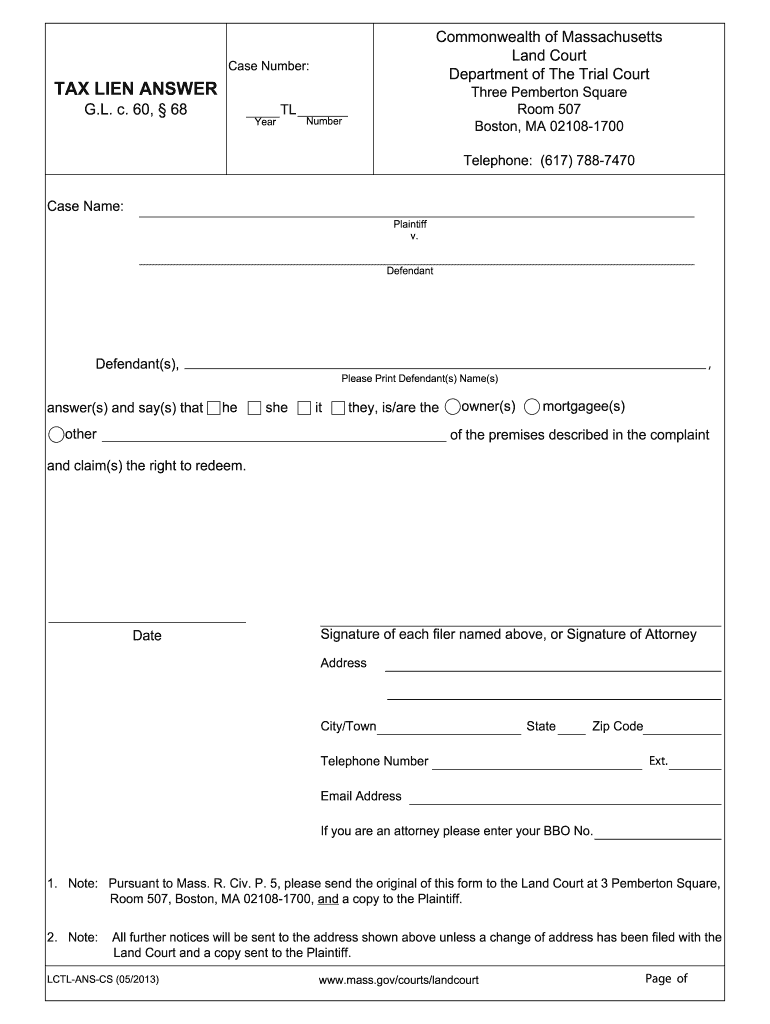
- Click ‘Get Form’ to open the Massachusetts CS Tax Lien in the editor.
- Begin by entering the Case Number and Year at the top of the form. This information is crucial for identifying your case.
- In the 'Case Name' section, clearly print the names of both the Plaintiff and Defendant. Ensure accuracy to avoid any processing delays.
- Next, indicate whether you are an owner or mortgagee of the premises by selecting the appropriate option. This helps clarify your position in relation to the lien.
- Fill in your contact details, including address, city/town, state, zip code, telephone number, and email address. If you are an attorney, include your BBO number as well.
- Finally, ensure that all filers sign and date the form. Remember to send the original to the Land Court and a copy to the Plaintiff as per instructions.
Start using our platform today for free to streamline your document editing and signing process!
Fill out massachusetts cs tax lien online
It's free
It's free
See more massachusetts cs tax lien versions
We've got more versions of the massachusetts cs tax lien form. Select the right massachusetts cs tax lien version from the list and start editing it straight away!
| Versions | Form popularity | Fillable & printable |
|---|---|---|
| 2013 | 4.8 Satisfied (121 Votes) |
Security and compliance
At DocHub, your data security is our priority. We follow HIPAA, SOC2, GDPR, and other standards, so you can work on your documents with confidence.
Learn more


Related forms
Deutsche Post Wert National Claim Form
The document is a form for initiating a search request for lost registered mail in Germany, detailing the necessary info ...
German Tax Relief Application for COVID-19
The document is a request form for tax relief measures due to the impacts of the Coronavirus. It includes applications f ...
French Non-Commercial Income Tax Form 2035-SD
The document outlines the tax regulations for non-commercial income in France, specifically detailing the new 'France Ru ...
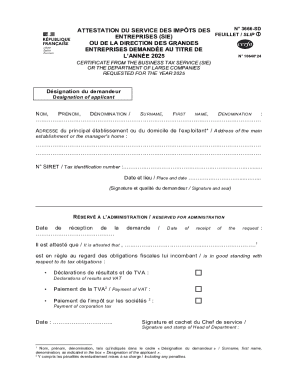
French Business Tax Certificate 2025
The document N° 3666-SD consists of two certificates issued by the tax authorities for the year 2025. The first certific ...

Unemployment Benefits Evaluation Form
The document PR-SD-591 is an evaluation questionnaire from the Division of Unemployment Insurance in Hato Rey, Puerto Ri ...
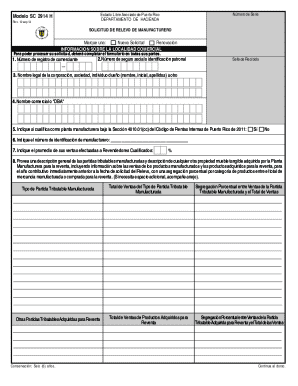
Puerto Rico Manufacturer's Exemption Application
The document is a form (Modelo SC 2914 H) issued by the Department of Treasury of Puerto Rico for manufacturers to apply ...
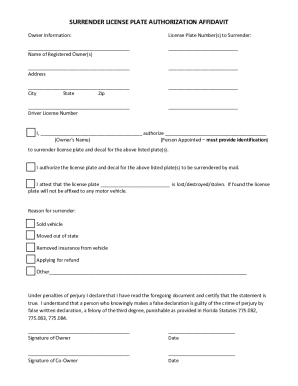
Surrender License Plate Authorization Affidavit
The document is a Surrender License Plate Authorization Affidavit, allowing the registered owner to authorize another pe ...
Business Plan Template
The document provides a comprehensive business plan template that outlines the essential components needed to create a u ...