




01. Edit your form online
Type text, add images, blackout confidential details, add comments, highlights and more.

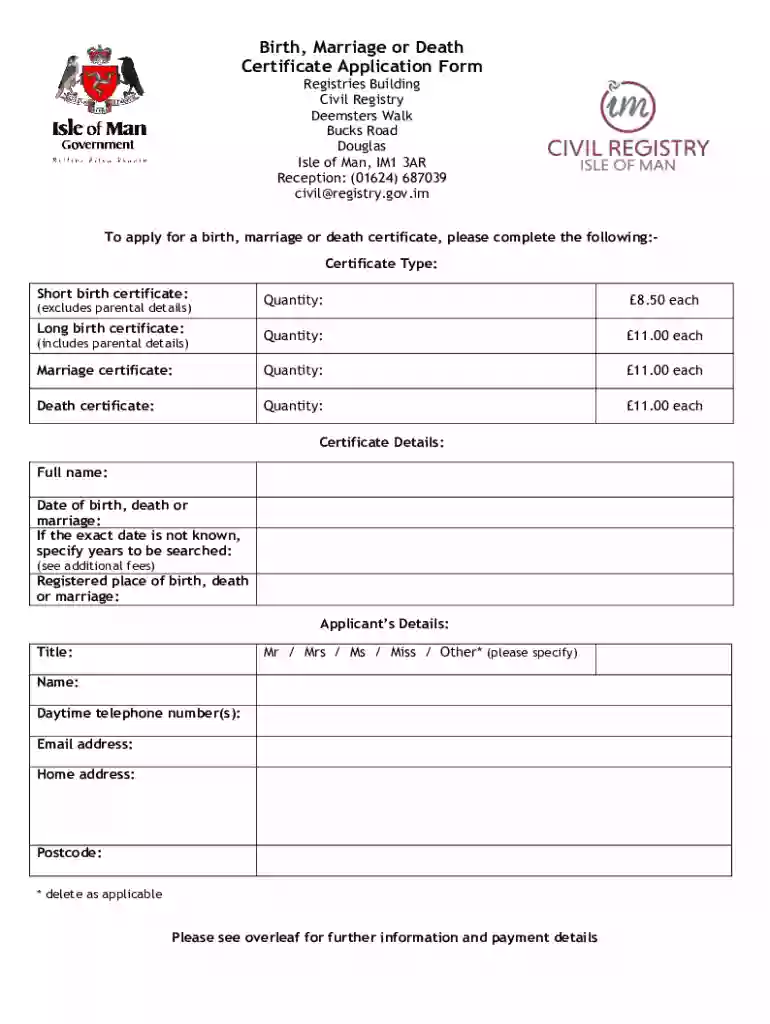
Type text, add images, blackout confidential details, add comments, highlights and more.

Draw your signature, type it, upload its image, or use your mobile device as a signature pad.

Send it via email, link, or fax. You can also download it, export it or print it out.
"Form online" refers to digital forms that can be filled out, submitted, or managed using internet-based platforms. These forms are designed to facilitate processes that traditionally required paper forms, providing a more efficient and accessible alternative. Online forms can cover a wide range of applications, from tax submission to legal documents, and are commonly embedded within software like DocHub. They often include features such as dynamic fields, auto-fill options, and electronic submission capabilities, making them user-friendly and convenient for both individuals and businesses.
Using an online form typically involves a series of straightforward steps designed to simplify the data entry process. Start by accessing the form through a compatible platform like DocHub, ensuring you are connected to a reliable internet source. Upon opening the form, you’ll find fields designed for various types of data entry, such as text, dates, and checkboxes. These fields guide you through what information is required. Digital platforms allow users to save progress, making it easy to return to the form later if needed. Finally, review the completed form for accuracy before submitting it electronically, often with options to email or download the final document.
Forms can be obtained online through multiple channels, depending on the intended use. For government-related forms, official websites like the IRS or state-specific government portals are primary sources where these documents can be located and downloaded. Business documents might be available through legal or financial software solutions, like DocHub, which often bundle accessibility with powerful form management tools. To access these forms, users might need to create an account or authenticate their identity through secure login methods. Documents can then be saved for offline access or bookmarked for quick retrieval in the future.
Completing online forms involves a step-by-step approach designed to ensure precision and comprehensiveness:
Choosing to use forms online offers numerous benefits, primarily revolving around convenience and efficiency. This mode of form submission eliminates the need for physical paper and postage, reducing associated costs. Online forms are typically accompanied by tools that simplify the filling process, such as autofill, data validation, and cloud storage, allowing for real-time collaboration and editing. With the added benefit of environmental sustainability and reduced turnaround times, online forms streamline service delivery and improve accessibility for users who might be geographically dispersed from the form issuer.
When dealing with forms online, several key terms are essential for understanding and effectively using these tools:
Successful completion and utilization of online forms depend on several critical components:
The legal use of online forms encompasses several aspects, ensuring that digital submissions maintain the same validity and compliance as their paper counterparts:
Online forms can be used in numerous scenarios, providing versatility across fields:
These examples illustrate the broad applicability and advantages of transitioning to online forms, highlighting their ability to accommodate diverse needs while maintaining the precision and formality of traditional paper forms.
We've got more versions of the Certificate Application Form form. Select the right Certificate Application Form version from the list and start editing it straight away!
| Versions | Form popularity | Fillable & printable |
|---|---|---|
| 2019 | 4.8 Satisfied (39 Votes) |
At DocHub, your data security is our priority. We follow HIPAA, SOC2, GDPR, and other standards, so you can work on your documents with confidence.


