
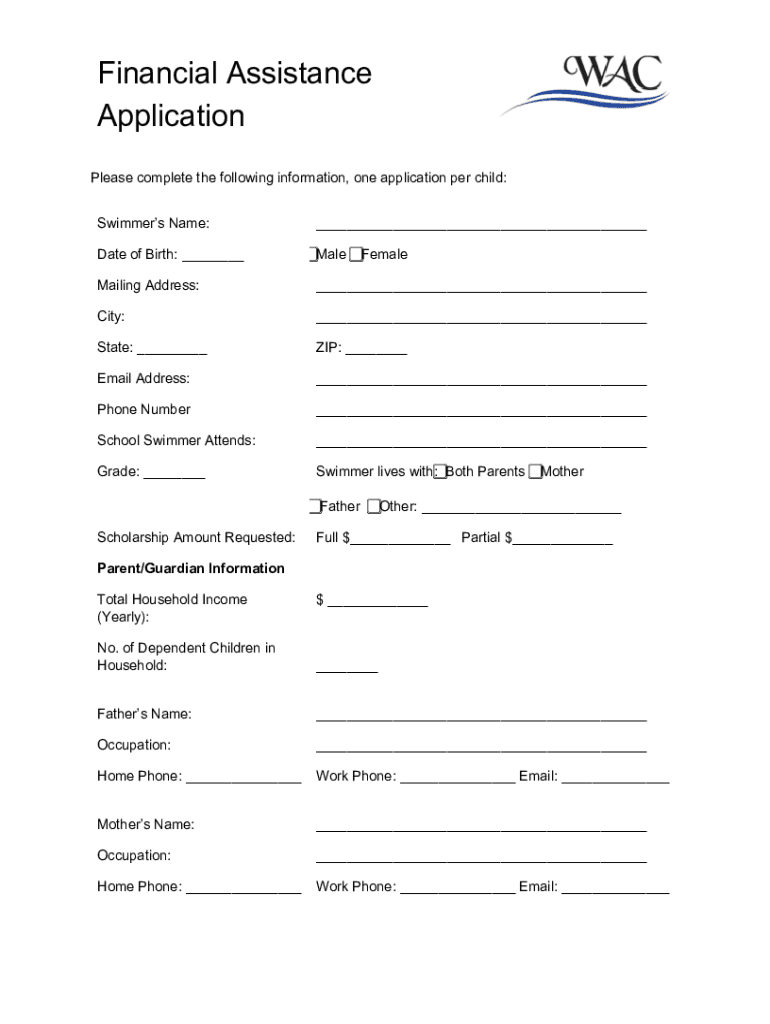







Definition & Meaning
Understanding what it means to "form online" involves recognizing the digital process of completing, submitting, and managing forms electronically rather than using paper-based methods. This method facilitates streamlined data entry, efficient storage, and enhanced accessibility, allowing users to easily create and fill out forms from any location with internet access. Examples include tax forms, legal documents, and application forms, which can now be managed entirely online.
How to Use the Form Online
Using forms online is straightforward, thanks to platforms like DocHub, which offer intuitive interfaces. To begin, users typically log in to the platform, select the form they need, either from a template or by uploading an existing document, and start filling it out. Essential features include:
- Drag-and-drop fields for easy data entry.
- Automated calculations for fields like totals or percentages.
- Real-time collaboration for teamwork on the same form.
- Secure saving to ensure no data loss during the process.
Steps to Complete the Form Online
- Choose the Form Type: Identify the form you need based on your objective, such as a tax form or business application.
- Log Into DocHub: Access your account or create one if you are a new user.
- Upload or Select a Template: Either upload a form from your computer or choose from available templates.
- Use Form Fields: Add text boxes, checkboxes, and other elements as required.
- Review and Edit: Ensure all information is accurate and fields are completed.
- Save and Export: Once satisfied, save the form and export it to your desired format or storage location.
Legal Use of the Form Online
Online forms must comply with legal standards to be considered valid. Platforms like DocHub ensure:
- Compliance with Digital Signature Laws: Such as the ESIGN Act, which grants electronic signatures the same legal standing as handwritten ones.
- Data Encryption: Protects sensitive information during transfer and storage.
- Audit Trails: Provide a record of when and by whom a form was accessed or signed.
Key Elements of the Form Online
Forms completed online typically include:
- Personal Information: Name, address, and contact details.
- Purpose-Specific Fields: Depending on the form type, fields might include financial data or legal consent.
- Signature Field: For validating consent or agreement.
- Requisite Attachments: Areas to upload supporting documents if needed.
Examples of Using the Form Online
Online forms find usage across various scenarios:
- Tax Returns: Completing and submitting returns through online tax platforms.
- Job Applications: Digital forms for employment opportunities fillable through career sites.
- Legal Contracts: Drafting and signing contracts entirely online.
Who Typically Uses the Form Online
A broad spectrum of users takes advantage of online forms:
- Businesses: For internal processes, client agreements, or financial reporting.
- Individuals: Handling personal matters such as applying for services, jobs, or filing taxes.
- Educational Institutions: Managing applications, enrollments, and feedback.


Software Compatibility
Forms completed online need compatibility with other software systems:
- Tax Software: Integration with systems like TurboTax for seamless data transfer.
- Accounting Tools: Works with software like QuickBooks to manage financial documentation.
- Cloud Services: Syncing capabilities with Google Drive, Dropbox, etc.
Steps to Obtain the Form Online
To obtain a form online, follow these steps:
- Identify the Form Needed: Determine the specific type of form you require.
- Access a Platform Like DocHub: Visit the site and log in or create an account.
- Browse Available Templates: Choose from a wide range of pre-existing forms.
- Upload an Existing Document: If you have your own form, upload it to the platform.
- Save to Cloud: Once acquired, save the form to secure cloud storage.
Digital vs. Paper Version
Opting for a digital form over a paper version offers several advantages:
- Ease of Access: Fill out forms from anywhere with internet access.
- Cloud Storage: Protects against data loss due to physical damage.
- Efficiency: Faster completion with features like autofill and bulk editing capabilities.
- Environmentally Friendly: Reduces the need for paper, supporting eco-friendly initiatives.




