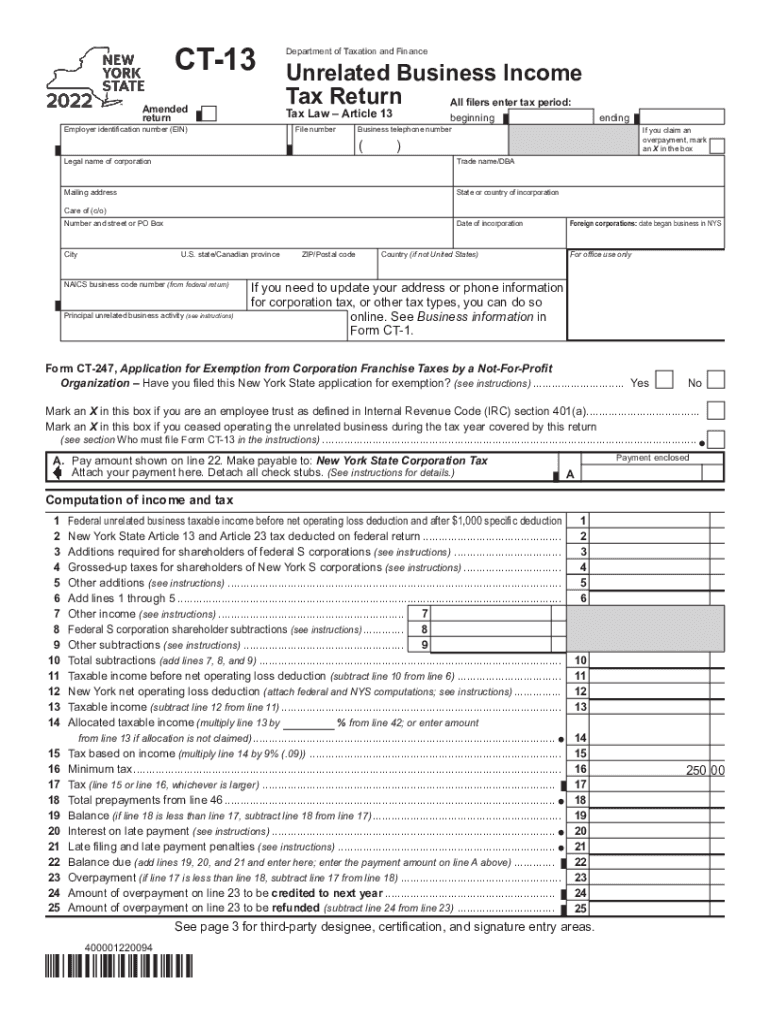
Start using our platform today to fill out Form CT-13 effortlessly and for free!
| Versions | Form popularity | Fillable & printable |
|---|---|---|
| 2025 | 4.7 Satisfied (44 Votes) | |
| 2024 | 4.6 Satisfied (29 Votes) | |
| 2023 | 4.2 Satisfied (25 Votes) | |
| 2022 | 4.6 Satisfied (20 Votes) | |
| 2021 | 4.8 Satisfied (139 Votes) | |
| 2020 | 4.2 Satisfied (37 Votes) | |
| 2019 | 4.3 Satisfied (80 Votes) | |
| 2018 | 4.3 Satisfied (125 Votes) | |
| 2017 | 4.2 Satisfied (68 Votes) | |
| 2014 | 4 Satisfied (20 Votes) | |
| 2012 | 4.3 Satisfied (100 Votes) |
Yes, and it’s really straightforward! DocHub is an online PDF editor with advanced document management functions that allow you quickly adjust your documents, fill out blank fields and add new ones for other people to fill out, and create eSignatures in several ways. Upload your ct 13 instructions, provide information as required, and choose how you want to eSign your template - by typing your name, drawing your signature, uploading its picture, or utilizing a QR code.
You can get and modify your form ct 13 online with the help of DocHub. Its simple yet feature-rich design allows you to start effective work right after you sign up your account. Create your account and add your document, and then our user interface will guide you through our stress-free form completion experience.
At DocHub, your data security is our priority. We follow HIPAA, SOC2, GDPR, and other standards, so you can work on your documents with confidence.
Learn more