
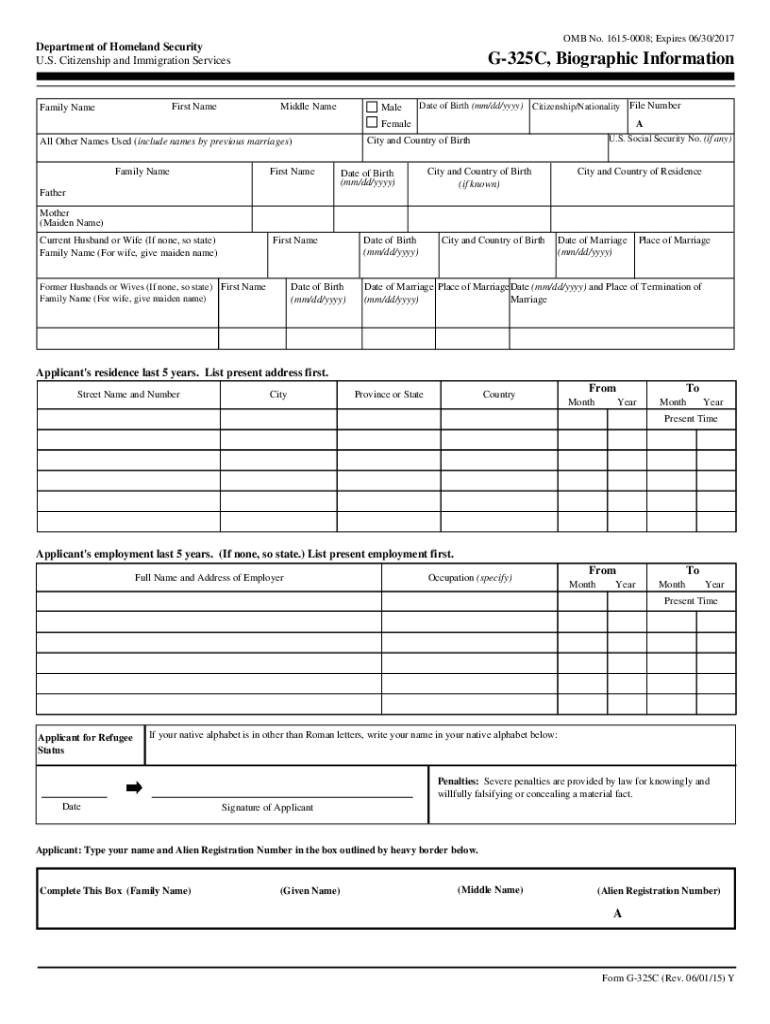







Definition and Meaning of Online Forms
Online forms are digital versions of traditional paper forms, intended to collect user data electronically. These forms are accessible via the internet, allowing users to input and submit their information from any device with web connectivity. The forms can be utilized for various purposes, such as applications, elections, surveys, and registrations. By using online formats, organizations streamline data collection and reduce errors caused by manual entries.
Features of Online Forms
- User Accessibility: Easily accessible from computers, tablets, and smartphones.
- Data Validation: Built-in checks ensure data is entered accurately.
- Ease of Submission: Once filled, forms can be submitted with a click.
- Immediate Confirmation: Users receive instant confirmation of submission.
- Environmentally Friendly: Eliminates paper waste by digitalizing the process.
How to Use the Form Online
Using an online form typically involves navigating to the respective website, entering personal or specified data in designated fields, and submitting the completed form. Most forms come with instructions embedded within the interface to guide users through sections effectively. This intuitive setup enhances user comfort and diminishes the likelihood of errors during completion.
Step-by-Step Usage Guide
- Access the Form: Navigate to the website hosting the form.
- Read Instructions: Before starting, review instructions and mandatory fields.
- Enter Information: Fill out required fields with the correct information.
- Review Input: Check the entered data for potential errors.
- Submit the Form: Click the submit button for processing.
- Save Confirmation: Save or print confirmation of form submission for records.
Steps to Complete the Form Online
Completing an online form involves several structured steps to ensure the process is efficient and accurate. These steps are designed to guide users through each section, ensuring all necessary data is properly captured.
Detailed Process
- Identify Required Information: Gather documents or details needed to fill the form, such as personal identification or financial records.
- Create or Log into Account: Some forms require account creation for identity validation.
- Fill Out All Fields: Ensure all mandatory fields are completed with correct information.
- Upload Supporting Documents: Attach any required documents as specified, such as identification proofs or financial statements.
- Double-Check Entries: Review every field to catch any inaccuracies or omissions.
- Submit: Send the completed form electronically.
- Receive Confirmation: Note the confirmation message or number provided after submission.
Why Should You Use Online Forms
Utilizing online forms offers numerous advantages over traditional methods. They streamline processes, enhance data accuracy, and optimize resource use. As more organizations prioritize digital interactions, the shift to online forms supports sustainable practices and operational efficiency.
Benefits of Online Forms
- Time Efficiency: Reduces the time spent filling out and processing forms via automated systems.
- Cost Savings: Cuts costs related to paper, printing, and mailing.
- Data Safety: Strengthens information security through encrypted networks.
- Convenience: Users have the flexibility to complete forms anytime, anywhere.
- Immediate Processing: Information is processed almost instantly upon form submission.
Key Elements of an Online Form
Online forms incorporate specific elements designed to capture data effectively. These elements help users navigate the form with ease and ensure that all necessary information is collected accurately.
Essential Components
- Text Fields: Areas for users to input textual information, such as name and address.
- Choice Fields: Options like radio buttons and checkboxes for selecting answers.
- Dropdown Menus: Lists that allow selection of a single or multiple options from predefined choices.
- Signature Blocks: Electronic signature fields for authorizations.
- Submit Buttons: Functions for submitting completed forms for processing.
State-Specific Rules for Online Forms
Certain online forms, especially those related to legal, tax, or regulatory functions, may vary based on state regulations. These state-specific differences affect how forms are filled, submitted, and processed.
Considerations for State Differences
- Compliance: Ensure that form details adhere to the specific legal requirements of the relevant state.
- Filing Deadlines: Different states may have varying deadlines.
- Supplemental Material: Some forms may require additional documents based on state laws.
- State-Specific Fields: Forms may include fields unique to the regulatory requirements of a particular state.
Legal Use of Online Forms
Online forms must adhere to legal standards and practices, ensuring that data collected is handled with integrity and used appropriately. Compliance with legal frameworks is crucial, especially for forms involving personal or sensitive information.
Legal Considerations
- Data Protection: Forms should be compliant with data protection laws, such as HIPAA or GDPR for international users.
- E-signature Legality: Ensure electronic signatures are valid under the ESIGN Act.
- Form Content: Content should be truthful, accurate, and not misleading.
- Privacy Policies: Users should have access to privacy policies governing the use of their data.
Who Issues the Form
The issuing authority of an online form is responsible for defining its content, purpose, and submission process. These bodies ensure forms meet regulatory and procedural standards to serve their intended purpose.
Examples of Issuing Authorities
- Government Agencies: Such as USCIS for immigration-related forms.
- Educational Institutions: Schools and universities for application and enrollment forms.
- Corporations: Businesses handling employment or transaction-related documents.
- Financial Institutions: Banks and investment firms for financial statements or loan applications.
Digital vs. Paper Version of Forms
Choosing between digital and paper forms depends on various factors, including convenience, availability, environmental considerations, and user preference. Each format presents unique advantages and challenges.
Comparison of Formats
- Speed and Efficiency: Digital forms can be completed and processed faster than paper versions.
- Accessibility: Digital forms offer broad access, whereas paper forms require physical distribution and collection.
- Environmental Impact: Digital formats reduce paper use and waste, supporting eco-friendly practices.
- Technical Barriers: Digital forms require internet and device access, potentially limiting some users.
- Record Keeping: Digital submissions provide electronic records, while papers may require physical storage.
Adhering to these structured guidelines ensures that users have access to comprehensive, useful, and detailed information about using online forms efficiently and effectively.




