
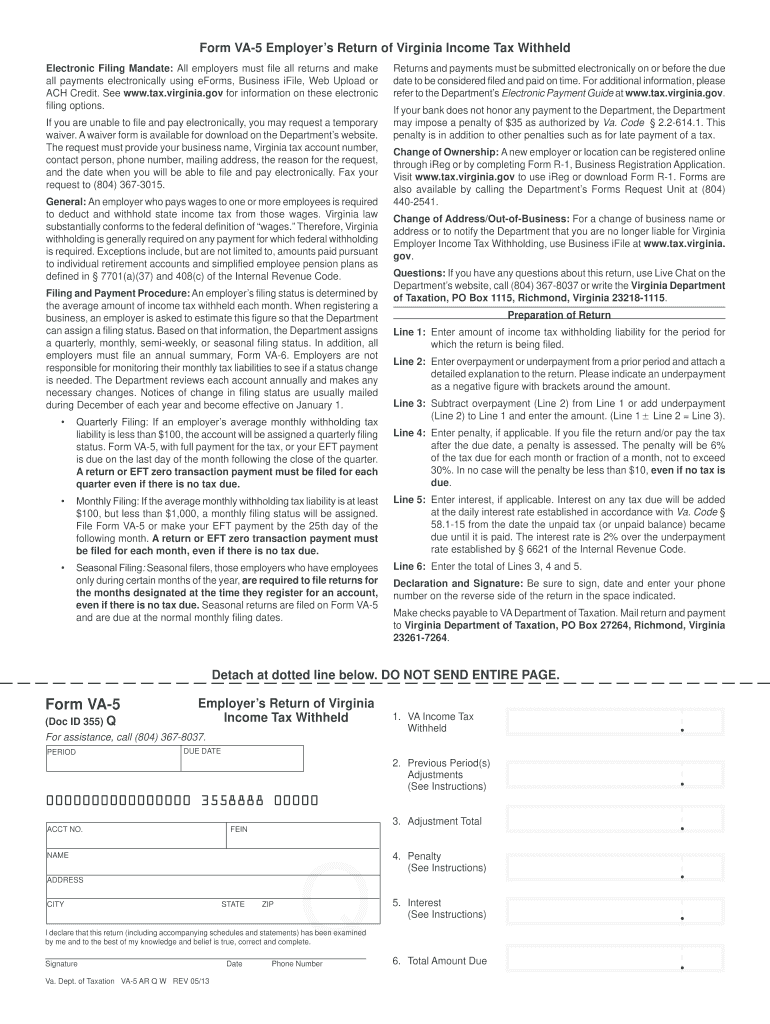




Here's how it works

01. Edit your va 5 online online
Type text, add images, blackout confidential details, add comments, highlights and more.

02. Sign it in a few clicks
Draw your signature, type it, upload its image, or use your mobile device as a signature pad.

03. Share your form with others
Send it via email, link, or fax. You can also download it, export it or print it out.
How to use or fill out VA 5 Form 2007 with DocHub

- Click ‘Get Form’ to open the VA 5 Form in our editor.
- Begin by entering your business name, Virginia tax account number, and contact information in the designated fields at the top of the form.
- For Line 1, input the total amount of income tax withholding liability for the period being reported.
- In Line 2, indicate any overpayment or underpayment from a previous period. Remember to denote an underpayment as a negative figure using brackets.
- Calculate Line 3 by subtracting any overpayment (Line 2) from Line 1 or adding any underpayment (Line 2) to Line 1.
- If applicable, enter any penalties on Line 4. This is calculated as a percentage of the tax due for late filings.
- Complete Line 5 with any interest owed on unpaid taxes, following the guidelines provided in the instructions.
- Finally, ensure you sign and date the form on the reverse side and provide your phone number before submitting it electronically.
Start filling out your VA 5 Form today using our platform for free!
Fill out va 5 form 2007 online
It's free
It's free
See more va 5 form 2007 versions
We've got more versions of the va 5 form 2007 form. Select the right va 5 form 2007 version from the list and start editing it straight away!
Security and compliance
At DocHub, your data security is our priority. We follow HIPAA, SOC2, GDPR, and other standards, so you can work on your documents with confidence.
Learn more


Related forms
Stylist Contract Template
The Stylist Contract Template is a legally binding agreement between a stylist and a client for the provision of styling ...
Storage License Agreement Template
The Storage License Agreement outlines the terms under which a Licensor grants a Licensee the right to use specified sto ...
Daycare Contract Template
The Daycare Service Agreement outlines the terms and conditions for daycare services between a provider and a client. It ...
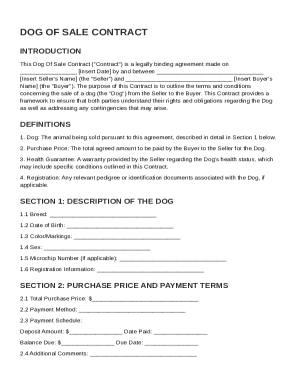
Dog Of Sale Contract Template
The Dog of Sale Contract is a legally binding agreement between a Seller and a Buyer outlining the terms of the sale of ...
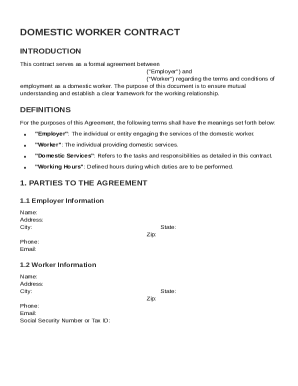
Domestic Worker Contract Template
The document is a formal Domestic Worker Contract outlining the terms and conditions of employment between an Employer a ...
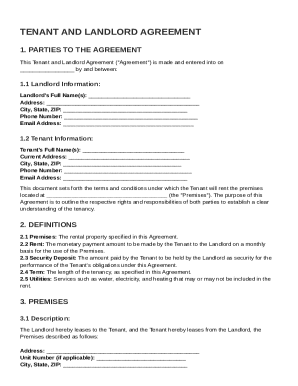
Tenant and Landlord Agreement Template
The document is a Tenant and Landlord Agreement that outlines the terms and conditions of a rental arrangement between a ...
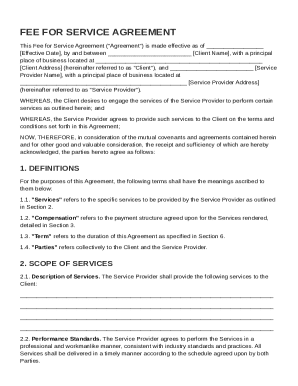
Fee for Service Agreement Template
The Fee for Service Agreement outlines the terms and conditions between a Client and a Service Provider for the provisio ...
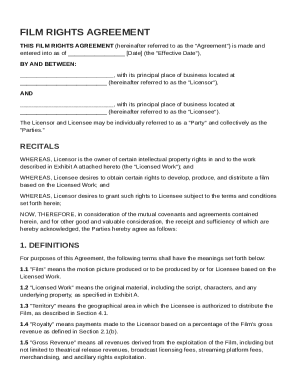
Film Rights Agreement Template
The Film Rights Agreement outlines the terms under which a Licensor grants a Licensee the rights to develop, produce, an ...