




01. Edit your rents rider form online
Type text, add images, blackout confidential details, add comments, highlights and more.

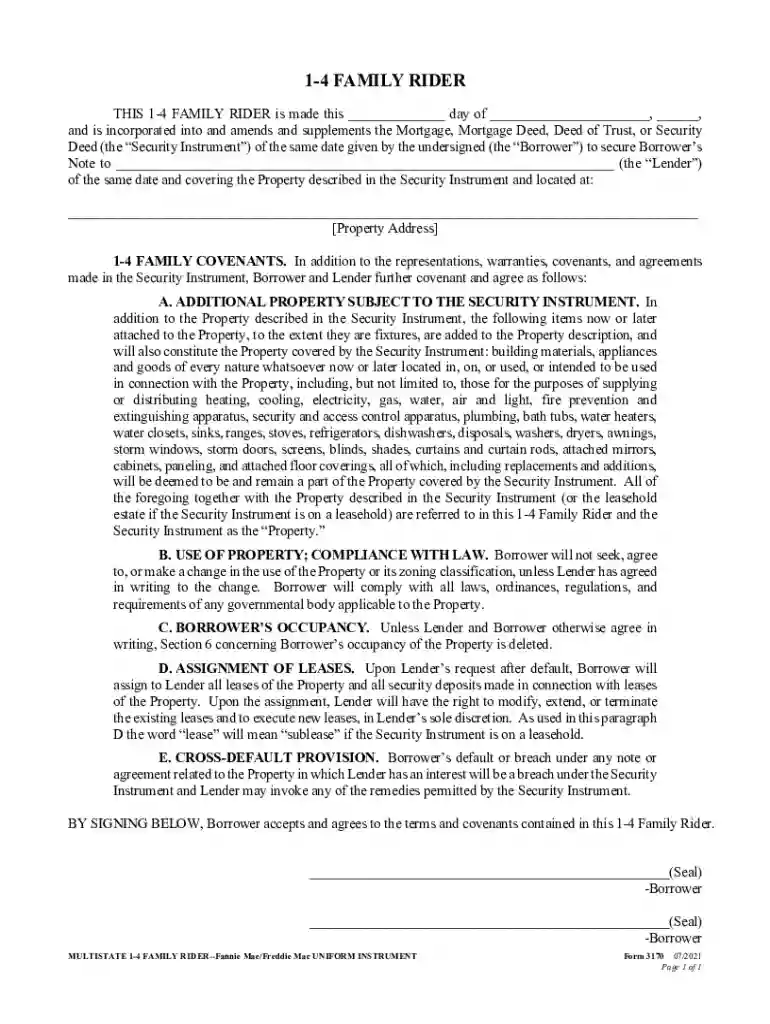
Type text, add images, blackout confidential details, add comments, highlights and more.

Draw your signature, type it, upload its image, or use your mobile device as a signature pad.

Send fnma form 3170 via email, link, or fax. You can also download it, export it or print it out.

Start using our platform today to easily fill out your 1-4 Family Rider for free!
We've got more versions of the rents rider form form. Select the right rents rider form version from the list and start editing it straight away!
Upload your form 3170 rider to DocHub (once you’ve created an account for this). If you need to fill out fields in it, use appropriate tools from the top pane. For example, drop Signature Fields, assign each to a particular party, and click on Sign → Request signatures from others. Personalize your message for your recipients and click Send Request. You can also send your document by fax or as a Signing link instead of using email (you’ll locate these options by navigating to the Menu → Send)
As a comprehensive document editing service, DocHub is accessible on mobile devices. Open DocHub in your choice of mobile browser and employ our intelligent mobile-friendly toolset to fill out your 1 4 family rider.
At DocHub, your data security is our priority. We follow HIPAA, SOC2, GDPR, and other standards, so you can work on your documents with confidence.
UGA Paratransit Services provides rides for people who have been temporarily injured and are unable to navigate to a fixed bus route.
Apr 6, 2023 This rider amends and supplements the security instrument to attach items listed in this rider to the property to the extent they are


