




Here's how it works

01. Edit your medicare medical necessity form online
Type text, add images, blackout confidential details, add comments, highlights and more.

02. Sign it in a few clicks
Draw your signature, type it, upload its image, or use your mobile device as a signature pad.

03. Share your form with others
Send form medical necessity via email, link, or fax. You can also download it, export it or print it out.
How to use or fill out form medical necessity with our platform

- Click ‘Get Form’ to open the Certificate of Medical Necessity in the editor.
- In Section C, provide a detailed narrative description of all items ordered, including accessories and options. Ensure you include the product model and serial number if applicable.
- List the supplier's charge for each item, accessory, and option next to their respective descriptions.
- Include the Medicare Fee Schedule Allowance for each item listed. This information is crucial for processing.
- Move to Section D where the physician must attest by signing and dating the form. This confirms that they have reviewed Sections A, B, and C.
Start filling out your Certificate of Medical Necessity today for free using our platform!
Fill out form medical necessity online
It's free
It's free
See more form medical necessity versions
We've got more versions of the form medical necessity form. Select the right form medical necessity version from the list and start editing it straight away!
Security and compliance
At DocHub, your data security is our priority. We follow HIPAA, SOC2, GDPR, and other standards, so you can work on your documents with confidence.
Learn more


Related forms
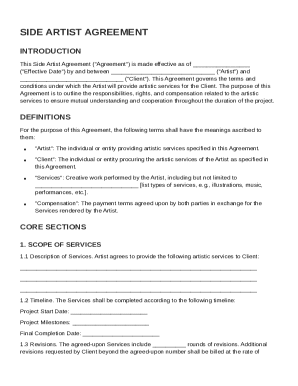
Side Artist Agreement Template
The Side Artist Agreement outlines the terms and conditions between an Artist and a Client for the provision of artistic ...
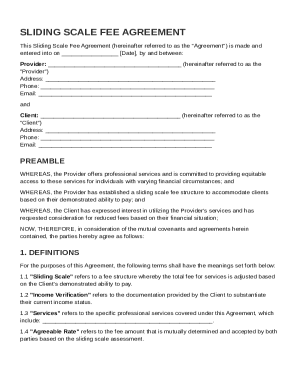
Sliding Scale Agreement Template
The Sliding Scale Fee Agreement outlines the terms between a service Provider and a Client regarding a fee structure tha ...
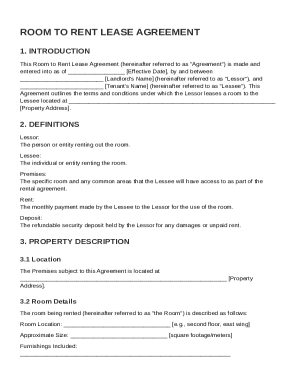
Room to Rent Lease Agreement Template
The document is a Room to Rent Lease Agreement outlining the terms and conditions for leasing a room from a landlord (Le ...
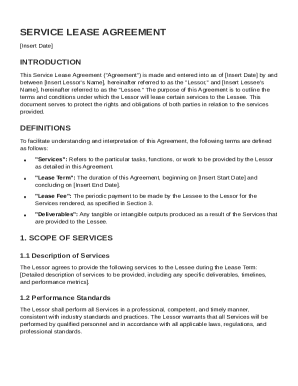
Service Lease Agreement Template
The Service Lease Agreement outlines the terms and conditions under which a Lessor provides specific services to a Lesse ...
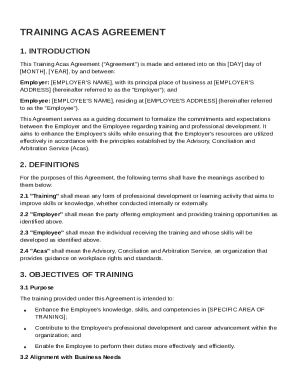
Training Acas Agreement Template
The Training Acas Agreement formalizes the commitments between an Employer and an Employee regarding training and profes ...
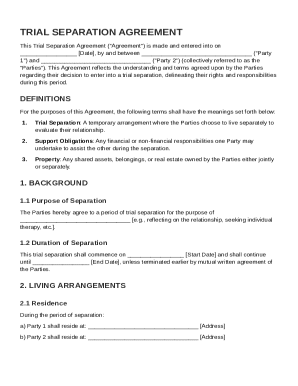
Trial Separation Agreement Template
The Trial Separation Agreement outlines the terms and conditions agreed upon by two parties entering a trial separation. ...
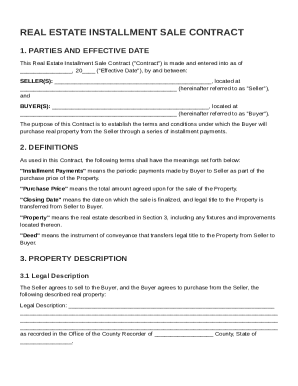
Real Estate Installment Sale Contract Template
The document is a Real Estate Installment Sale Contract outlining the terms and conditions for the sale of real property ...

Receipt Contract Template
The Receipt Contract Template establishes the terms and conditions for issuing a receipt for goods or services, serving ...