




Here's how it works

01. Edit your form online
Type text, add images, blackout confidential details, add comments, highlights and more.

02. Sign it in a few clicks
Draw your signature, type it, upload its image, or use your mobile device as a signature pad.

03. Share your form with others
Send it via email, link, or fax. You can also download it, export it or print it out.
How to use or fill out bill sale government form with our platform

- Click ‘Get Form’ to open the bill sale government form in the editor.
- Begin by entering the 'Vessel Name' and 'Official Number or Other Unique Identifier' in the designated fields.
- Fill in the 'Person Executing Instrument' section, including their name, title, and agency address if applicable.
- Provide details regarding the court or forfeiture information, indicating whether the vessel was sold pursuant to administrative forfeiture or court order.
- List the names and addresses of all buyers in section five, specifying the total interest transferred and manner of ownership.
- Indicate the consideration received for the vessel. Ensure all necessary signatures are included in sections eight and nine.
- Complete the acknowledgment section with a notary public's information to validate your document.
Start using our platform today to fill out your bill sale government form easily and for free!
Fill out bill sale government form online
It's free
It's free
See more bill sale government form versions
We've got more versions of the bill sale government form form. Select the right bill sale government form version from the list and start editing it straight away!
Security and compliance
At DocHub, your data security is our priority. We follow HIPAA, SOC2, GDPR, and other standards, so you can work on your documents with confidence.
Learn more


Related forms
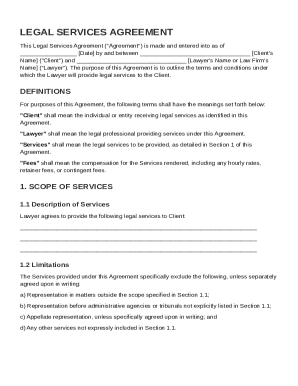
Lawyer Contract Template
The Legal Services Agreement outlines the terms and conditions under which a lawyer will provide legal services to a cli ...
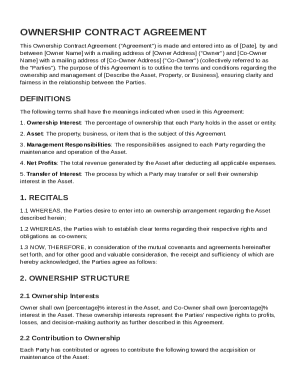
Ownership Contract Template
The Ownership Contract Agreement outlines the terms and conditions between an Owner and a Co-Owner regarding their share ...
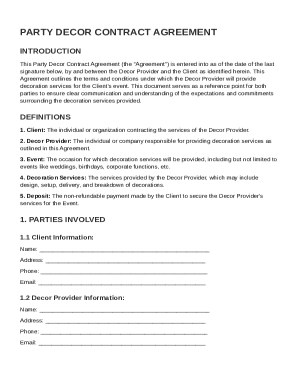
Party Decor Contract Template
The Party Decor Contract Agreement outlines the terms and conditions for decoration services provided by a Decor Provide ...
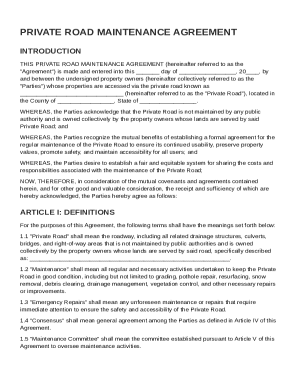
Private Road Maintenance Agreement Template
The Private Road Maintenance Agreement outlines the responsibilities and procedures for maintaining a privately owned ro ...
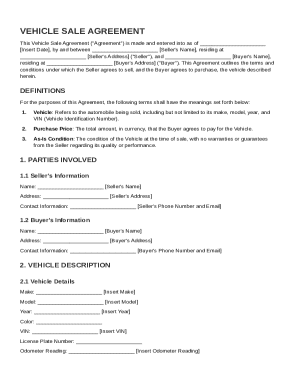
Sell Car Contract Template
The Vehicle Sale Agreement is a legal document outlining the terms and conditions for the sale of a vehicle between a Se ...
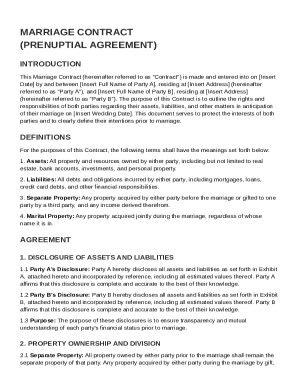
Marriage Contract Template
The document is a Marriage Contract (Prenuptial Agreement) between two parties, outlining their rights and responsibilit ...
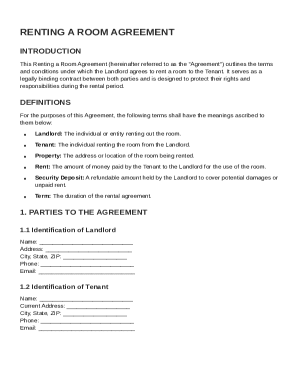
Renting a Room Agreement Template
The Renting a Room Agreement is a legally binding contract between a Landlord and Tenant that outlines the terms and con ...
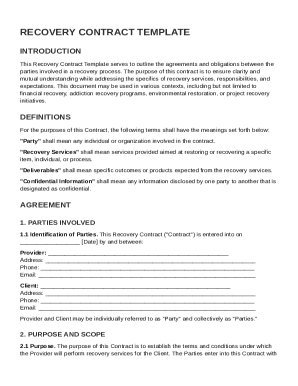
Recovery Contract Template
The Recovery Contract Template outlines the agreements and obligations between parties involved in a recovery process, d ...