




01. Edit your jackson dental professionals online
Type text, add images, blackout confidential details, add comments, highlights and more.

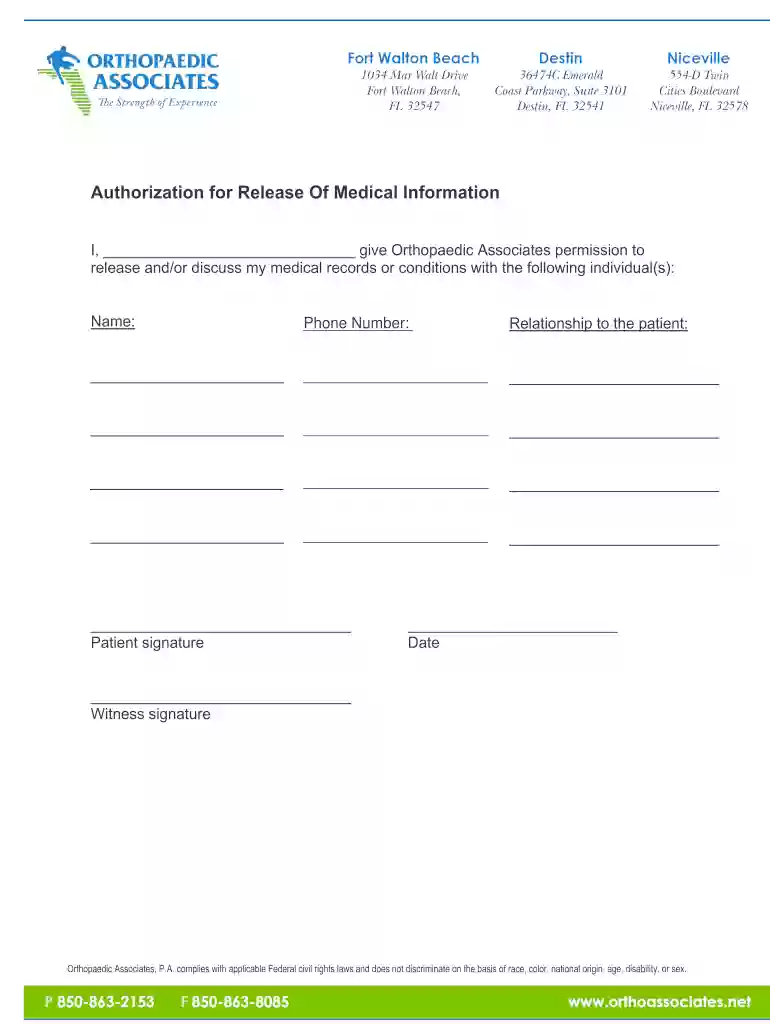
Type text, add images, blackout confidential details, add comments, highlights and more.

Draw your signature, type it, upload its image, or use your mobile device as a signature pad.

Send it via email, link, or fax. You can also download it, export it or print it out.

Start filling out your Dental Patient Forms today using our platform for free!
We've got more versions of the jackson dental professionals form. Select the right jackson dental professionals version from the list and start editing it straight away!
Electronic signatures are a great alternative to traditional signing, as they save time, effort, and costs people spend on printing, scanning, and paper delivery. You can eSign your Dental Patient Forms - Jackson Dental Professionals using a trustworthy and robust online document processing tool like DocHub. It complies with primary eSignature policies (ESIGN and UETA), so all forms approved there are legally binding and have the same validity as physically signed ones.
It is a no-brainer on a computer or via a mobile device to complete a Dental Patient Forms - Jackson Dental Professionals with DocHub. All you need to do is open any installed internet browser on your smartphone and go to the DocHub website. Once authenticated, add your file and open it in editing mode. Use our toolbar to make your edits and save modifications. Optionally, keep your document in your files or send it to a recipient on the spot.
At DocHub, your data security is our priority. We follow HIPAA, SOC2, GDPR, and other standards, so you can work on your documents with confidence.
JACKSON COLLEGE. DEPARTMENT OF DENTAL HYGIENE. PATIENT INFORMATION AND CONSENT FORM. PATIENT CARE SERVICES. You have requested an appointment in the JacksonRead more
by N Parmar 2018 Cited by 180 In this paper, we focus on the role of social media in dentistry. Specifically, we explore patients and dentists attitudes toward social media usage.Read more


