




Here's how it works

01. Edit your orsttw h online
Type text, add images, blackout confidential details, add comments, highlights and more.

02. Sign it in a few clicks
Draw your signature, type it, upload its image, or use your mobile device as a signature pad.

03. Share your form with others
Send or stt wages via email, link, or fax. You can also download it, export it or print it out.
How to use or fill out oregon stt transit tax with our platform

- Click ‘Get Form’ to open the Oregon STT Transit Tax Employee Detail Report in the editor.
- Begin by entering your business name and identification number (BIN) at the top of the form. This information is crucial for identifying your business.
- Next, input your Federal Employer Identification Number (FEIN). Ensure that this number is accurate to avoid any processing delays.
- Fill in the total subject wages for the quarter and year. This amount must match the total in the 'Subject wages' box of your quarterly or annual STT form.
- List each employee's Social Security Number (SSN), first initial, and last name in the designated fields. Be diligent as incorrect SSNs may lead to penalties.
- For each employee, enter their total subject wages and the statewide transit tax withheld in the corresponding columns.
- Finally, calculate and enter column totals at the bottom of the form to ensure all data is accounted for before submission.
Start using our platform today to fill out your Oregon STT Transit Tax form online for free!
Fill out oregon stt transit tax online
It's free
See more oregon stt transit tax versions
We've got more versions of the oregon stt transit tax form. Select the right oregon stt transit tax version from the list and start editing it straight away!
Security and compliance
At DocHub, your data security is our priority. We follow HIPAA, SOC2, GDPR, and other standards, so you can work on your documents with confidence.
Learn more


Related forms
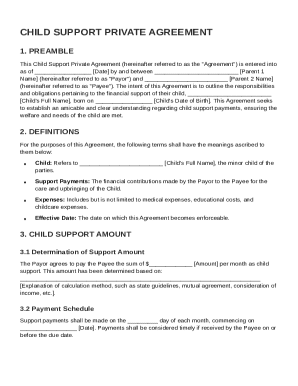
Child Support Private Agreement Template
The Child Support Private Agreement outlines the financial responsibilities of two parents regarding the support of thei ...
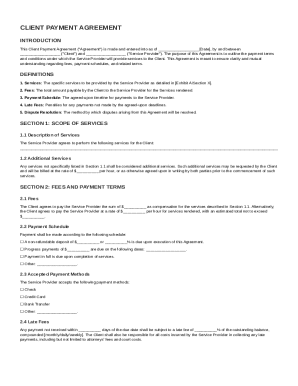
Client Payment Agreement Template
The Client Payment Agreement outlines the payment terms and conditions between a Client and a Service Provider for servi ...
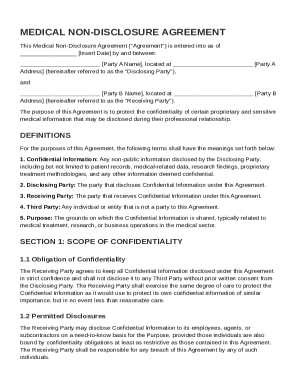
Medical Non Disclosure Agreement Template
The Medical Non-Disclosure Agreement establishes a legal framework between two parties to protect the confidentiality of ...
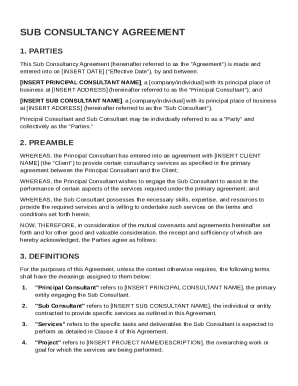
Sub Consultancy Agreement Template
The document is a Sub Consultancy Agreement between a Principal Consultant and a Sub Consultant, outlining the terms of ...
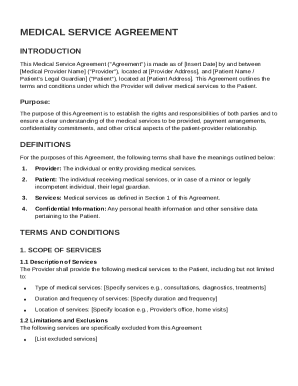
Medical Service Agreement Template
The Medical Service Agreement outlines the terms and conditions between a medical provider and a patient regarding the d ...
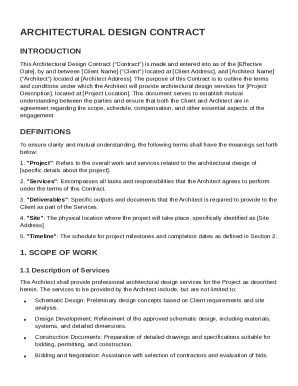
Architectural Design Contract Template
The Architectural Design Contract outlines the agreement between a Client and an Architect for architectural design serv ...
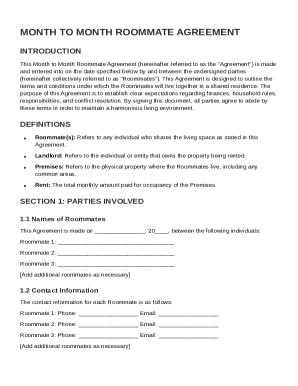
Month to Month Roommate Agreement Template
The Month to Month Roommate Agreement outlines the terms and conditions for individuals sharing a residence, including f ...
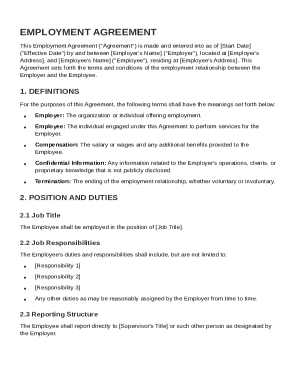
Employer Employee Contract Template
This Employment Agreement outlines the terms and conditions of employment between the Employer and Employee, including d ...