




Here's how it works

01. Edit your colorado net tangible benefit form online
Type text, add images, blackout confidential details, add comments, highlights and more.

02. Sign it in a few clicks
Draw your signature, type it, upload its image, or use your mobile device as a signature pad.

03. Share your form with others
Send net tangible benefit form via email, link, or fax. You can also download it, export it or print it out.
How to use or fill out Colorado Tangible Net Benefit Disclosure with our platform

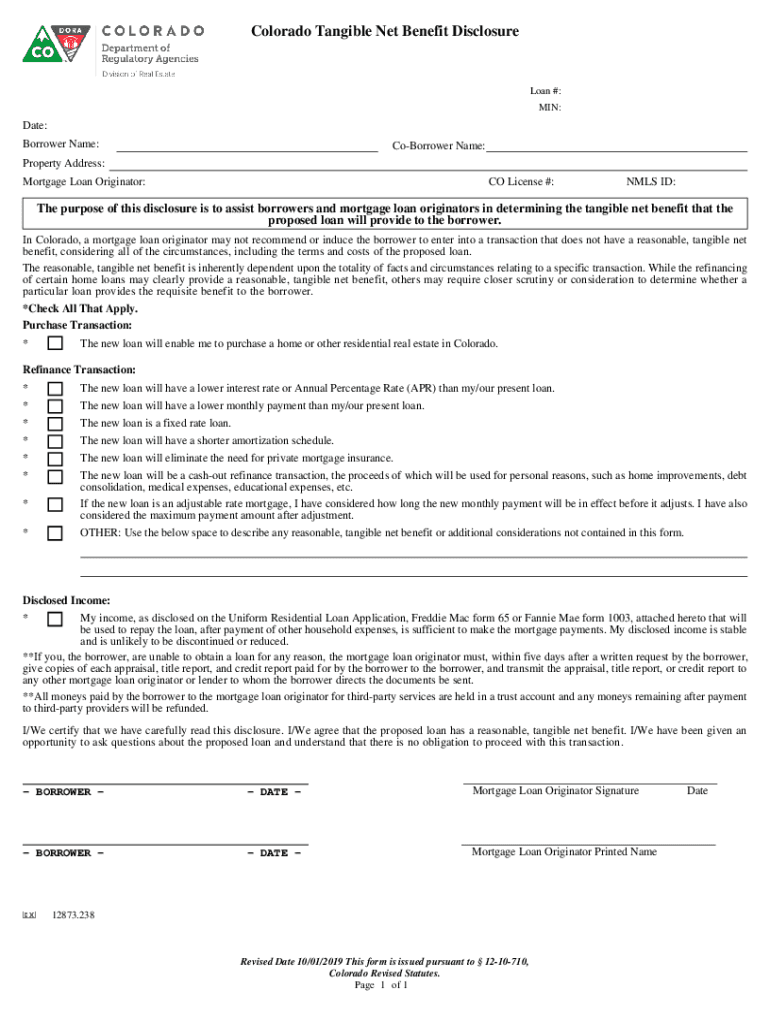
- Click ‘Get Form’ to open the Colorado Tangible Net Benefit Disclosure in the editor.
- Begin by entering the Loan # and MIN at the top of the form. This information is essential for identifying your loan.
- Fill in the Date, Borrower Name, Co-Borrower Name, and Property Address. Ensure that all names match official documents for accuracy.
- Input the Mortgage Loan Originator's name along with their CO License # and NMLS ID. This identifies who is facilitating your loan.
- Review the purpose of this disclosure carefully. It outlines how to assess whether your proposed loan offers a tangible net benefit.
- Check all applicable boxes under Purchase Transaction or Refinance Transaction based on your situation. Be thorough in evaluating each option.
- In the 'OTHER' section, provide any additional considerations that may contribute to your tangible net benefit assessment.
- Complete the Disclosed Income section by confirming that your income is stable and sufficient for mortgage payments.
- Finally, certify that you have read and understood this disclosure by signing and dating where indicated for both borrower and mortgage loan originator.
Start using our platform today to easily complete your Colorado Tangible Net Benefit Disclosure online for free!
Fill out colorado tangible net benefit disclosure online
It's free
See more colorado tangible net benefit disclosure versions
We've got more versions of the colorado tangible net benefit disclosure form. Select the right colorado tangible net benefit disclosure version from the list and start editing it straight away!
Security and compliance
At DocHub, your data security is our priority. We follow HIPAA, SOC2, GDPR, and other standards, so you can work on your documents with confidence.
Learn more


Related forms
Physician Service Agreement Template
The Physician Service Agreement outlines the terms and conditions under which a licensed physician provides medical serv ...
German Employment Contract Template
This Employment Contract outlines the terms of employment between an Employer and an Employee, including definitions, em ...
Single Case Insurance Agreement Template
The Single Case Insurance Agreement outlines the terms and conditions for insurance coverage related to a specific case. ...
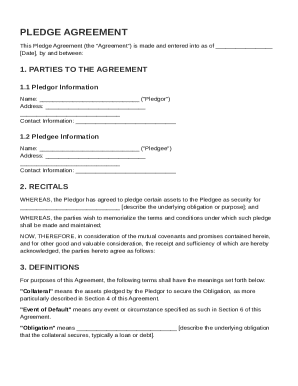
Pledge Agreement Template
The Pledge Agreement outlines the terms under which a Pledgor pledges certain assets as collateral to a Pledgee to secur ...
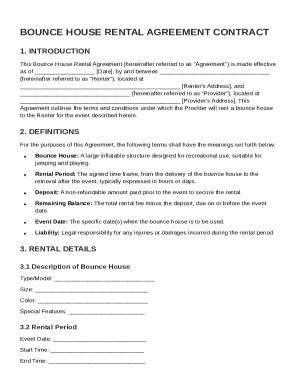
Bounce House Contract Template
The Bounce House Rental Agreement outlines the terms and conditions for renting a bounce house from a provider. It inclu ...
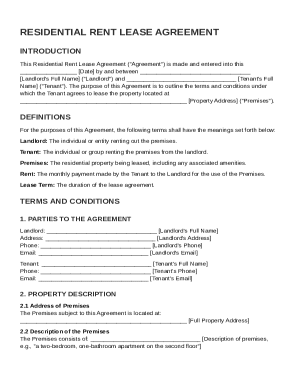
Rent Lease Agreement Template
The Residential Rent Lease Agreement outlines the terms and conditions for leasing a residential property between a land ...
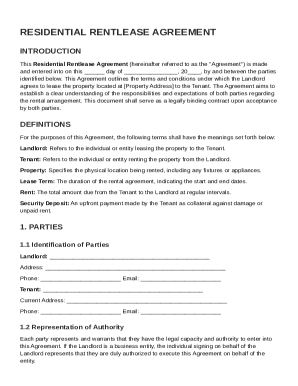
Rentlease Agreement Template
The Residential Rentlease Agreement outlines the terms and conditions for leasing a property from a Landlord to a Tenant ...
Residential Room Lease Agreement Template
The Residential Room Lease Agreement outlines the terms and conditions for leasing a room from a landlord to a tenant. I ...