




Here's how it works

01. Edit your form online
Type text, add images, blackout confidential details, add comments, highlights and more.

02. Sign it in a few clicks
Draw your signature, type it, upload its image, or use your mobile device as a signature pad.

03. Share your form with others
Send it via email, link, or fax. You can also download it, export it or print it out.
How to use or fill out 2017 Alaska Oil and Gas Facility Tax Credit with our platform

- Click ‘Get Form’ to open the 2017 Alaska Oil and Gas Facility Tax Credit in the editor.
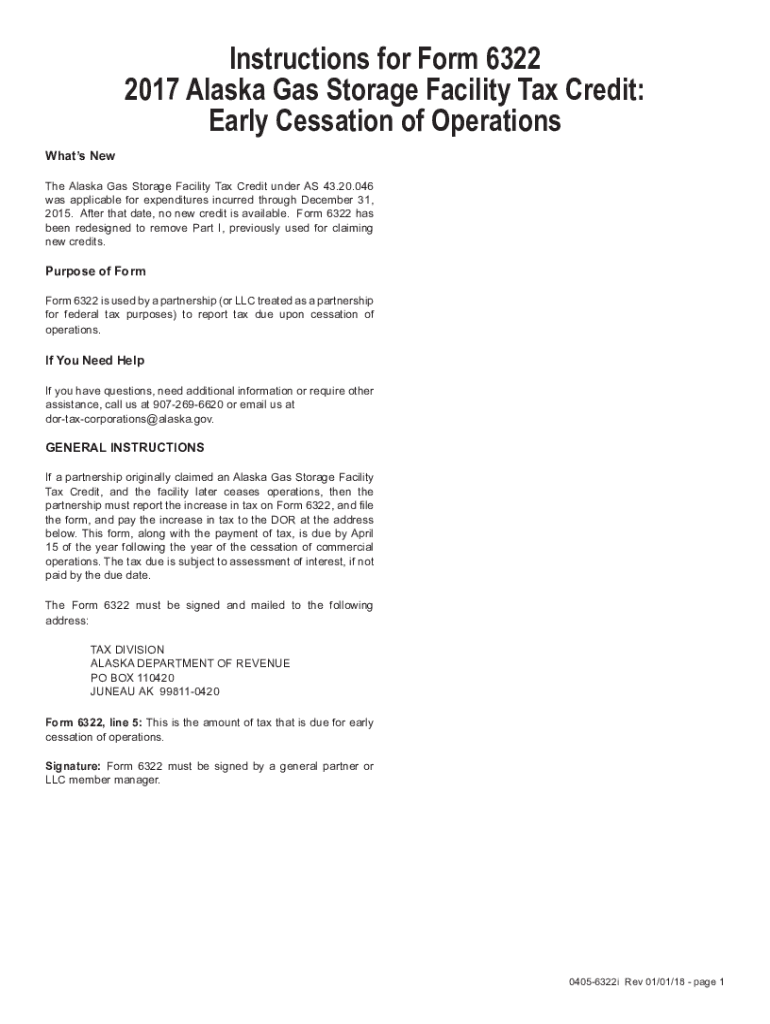
- Begin by reviewing the purpose of Form 6322, which is essential for reporting tax due upon cessation of operations. Ensure you understand that this form is specifically for partnerships or LLCs treated as partnerships.
- Fill out line 5, where you will indicate the amount of tax due for early cessation of operations. Make sure to calculate this accurately based on your partnership's financial records.
- Complete any additional required fields, ensuring all information is accurate and up-to-date. Double-check for any missing details that could delay processing.
- Once completed, ensure that a general partner or LLC member manager signs the form electronically within our platform before submission.
- Finally, download the completed form and mail it to the specified address: TAX DIVISION, ALASKA DEPARTMENT OF REVENUE, PO BOX 110420, JUNEAU AK 99811-0420 by April 15 of the following year.
Start using our platform today to streamline your document editing and ensure a hassle-free experience!
Fill out 2017 Alaska Oil and Gas Facility Tax Credit online
It's free
It's free
See more 2017 Alaska Oil and Gas Facility Tax Credit versions
We've got more versions of the 2017 Alaska Oil and Gas Facility Tax Credit form. Select the right 2017 Alaska Oil and Gas Facility Tax Credit version from the list and start editing it straight away!
Security and compliance
At DocHub, your data security is our priority. We follow HIPAA, SOC2, GDPR, and other standards, so you can work on your documents with confidence.
Learn more


Related forms

Application for 1-d-1 (Open-Space) Timberland Appraisal Form 50-167
The document is an application form (Form 50-167) for the 1-d-1 Open-Space Timberland Appraisal in Texas, allowing prope ...

California Board of Optometry - Board meeting Minutes California Board of Optometry - Board meeting
California Board of Optometry - Board meeting Minutes California Board of Optometry - Board meeting
The document is the minutes of a public meeting held by the Board of Optometry on November 15, 2007, in San Jose, CA. It ...

Minimizing Paint Waste
The document outlines strategies for minimizing paint waste in automotive body and paint shops, emphasizing the importan ...

STATE OF CALIFORNIA OFFICE OF ADMINISTRATIVE LAW ) In re: ) ) DENTAL BOARD OF ) CALIFORNIA ) ) ) REG
STATE OF CALIFORNIA OFFICE OF ADMINISTRATIVE LAW ) In re: ) ) DENTAL BOARD OF ) CALIFORNIA ) ) ) REG
The document is a decision by the Office of Administrative Law (OAL) disapproving regulatory amendments proposed by the ...

Connecting California (PDF) - California Department of Public Health - cdph ca
The document titled 'Connecting California' by Linette Scott, MD, MPH, discusses the role of public health in understand ...

Sexually Transmitted Diseases in California, 2009 Annual Report - cdph ca
The document titled 'Sexually Transmitted Diseases in California, 2009' provides a comprehensive overview of the surveil ...

California FACE Report #96CA016 - California Department of Public - cdph ca
The document reports on a fatal incident involving a 21-year-old warehouseman who was crushed by a forklift while attemp ...