




01. Edit your form online
Type text, add images, blackout confidential details, add comments, highlights and more.

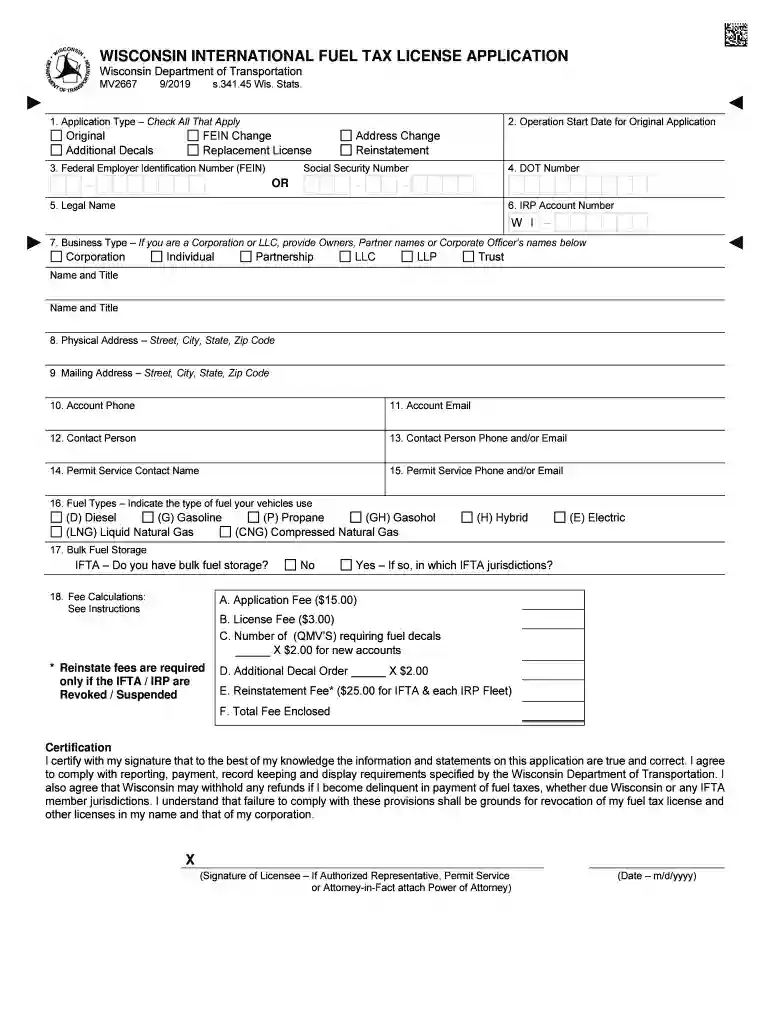
Type text, add images, blackout confidential details, add comments, highlights and more.

Draw your signature, type it, upload its image, or use your mobile device as a signature pad.

Send it via email, link, or fax. You can also download it, export it or print it out.

Start filling out your Form MF-100 today using our platform for a seamless experience!
We've got more versions of the Form MF-100 "Application for Fuel License" - Wisconsin form. Select the right Form MF-100 "Application for Fuel License" - Wisconsin version from the list and start editing it straight away!
Upload your Form MF-100 "Application for Fuel License" - Wisconsin to DocHub (once you’ve set up an account for this). If you need to complete fields in it, use appropriate tools from the upper pane. For instance, drop Signature Fields, assign each to a particular person, and click on Sign → Request signatures from others. Change your message for your recipients and click Send Request. You can also send your document by fax or as a Signing link instead of using email (you’ll find these options by navigating to the Menu → Send)
You can find the latest and most relevant version of the Form MF-100 "Application for Fuel License" - Wisconsin in our DocHub forms library. Search it by categories or utilize the search field to find the exact template that suits your situation. You may open this form for editing after you find it.
At DocHub, your data security is our priority. We follow HIPAA, SOC2, GDPR, and other standards, so you can work on your documents with confidence.
MF-100: Application for Fuel License. Department Use Only. Transporter Download forms, schedules, instructions, and publications. View commonRead more
Parking Citations Fines. The registered owner of a vehicle and/or the permit holder is responsible for their vehicles parking violations.Read more


