




Here's how it works
How to use or fill out fs20 asic with our platform

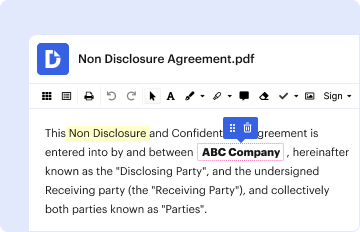
- Click ‘Get Form’ to open the FS20 ASIC form in the editor.
- Begin by entering your AFS licence details, including the AFS licence number, ABN (or ACN/ARBN if no ABN), and the AFS licence name in the designated fields.
- In the 'Lodgement details' section, provide contact information for ASIC queries. Fill in the ASIC registered agent number (if applicable), firm/organisation name, contact person's name and position, telephone number, email address, and postal address.
- Proceed to section 1 for AFS licensee details. Indicate whether you wish to change the licensee address or business name by ticking 'Yes' or 'No'. If 'Yes', provide only the changed information.
- Continue through sections 1.2 to 1.7 for additional changes regarding business names and controlling entities. Ensure all required fields are completed accurately.
- Complete sections on responsible managers and dispute resolution as necessary, following similar steps of indicating changes and providing relevant details.
- Review all entered information for accuracy before submitting. Use our platform's features to save your progress or make edits as needed.
Start using our platform today to easily fill out your FS20 ASIC form online for free!
It's free
Got questions?
Can I use DocHub to generate legal electronic signatures on my fs20 form?
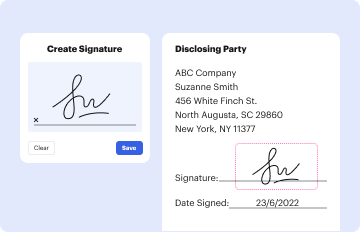
Yes, you can utilize DocHub for signing any business and personal documentation, including your fs20 form. All eSignatures you generate with our service are legally binding and court-admissible, as DocHub complies with standards required by ESIGN and UETA. Save your accomplished form with a detailed Audit Trail if needed.
How to manage my form fs20 from Gmail?
If your go-to email service is Gmail, you can easily incorporate your DocHub editor into your work. Modify your form fs20 with DocHub instruments and attach it to your drafts in Gmail. See how easy it is to exchange papers and collaborate having a swift PDF editing solution at hand.
How do I lodge FS20?
What is a responsible manager?
What are managers 3 main responsibilities?
Security and compliance
At DocHub, your data security is our priority. We follow HIPAA, SOC2, GDPR, and other standards, so you can work on your documents with confidence.
Learn more


