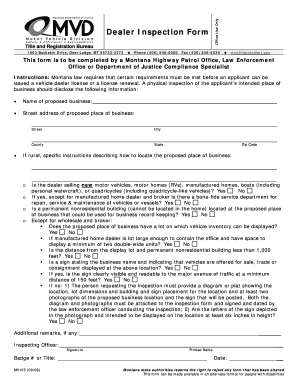
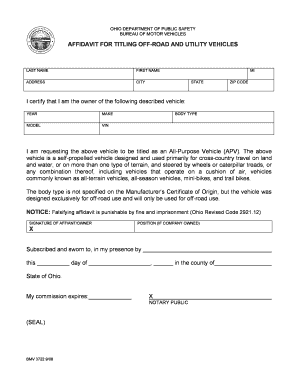
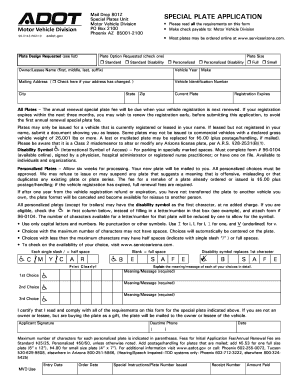
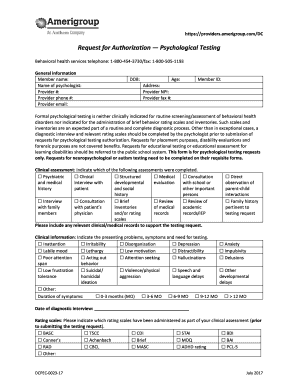
Type text, add images, blackout confidential details, add comments, highlights and more.
02. Sign it in a few clicks
Draw your signature, type it, upload its image, or use your mobile device as a signature pad.
03. Share your form with others
Send it via email, link, or fax. You can also download it, export it or print it out.
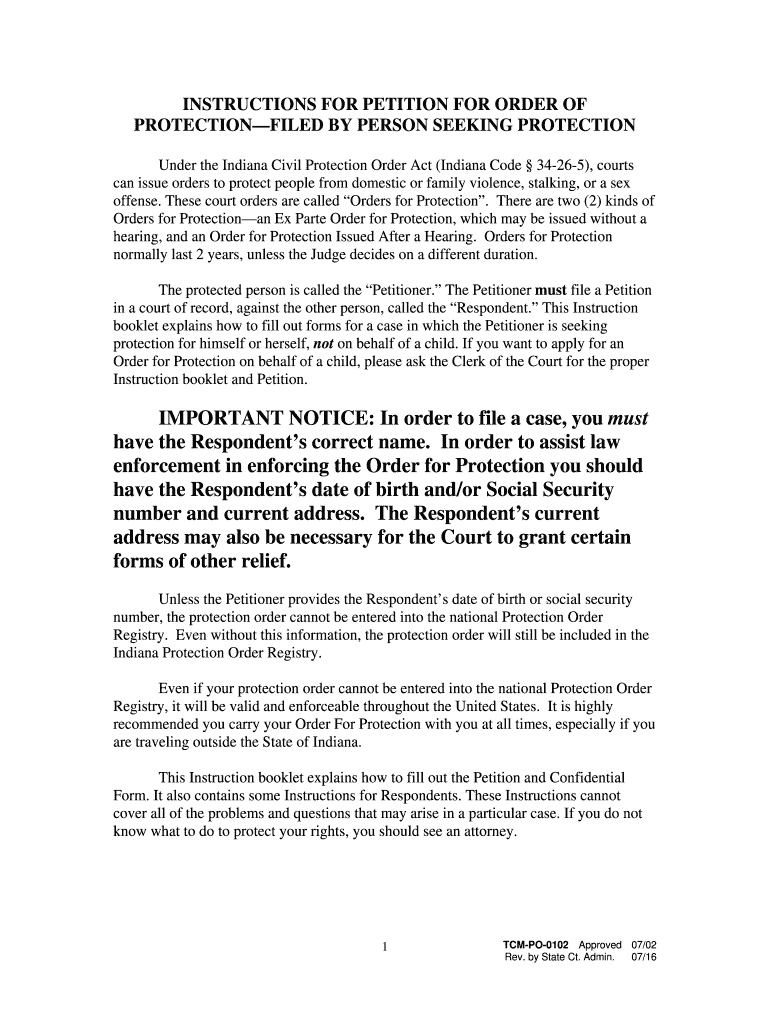
How to use or fill out IMPORTANT NOTICE: In order to file a case, you must have ... - IN.gov - in with our platform
Ease of Setup
DocHub User Ratings on G2
Ease of Use
DocHub User Ratings on G2
Click 'Get Form' to open it in the editor.
Begin by filling in the name of the county and court where you will file your Petition. Ensure that you have the Respondent’s correct name, date of birth, and current address.
In Paragraph 2.a, check only the line that best applies to your situation. Be specific and provide all necessary details.
List any previous court cases involving the Respondent or yourself in Paragraph 5. This information is crucial for your case.
Complete Paragraph 6 regarding residency requirements; there is no minimum requirement for filing a Petition.
If not represented by an attorney, provide a public mailing address in Paragraph 7. Remember, this address will be public.
Ensure you list all family members you want protected in Paragraph 10 and sign and date your Petition before submission.
Start using our platform today to easily fill out your forms for free!
Fill out IMPORTANT NOTICE: In order to file a case, you must have ... - IN.gov - in online It's free
See more IMPORTANT NOTICE: In order to file a case, you must have ... - IN.gov - in versions
We've got more versions of the IMPORTANT NOTICE: In order to file a case, you must have ... - IN.gov - in form. Select the right IMPORTANT NOTICE: In order to file a case, you must have ... - IN.gov - in version from the list and start editing it straight away!
Are you a petitioner protected person in a court issued order meaningMyCaseAutomated enotice issued to partiesFile Order of Protection onlineE file indianaFiling description for eFileAutomated enotice issued to parties meaningNo contact order indiana
Security and compliance
At DocHub, your data security is our priority. We follow HIPAA, SOC2, GDPR, and other standards, so you can work on your documents with confidence.
Part 80: Rules and Regulations on Controlled Substances in
(a) Controlled substances shall at all times be properly safeguarded and securely kept at the address on file with the Drug Enforcement Administration and whichRead more
Cookie consent notice
This site uses cookies to enhance site navigation and personalize your experience.
By using this site you agree to our use of cookies as described in our Privacy Notice.
You can modify your selections by visiting our Cookie and Advertising Notice.