




01. Edit your form 33 nebraska online
Type text, add images, blackout confidential details, add comments, highlights and more.

Type text, add images, blackout confidential details, add comments, highlights and more.

Draw your signature, type it, upload its image, or use your mobile device as a signature pad.

Send nebraska form 33 via email, link, or fax. You can also download it, export it or print it out.

Start using our platform today for free to streamline your document editing and signing process!
We've got more versions of the form 33 nebraska form. Select the right form 33 nebraska version from the list and start editing it straight away!
Sure, a typed name is recognized as a valid electronic signature when you create it on your form using a compliant solution like DocHub. Simply add your nebraska form 33 to our editor, click Sign in the top tool pane → Create your signature → Type your name in the appropriate tab, and decide how it will look on your document.
If you need to edit your nebraska form 33 on the internet easily, it does not matter what browser you employ. DocHub’s simple editing instruments are available using any internet browser. Simply open the appropriate tab in the editor, add your file, and fill it out without stress.
At DocHub, your data security is our priority. We follow HIPAA, SOC2, GDPR, and other standards, so you can work on your documents with confidence.
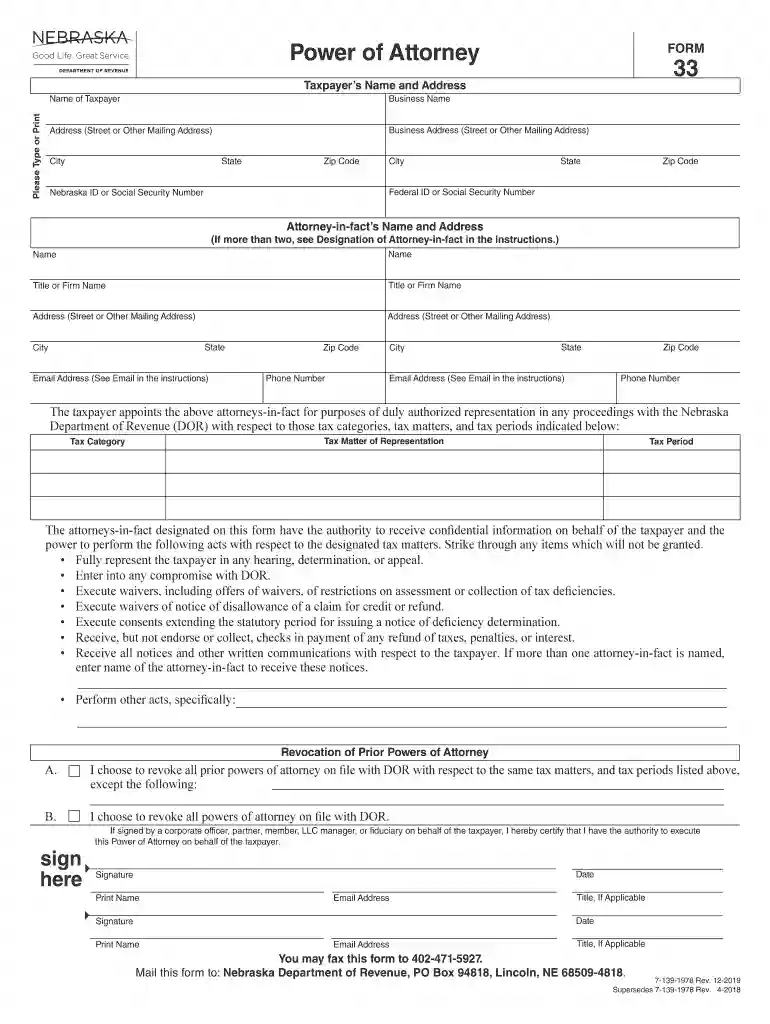
Once a Power of Attorney, Form 33, or its legal equivalent, has been filed with the Department, the Tax Commissioner will presume that it is valid until writtenRead more
The attorneys-in-fact designated on this form have the authority to receive confidential information on behalf of the taxpayer and the.Read more


