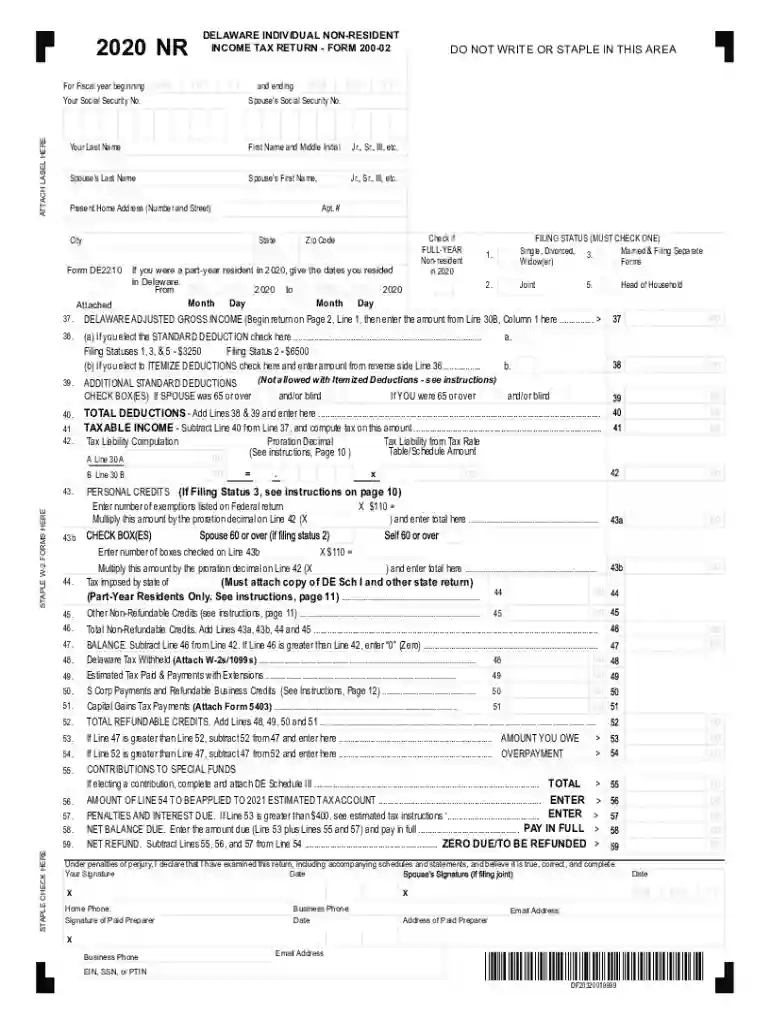
02 non resident 2026

Get Form
02 non resident Preview on Page 1

Here's how it works

01. Edit your form online
Type text, add images, blackout confidential details, add comments, highlights and more.

02. Sign it in a few clicks
Draw your signature, type it, upload its image, or use your mobile device as a signature pad.

03. Share your form with others
Send it via email, link, or fax. You can also download it, export it or print it out.

How to use or fill out 02 non resident with our platform

Form edit decoration
9.5
Ease of Setup
DocHub User Ratings on G2
9.0
Ease of Use
DocHub User Ratings on G2
  1. Click ‘Get Form’ to open the 02 non resident document in the editor.
  2. Begin by entering your personal information, including your Social Security number, name, and address. Ensure accuracy as this information is crucial for processing your tax return.
  3. Select your filing status by checking the appropriate box. This will determine your tax obligations and deductions.
  4. Proceed to Section A and input your income details from your federal return. Include wages, interest, dividends, and any other relevant income sources.
  5. In Section D, choose between standard or itemized deductions. If opting for itemized deductions, ensure you attach the necessary schedules.
  6. Complete the Direct Deposit Information section if you wish to receive your refund directly into your bank account. Fill in the routing and account numbers accurately.
  7. Review all entries for completeness and accuracy before saving or printing the form for submission.

Start using our platform today to effortlessly complete your 02 non resident form online for free!

See more 02 non resident versions

We've got more versions of the 02 non resident form. Select the right 02 non resident version from the list and start editing it straight away!
Versions Form popularity Fillable & printable
2023 4.8 Satisfied (31 Votes)
2022 4.3 Satisfied (51 Votes)
2021 4.7 Satisfied (69 Votes)
2020 4.8 Satisfied (57 Votes)
be ready to get more

Complete this form in 5 minutes or less

Get form

Got questions?

We have answers to the most popular questions from our customers. If you can't find an answer to your question, please contact us.
Contact us
do not have docHub residential ties in Canada and any of the following applies: You live outside Canada throughout the tax year.
H-1, TN, and O-1 visa holders are considered resident aliens once they meet the substantial presence test.
If you do not have docHub residential ties and spend less than 183 days in Canada in a calendar year, the CRA will typically classify you as a non-tax resident or a deemed non-resident.
Am I a resident? Youre a resident if either apply: Present in California for other than a temporary or transitory purpose. Domiciled in California, but outside California for a temporary or transitory purpose.
If you are not a U.S. citizen, you are considered a nonresident of the United States for U.S. tax purposes unless you meet one of two tests. You are a resident of the United States for tax purposes if you meet either the green card test or the substantial presence test for the calendar year (January 1 December 31).

Security and compliance

At DocHub, your data security is our priority. We follow HIPAA, SOC2, GDPR, and other standards, so you can work on your documents with confidence.

Learn more
ccpa2
pci-dss
gdpr-compliance
hipaa
soc-compliance
be ready to get more

Complete this form in 5 minutes or less

Get form

People also ask

A nonresident alien cannot write exempt on line 7 of Form W-4, Employees Withholding Allowance Certificate. A nonresident alien may claim only single filing status on line 3 of Form W-4, even if he is married. With certain exceptions, a nonresident alien cannot claim more than one personal exemption on Form W-4.
not staying or living in or at a place: During the summer the town has a large non-resident population of holidaymakers. One of the women has a non-resident boyfriend. More than one in three non-resident parents fail to pay any of the money they owe to support their children.

Related links