




Here's how it works

01. Edit your suncorp overdraft online
Type text, add images, blackout confidential details, add comments, highlights and more.

02. Sign it in a few clicks
Draw your signature, type it, upload its image, or use your mobile device as a signature pad.

03. Share your form with others
Send what is dr dish suncorp via email, link, or fax. You can also download it, export it or print it out.
How to use or fill out Suncorp Personal Overdraft with our platform

- Click ‘Get Form’ to open the Suncorp Personal Overdraft application in the editor.
- Begin with Section 1 - Application Details. Indicate whether this is a new application or an increase, and specify the total unsecured business overdraft required.
- In Section 2 - About the Business, select your business structure and provide necessary details such as ABN, legal name, and contact information.
- Proceed to Section 3 - Personal Details. Fill in personal information for each applicant, including names, addresses, and employment details.
- Complete Section 4 - Assets & Liabilities/Expenses for each applicant. Ensure all financial positions are accurately represented.
- If applicable, fill out Sections 5 and 6 regarding company or trust details. Provide all required names and addresses of directors or trustees.
- Finally, review the Privacy Statement in Section 7 before signing the declaration at the end of the form.
Start filling out your Suncorp Personal Overdraft application today using our platform for free!
Fill out suncorp personal overdraft online
It's free
It's free
See more suncorp personal overdraft versions
We've got more versions of the suncorp personal overdraft form. Select the right suncorp personal overdraft version from the list and start editing it straight away!
| Versions | Form popularity | Fillable & printable |
|---|---|---|
| 2014 | 4 Satisfied (30 Votes) |
Security and compliance
At DocHub, your data security is our priority. We follow HIPAA, SOC2, GDPR, and other standards, so you can work on your documents with confidence.
Learn more


Related forms

Gov form9465
The document provides instructions for Form 9465, which is used to request a monthly installment agreement with the IRS ...

Form CT-200-V Payment Voucher for E-filed Corporation Tax
The document is Form CT-200-V, a payment voucher for e-filed New York State corporation tax returns and extensions. It p ...

Statement of Fact to Correct Error on Title
The document is a Statement of Fact to correct an error on a vehicle title, requiring completion by the seller. It manda ...
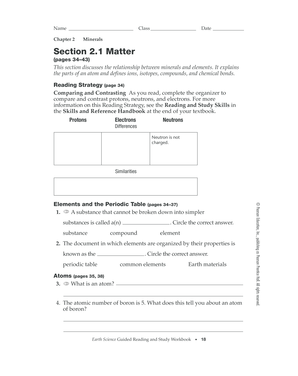
Section 2 1 matter answer key pdf
The document is a guided reading and study workbook for Chapter 2 on Minerals, focusing on the relationship between mine ...
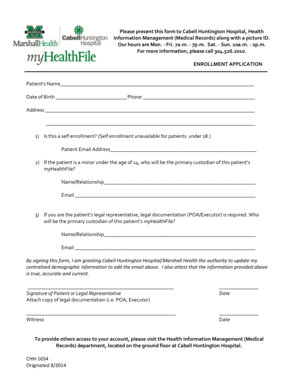
Please present this form to Cabell Huntington Hospital - cabellhuntington
The document is an enrollment application form for patients at Cabell Huntington Hospital, requiring personal informatio ...
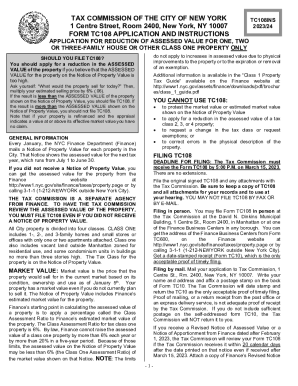
Do not apply to increases in assessed value due to physical
The document is an application form (TC108) from the Tax Commission of the City of New York for property owners seeking ...
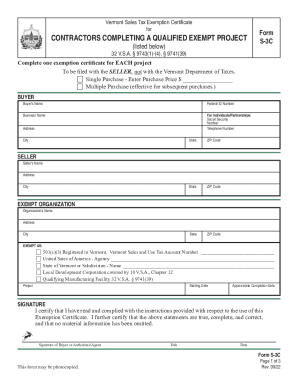
Tax vermont exempt form
The Vermont Sales Tax Exemption Certificate (Form S-3C) is designed for contractors completing qualified exempt projects ...
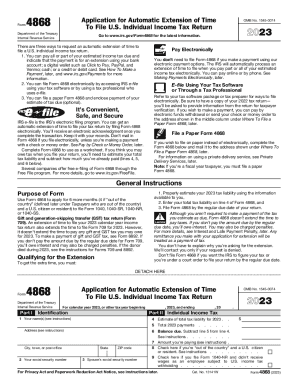
2023 Form 4868
The document is Form 4868, an application for an automatic extension of time to file a U.S. individual income tax return ...