




01. Edit your mtm itp packet online
Type text, add images, blackout confidential details, add comments, highlights and more.

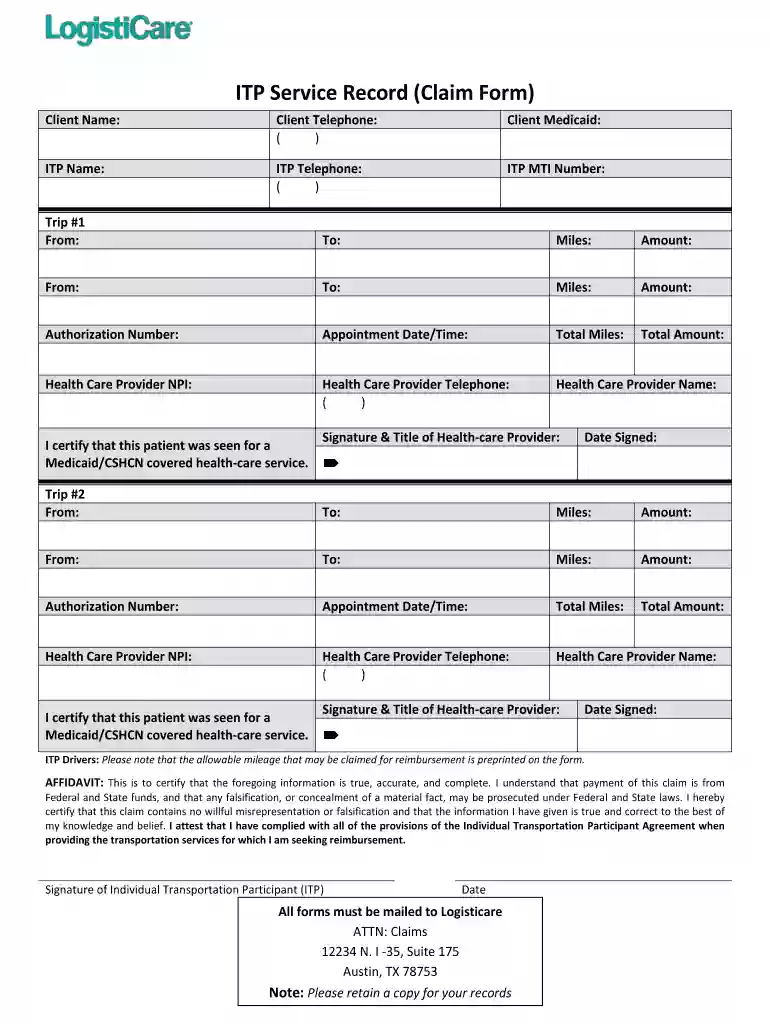
Type text, add images, blackout confidential details, add comments, highlights and more.

Draw your signature, type it, upload its image, or use your mobile device as a signature pad.

Send itp service record claim form via email, link, or fax. You can also download it, export it or print it out.

Start filling out your itp service claim today using our platform for free!
At DocHub, your data security is our priority. We follow HIPAA, SOC2, GDPR, and other standards, so you can work on your documents with confidence.
How to File a Claim Registration Travel Advisory Waiver Form International Travel Oversight Committee (ITOC) International Emergency Response Team.Read more
by C Medicaid Cited by 1 Providers may request information about electronic billing or the claim form by contacting. Provider Services (855) 322-4080. Reminder: A complete checkup is aRead more


