Type text, add images, blackout confidential details, add comments, highlights and more.
02. Sign it in a few clicks
Draw your signature, type it, upload its image, or use your mobile device as a signature pad.
03. Share your form with others
Send it via email, link, or fax. You can also download it, export it or print it out.
How to use or fill out warranty deed to with our platform
Ease of Setup
DocHub User Ratings on G2
Ease of Use
DocHub User Ratings on G2
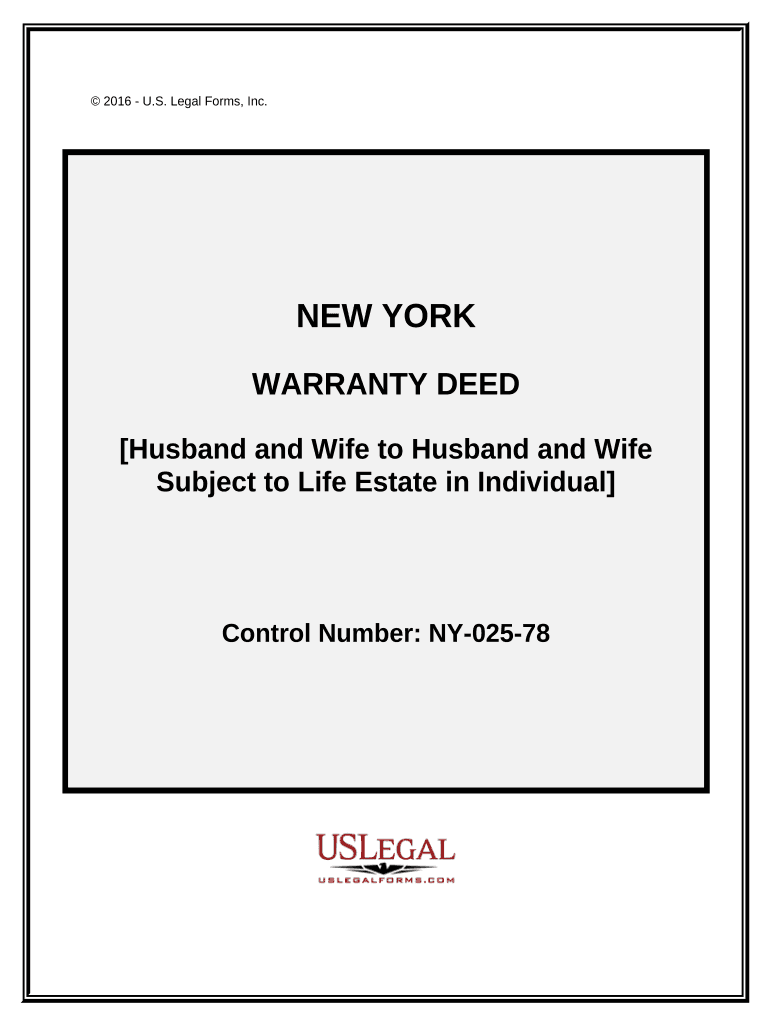
Click ‘Get Form’ to open the warranty deed in the editor.
Begin by entering the date of the deed at the top of the form. This is crucial for legal documentation.
In the 'BY AND BETWEEN' section, fill in the names of both Grantors (Husband and Wife) and Grantees (Husband and Wife). Ensure accuracy as this identifies the parties involved.
Next, provide a detailed legal description of the property in the designated area. If you have an Exhibit A, attach it accordingly.
Indicate any life estate conditions by filling in the relevant information where prompted.
Both Grantors must sign at the bottom of the form. Type or print their names clearly beneath their signatures.
Complete the Certificate of Acknowledgment section, ensuring that it is signed by a notary public to validate your document.
Start using our platform today to easily complete your warranty deed online for free!
Warranty deed to real estateWarranty deed to a houseDoes a warranty deed prove ownershipWarranty deed to floridaHow to get a warranty deed toDoes a warranty deed transfer ownershipIs a warranty deed, the same as a deedWarranty deed to add spouse
Security and compliance
At DocHub, your data security is our priority. We follow HIPAA, SOC2, GDPR, and other standards, so you can work on your documents with confidence.
A security deed (also known as a deed to secure debt, loan deed, or warranty deed to secure debt) is the most common form of securing a financing instrument forRead more
warranty deed | Wex | US Law | LII / Legal Information Institute
A warranty deed is a legal document used in real estate transactions where the grantor (seller) guarantees clear title to the property being sold.Read more
1. At the time a claim is filed under this Limited Warranty the Original Purchaser must present a copy of the original sales receipt, and a deed,.Read more
Cookie consent notice
This site uses cookies to enhance site navigation and personalize your experience.
By using this site you agree to our use of cookies as described in our Privacy Notice.
You can modify your selections by visiting our Cookie and Advertising Notice.