Nj quitclaim deed 2026

Get Form
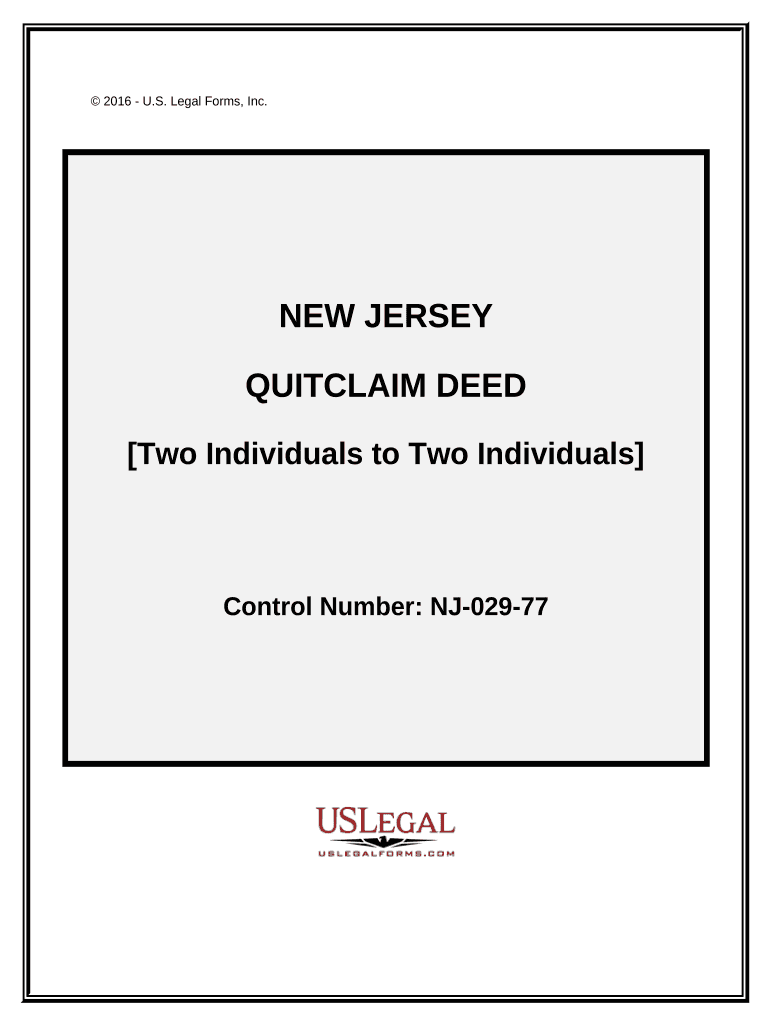
nj quitclaim deed Preview on Page 1

Here's how it works

01. Edit your form online
Type text, add images, blackout confidential details, add comments, highlights and more.
02. Sign it in a few clicks
Draw your signature, type it, upload its image, or use your mobile device as a signature pad.
03. Share your form with others
Send it via email, link, or fax. You can also download it, export it or print it out.

How to use or fill out nj quitclaim deed with our platform

Form edit decoration
9.5
Ease of Setup
DocHub User Ratings on G2
9.0
Ease of Use
DocHub User Ratings on G2
  1. Click ‘Get Form’ to open the nj quitclaim deed in the editor.
  2. Begin by entering the date of the deed at the top of the form. This is crucial for legal documentation.
  3. Fill in the names and addresses of both Grantors and Grantees in the designated fields. Ensure accuracy to avoid future disputes.
  4. Indicate how the Grantees will hold the property by selecting from Tenants in Common, Joint Tenants with Right of Survivorship, or Tenants by the Entirety. This choice affects ownership rights.
  5. Provide a detailed legal description of the property in Exhibit A. This should include all relevant details about the land and structures involved.
  6. Complete any necessary notary sections at the bottom of the form, ensuring that signatures are provided where required.

Start using our platform today to easily complete your nj quitclaim deed online for free!

be ready to get more

Complete this form in 5 minutes or less

Get form

Got questions?

We have answers to the most popular questions from our customers. If you can't find an answer to your question, please contact us.
Contact us

Yes, you’ll find numerous apps for this on the web. However, if you need to eSign your nj quitclaim deed without installing additional software, DocHub is the best choice you can make. This robust editor works on mobile devices just as on desktops. Open our editor in your preferred internet browser, register or sign in to your account, and start managing your paperwork.

In addition to an extensive toolset for editing PDFs on mobile phones, DocHub enables you to sign your nj quitclaim deed along the way. Open our editor in your browser, make changes using DocHub’s toolset, and finish your editing by eSigning the finished form.

As you imagine, 9 Grantors requires 9 docHubd signatures, and cost may increase. Plan on $400 and up to have the Quitclaim created, executed and recorded. How long does it take to prepare a quitclaim? About two hours, assuming there are no problems.
Since the deed offers no legal protection, there is little recourse if issues arise after the transfer. These risks make it essential to consult a qualified Quitclaim Deed Attorney before proceeding.

Security and compliance

At DocHub, your data security is our priority. We follow HIPAA, SOC2, GDPR, and other standards, so you can work on your documents with confidence.

Learn more
ccpa2
pci-dss
gdpr-compliance
hipaa
soc-compliance