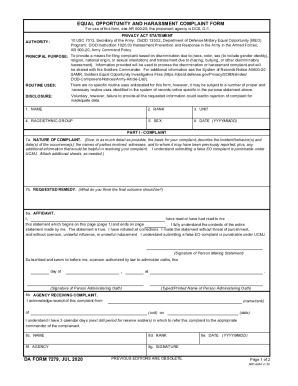
Type text, add images, blackout confidential details, add comments, highlights and more.
02. Sign it in a few clicks
Draw your signature, type it, upload its image, or use your mobile device as a signature pad.
03. Share your form with others
Send it via email, link, or fax. You can also download it, export it or print it out.
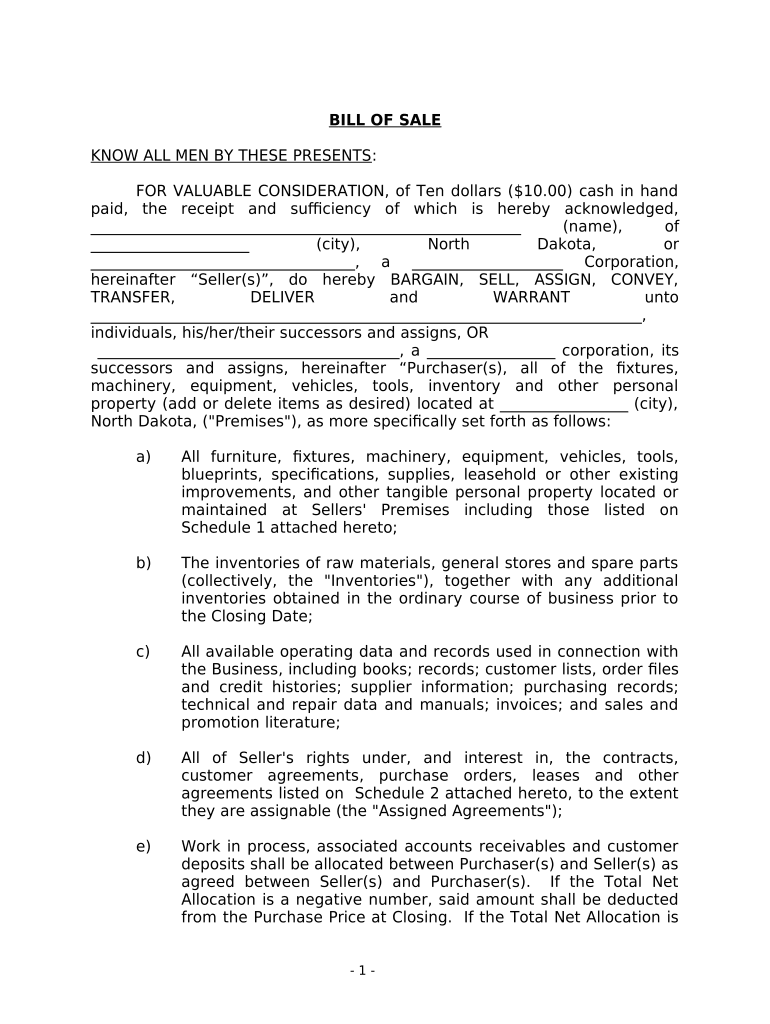
How to use or fill out Bill of Sale in Connection with Sale of Business by Individual or Corporate Seller - North Dakota
Ease of Setup
DocHub User Ratings on G2
Ease of Use
DocHub User Ratings on G2
Click ‘Get Form’ to open it in the editor.
Begin by entering the Seller's name and address in the designated fields. Ensure accuracy as this identifies the party transferring ownership.
Next, specify the Purchaser's name and address. This is crucial for legal recognition of the transaction.
In the section detailing assets, list all items being sold, including furniture, equipment, and any intellectual property. Use Schedule 1 for a comprehensive inventory.
Review and complete any additional agreements that may be assigned or transferred using Schedule 2. This ensures all contractual obligations are clear.
Finally, have both parties sign and date the document. If applicable, include notarization to validate the agreement legally.
Start using our platform today to streamline your Bill of Sale process for free!
Fill out Bill of Sale in Connection with Sale of Business by Individual or Corporate Seller - North Dakota online It's free
Avoid these common errors: ❌Signing the title in the wrong place ❌Not notarizing the bill of sale ❌Forgetting odometer disclosure ❌Using white-out or crossing things out ❌Incomplete buyer/seller information What to do instead? Let the pros at The Notary Shoppe walk you through it.
Does South Dakota require a bill of sale?
Common Car Title Errors The car title was signed, but never transferred. The date of sale is inaccurate. The odometer reading has incorrect information. The buyers name or sellers name is misspelled.
What are common bill of sale mistakes?
To make a legally binding bill of sale, you must follow state laws and include specific information like the buyers name, sellers name, contact information, description of the item, sale price, date of the sale, sellers signature, and in some cases, the buyers signature.
What makes a bill of sale legally binding?
The seller is responsible for drawing up the document, but who should keep the bill of sale once the terms are settled, the documents signed, and the transaction finalized? The short answer is that both the buyer and seller should retain the bill of sale for their records.
What are the common mistakes in bills of sale?
Incomplete Information: One of the most common mistakes when using a bill of sale is not including all the necessary information. This can include missing information about the buyer or seller, the price of the item, the date of the sale, and the condition of the item.
Related Searches
Simple bill of sale in connection with sale of business by individual or corporate seller north dakotaBill of Sale North DakotaBill of sale templateFree printable Bill of Sale PDFSimple Bill of Sale PDFBill of sale for carFree bill of sale template WordFree printable bill of sale for car
Security and compliance
At DocHub, your data security is our priority. We follow HIPAA, SOC2, GDPR, and other standards, so you can work on your documents with confidence.
Title Evidencing in North Dakota - UND Scholarly Commons
by HG Ruemmele 1967 Cited by 7 The selling and buying of land, often stated to be the sole source of all wealth, is a very ancient custom. The Holy Bible gives.
Cookie consent notice
This site uses cookies to enhance site navigation and personalize your experience.
By using this site you agree to our use of cookies as described in our Privacy Notice.
You can modify your selections by visiting our Cookie and Advertising Notice.