Type text, add images, blackout confidential details, add comments, highlights and more.
02. Sign it in a few clicks
Draw your signature, type it, upload its image, or use your mobile device as a signature pad.
03. Share your form with others
Send it via email, link, or fax. You can also download it, export it or print it out.
How to use or fill out mt deed with our platform
Ease of Setup
DocHub User Ratings on G2
Ease of Use
DocHub User Ratings on G2
Click ‘Get Form’ to open the mt deed in the editor.
Begin by filling in the 'Prepared by' section with your name, firm/company, address, and contact information. This ensures proper identification of the parties involved.
In the 'Grantor' section, specify whether the individual is married or unmarried and enter their name. Repeat this for the 'Grantee' section.
Provide a detailed legal description of the property in the designated area. If you have an attachment (Exhibit A), ensure it is included.
Fill in any prior instrument references if applicable, including book, page, and document numbers.
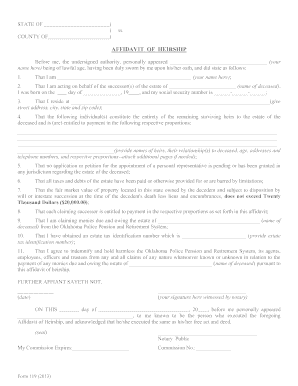
Complete the signature fields for both Grantor(s) and any required witnesses. Ensure all names are printed clearly.
Finally, include notary details where necessary to validate the document legally.
This house of noble deeds : the Mount Sinai Hospital, 1852
This house of noble deeds : the Mount Sinai Hospital, 1852-2002. Books and reference material Books by Mount Sinai-affiliated authors This house ofRead more
The types of documents that are maintained in the Clerks office include: Deeds; Mortgages; Liens; Powers of Attorney; Homestead Declarations; Subdivision PlatsRead more
Cookie consent notice
This site uses cookies to enhance site navigation and personalize your experience.
By using this site you agree to our use of cookies as described in our Privacy Notice.
You can modify your selections by visiting our Cookie and Advertising Notice.