Type text, add images, blackout confidential details, add comments, highlights and more.
02. Sign it in a few clicks
Draw your signature, type it, upload its image, or use your mobile device as a signature pad.
03. Share your form with others
Send it via email, link, or fax. You can also download it, export it or print it out.
How to use or fill out pllc with our platform
Ease of Setup
DocHub User Ratings on G2
Ease of Use
DocHub User Ratings on G2
Click ‘Get Form’ to open the pllc document in the editor.
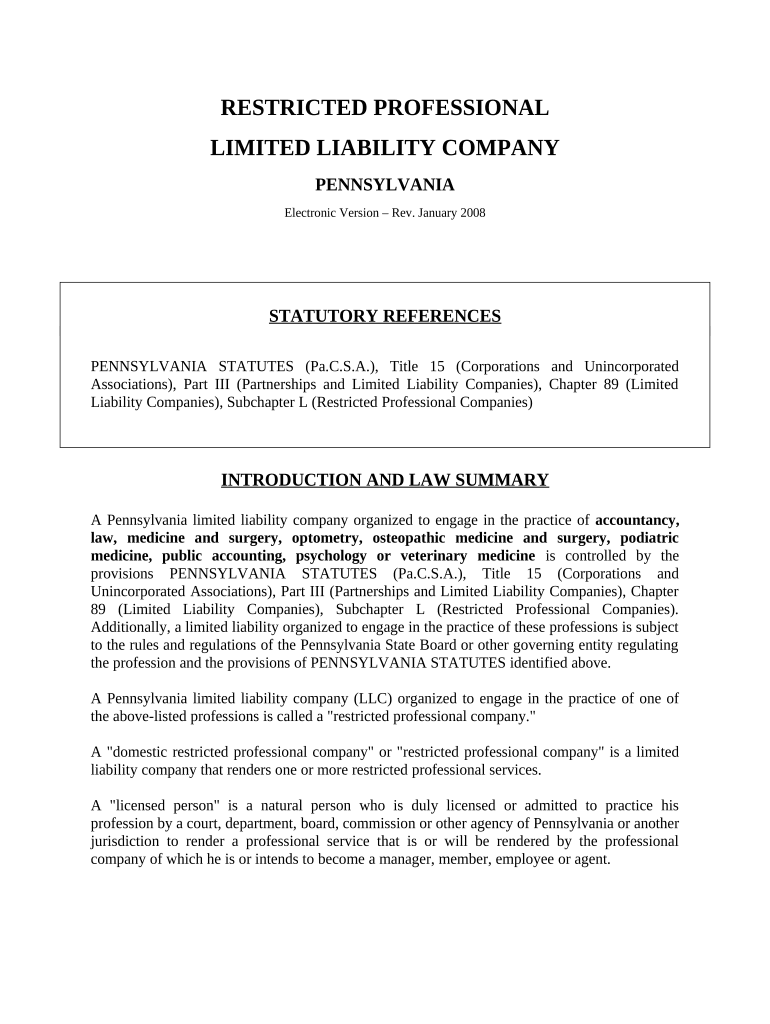
Begin by reserving your LLC name. Ensure it is typewritten or printed legibly in black ink. Enter the desired LLC name, which must include terms like 'corporation' or 'limited'.
Provide the address of your LLC's initial registered office. This should be a street address, not a P.O. Box.
List the name and address of each Organizer. You only need one Organizer for this section.
Indicate the profession to be practiced by your LLC and date the Certificate before signing it.
Complete and submit the Docketing Statement along with your Certificate of Organization, ensuring all forms are filed correctly.
Start using our platform today to streamline your pllc form completion for free!
Professional Limited Liability Companies (PLLC) provide specific services outlined in the Code of Virginia. Typically, these services require a license,Read more
Long Island Anesthesiologists PLLC v. UnitedHealthcare
The plaintiff, a private equity-backed anesthesiology practice, argues that efforts by a major health insurer seeking to design a provider network with moreRead more
Aug 24, 2023 the federal government has is subject to disclosure under FOIA. fulfill a FOIA request. Watkins Law Advocacy, Pllc v. U.S. Dept of Justice
Cookie consent notice
This site uses cookies to enhance site navigation and personalize your experience.
By using this site you agree to our use of cookies as described in our Privacy Notice.
You can modify your selections by visiting our Cookie and Advertising Notice.