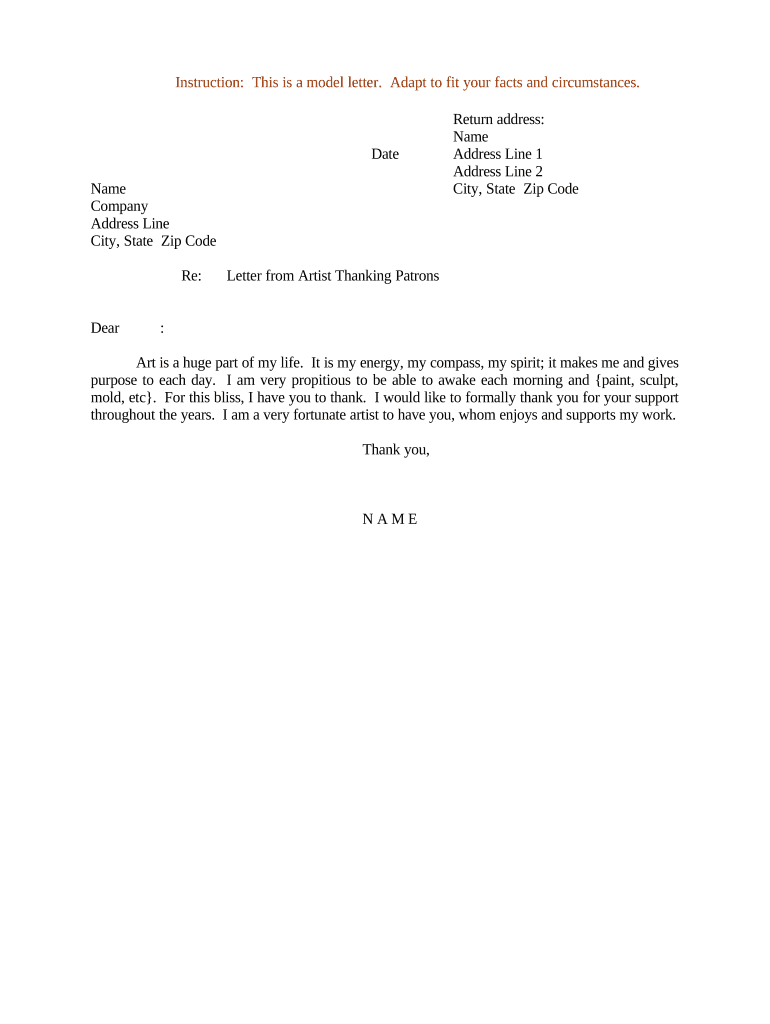
How to write a professional thank you letterLetter thanking to a friendAppreciation letter SampleWords to say thank you and appreciationLetter of appreciation for financial supportShort letter thankingShort thank you letterAppreciation letter for support
Security and compliance
At DocHub, your data security is our priority. We follow HIPAA, SOC2, GDPR, and other standards, so you can work on your documents with confidence.
Guidelines for writing appreciation letters: State what you appreciate and briefly explain why. Do not add other news or information not related to theRead more
Sample Thank You Letter / Business Thumbs Up Program
This is just a note to let you know how pleased I was with the service I received. Your employee(s) (names if available) were especially helpful.Read more
Cookie consent notice
This site uses cookies to enhance site navigation and personalize your experience.
By using this site you agree to our use of cookies as described in our Privacy Notice.
You can modify your selections by visiting our Cookie and Advertising Notice.